1
MaxAttach NAS 6000 Administration Guide
Chapter #8 - O/S 2.0 - Folders and Shares
NFS Protocol with User and Group Mappings
Configuring Explicit Group Maps
User and Group mapping lets you create inter-platform and cross-platform maps among
Microsoft Windows and UNIX user and group accounts even when the user and group
names in both environments are not identical.
User and Group mapping also lets you set up one-to-one mappings between Windows
users and UNIX users and groups. For example, a Windows user name could be mapped to
a UNIX user name, or a UNIX group could be mapped to one or more Windows user
accounts. Explicit maps can also be used when the same person has different user names on
Windows and UNIX accounts. Using the Explicit Group Maps option lets you maintain
a single mapping database for the entire enterprise.
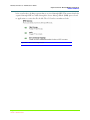
To create explicit group maps
1.
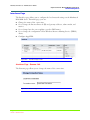
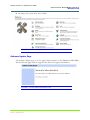
On the primary navigation bar, choose Shares.
2.
Choose Sharing Protocols.
3.
Select NFS Protocol, and then choose Properties.
4.
Choose User and Group Mappings.
5.
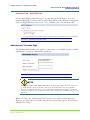
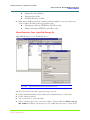
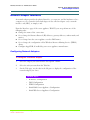
Fill out the General tab, making sure you have either supplied a NIS Domain or
PCNFS passwd and group files.
n
For more information on filling out the General tab, see Configuring User and
Group Mappings.
6.
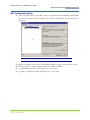
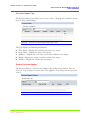
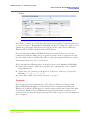
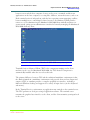
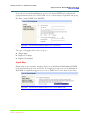
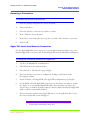
Select the Explicit Group Maps tab.
7.
Optionally: Enter the name of the NIS server to map to in the NIS domain field.
8.
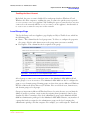
To populate the UNIX groups list, choose the List UNIX Groups button.
9.
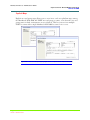
Select a group from each group, and then choose Add.
10.
The mapped groups will appear in the Explicitly mapped groups box. If you wish
to map to a DOMAIN group, you must enter the DOMAIN\group name, select a
UNIX group, and then the add button next to the DOMAIN\group entry box
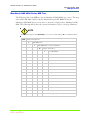
NOTE
You can map groups from one Windows domain to more than one UNIX domain, but not the
reverse.
Chapter #8 - O/S 2.0 - Folders and Shares
11/07/01 -- Revision 2.0.03A
215
000001628