1
e5HPRYLQJ-DPPHG6WDSOHV
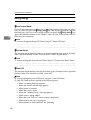
e Removing Jammed Staples
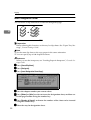
,PSRUWDQW
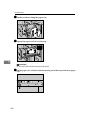
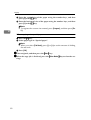
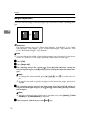
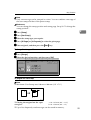
❒ A paper jam will occur if the machine staples using the booklet finisher with-
out the saddle stitch stapler cartridge. Make sure the cartridge is set.
1RWH
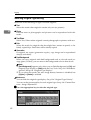
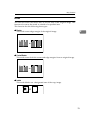
❒ Staples might jam due to curled copy paper. If this happens, try turning the
paper over in the tray. If there is no improvement, change to a stiffer paper.
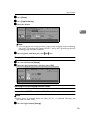
❒ When removing jammed staples, staples might not be ejected the first few
times you try to use the stapler.
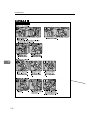
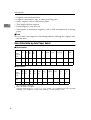
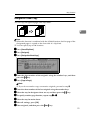
%RRNOHW)LQLVKHU
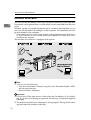
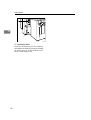
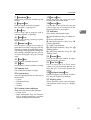
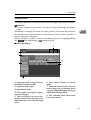
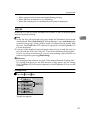
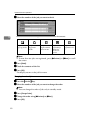
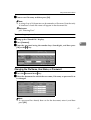
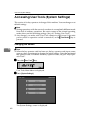
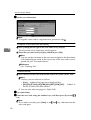
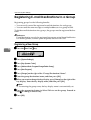
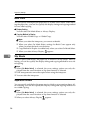
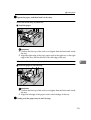
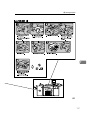
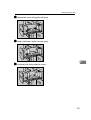
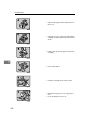
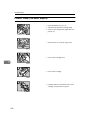
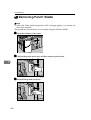
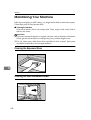
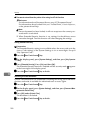
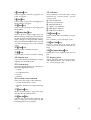
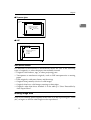
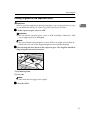
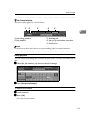
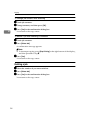
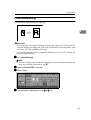
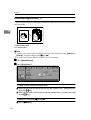
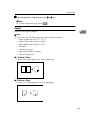
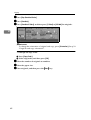
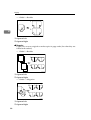
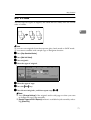
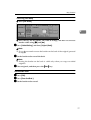
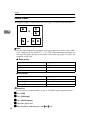
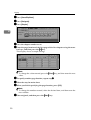
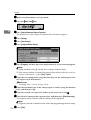
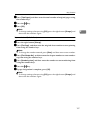
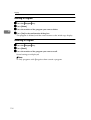
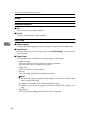
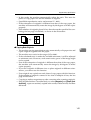
• Open the finisher front cover.
• Pull out the staple unit.
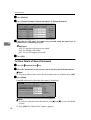
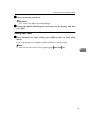
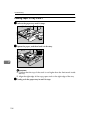
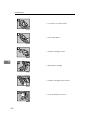
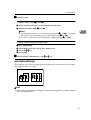
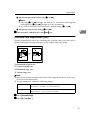
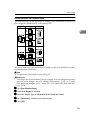
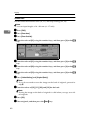
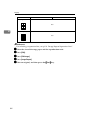
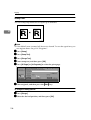
• Gently pull out the cartridge.
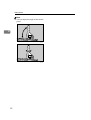
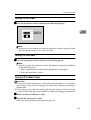
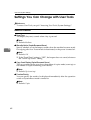
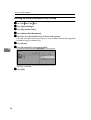
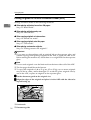
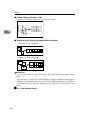
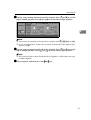
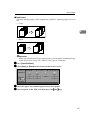
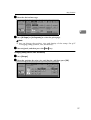
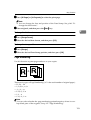
• Open the face plate.
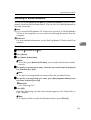
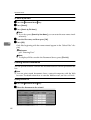
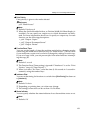
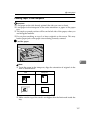
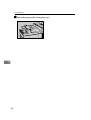
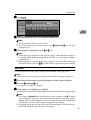
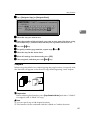
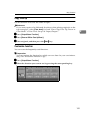
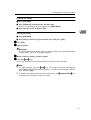
• Remove jammed staples.
133