1
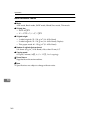
4. User Tools (Copier/Document
Server Features)
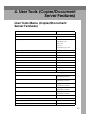
User Tools Menu (Copier/Document
Server Features)
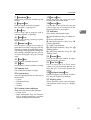
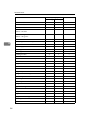
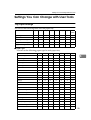
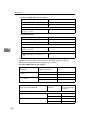
User tools item names
Default
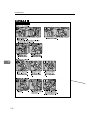
General Features - General (see p.126 “General Features - General”)
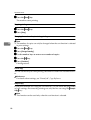
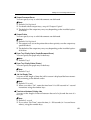
Auto Paper Select Priority
On
Auto Image Density Priority
Text: On
Text/Photo: On
Photo: Off
Pale: On
Generation Copy: On
Original Type Priority
Text
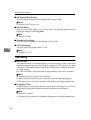
Duplex Mode Priority
1 Sided → 2 Sided
Original Orientation in Duplex Mode
Top to Top
Copy Orientation in Duplex Mode
Top to Top
Change Initial Mode
Standard
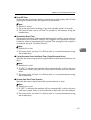
Reverse Job Mode
Reset
Max. Number of Sets
9999 Sheets
Manual Original Counter Reset
On
Auto Tray Switching
With image rotation
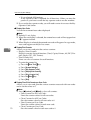
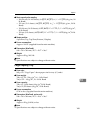
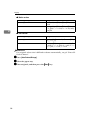
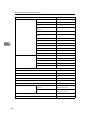
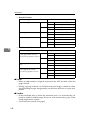
General Features - Image Adjustment (see p.128 “General Features - Image Adjustment”)
Text
Copy Quality: Normal/Image Density: Normal
Text/Photo
Copy Quality: Normal/Image Density: Normal
Photo
Copy Quality: Normal/Image Density: Normal
Pale
Copy Quality: Normal/Image Density: Normal
Generation Copy
Copy Quality: Normal/Image Density: Normal
Dark Background
Off
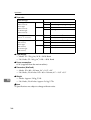
General Features - Display/Tone (see p.129 “General Features - Display/Tone”)
Original Type Display
Display
Special Original Display
Hide
121