1
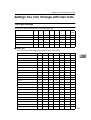
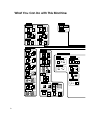
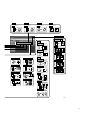
Settings You Can Change with User Tools
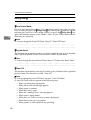
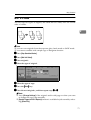
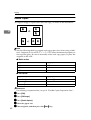
Reproduction Ratio
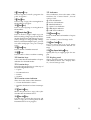
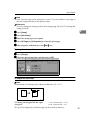
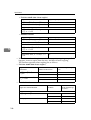
❖ Preset Reduce/Enlarge
You can set the Reduce/Enlarge ratios first displayed.
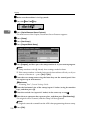
❖ Preset Reduce/Enlarge Priority
You can select a Reduce/Enlarge ratio that is detected as priority in preset Reduce/Enlarge mode.
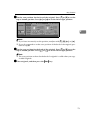
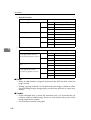
❖ Shortcut R/E
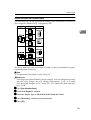
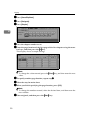
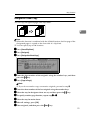
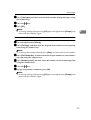
You can register up to two frequently used Reduce/Enlarge ratios other than
the fixed Reduce/Enlarge ratio and have them shown on the initial display.
You can also change registered Reduce/Enlarge ratios.
4
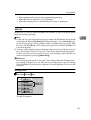
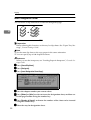
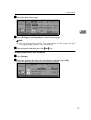
❖ Create Margin Ratio
You can set a Reduce/Enlarge ratio when registering “Create Margin” in a
shortcut key.
Note
❒ You can enter a ratio between 90 and 99 (in increments of 1%) using the
number keys.
Edit
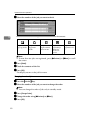
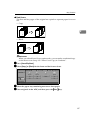
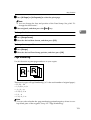
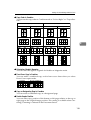
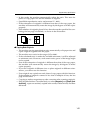
❖ Copy Back Cover
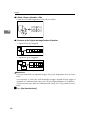
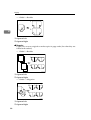
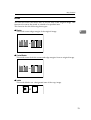
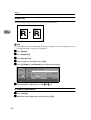
When copying the back cover, you can specify to have the back cover outside
(outside page) or inside (inside page).
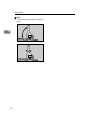
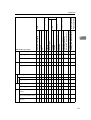
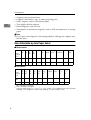
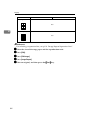
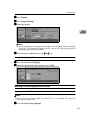
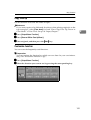
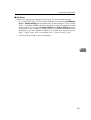
❖ Front Page Margin : Left/Right
You can specify left and right margins on the front side of copies in Margin
Adjust mode.
Note
❒ You can enter a margin width of between 0 and 30 mm in 1 mm increments
(0 inch and 1.2 inch in 0.1 inch steps) using the number keys.
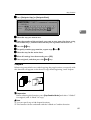
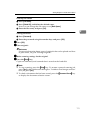
❖ Back Side Margins : Left/Right
You can specify left and right margins on the back side of copies in Margin
Adjust mode.
Note
❒ You can enter a margin width of between 0 and 30 mm in 1 mm increments
(0 inch and 1.2 inch in 0.1 inch increments) using the number keys.
131