1
Copying
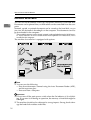
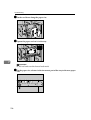
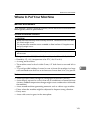
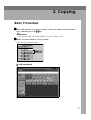
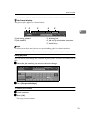
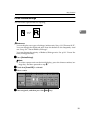
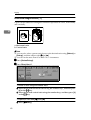
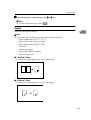
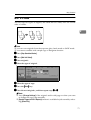
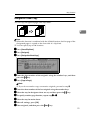
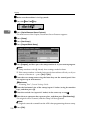
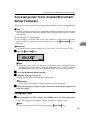
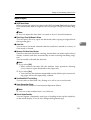
C Make sure no previous settings remain.
Note
❒ To clear previous settings, press the {Clear Modes}
} key.
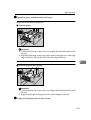
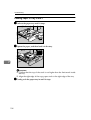
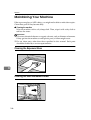
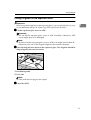
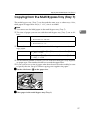
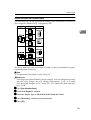
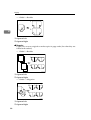
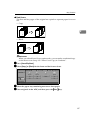
D Place originals.
Reference
See p.10 “Placing Originals”.
2
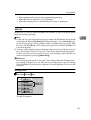
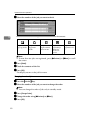
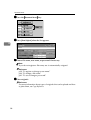
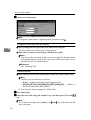
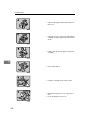
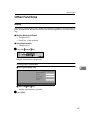
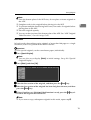
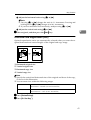
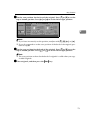
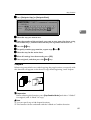
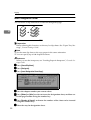
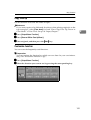
E Make the desired settings.
F Enter the required number of copies using the number keys.
Note
❒ The maximum copy quantity can be set between 1 and 9999 (default: 9999).
See p.126 “Max. Number of Sets”.
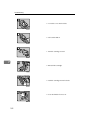
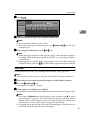
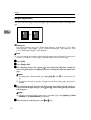
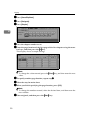
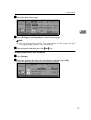
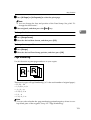
G Press the {Start}} key.
The machine starts copying.
Note
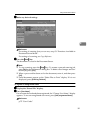
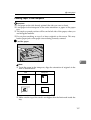
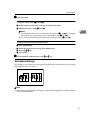
❒ When placing an original on the exposure glass or in the ADF using batch
or SADF mode, press the {#}
} key after all have been scanned.
Reference
You can select to have copies delivered either face up or face down. See
p.139 “Eject Copy Face Up/Down in Glass” in “Input Output”.
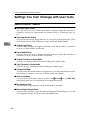
- How to Operate
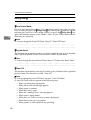
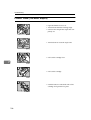
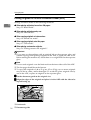
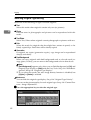
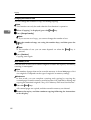
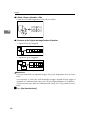
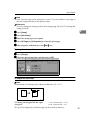
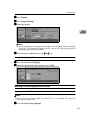
❖ To stop the machine during a multi-copy run.
Press the {Stop}
} key.
❖ To return the machine to the default condition after copying.
Press the {Clear Modes}
} key.
❖ When clearing entered values.
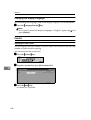
Press the {Clear}
} key, or [Clear] on the display.
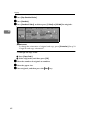
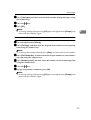
❖ To confirm settings.
Press the {Check Modes}
} key.
20