1
8VLQJWKH'RFXPHQW6HUYHU
(GLW)LOH
&RPELQLQJ)LOHV
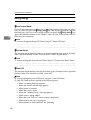
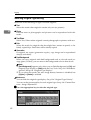
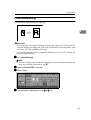
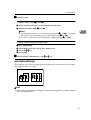
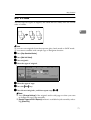
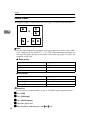
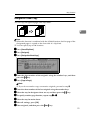
You can combine two or more files stored in the Document Server.
Follow the procedure below to combine files.
1RWH
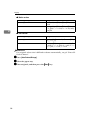
❒ You cannot recover the original files from the new file.
❒ You cannot combine files if they are currently being used by another function.
❒ You can combine up to 30 files.
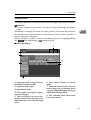
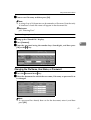
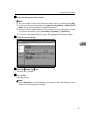
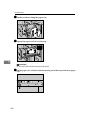
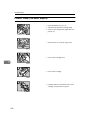
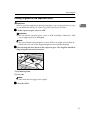
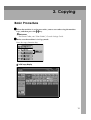
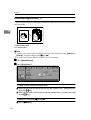
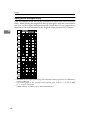
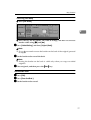
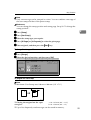
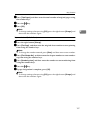
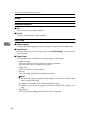
A Press the {'RFXPHQW6HUYHU} key.
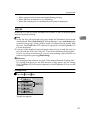
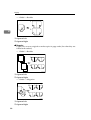
B Select documents you want to combine.
1RWH
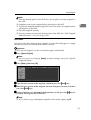
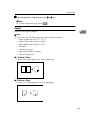
❒ If the password has been set for the document, enter it, and then press >2.@.
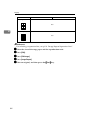
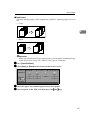
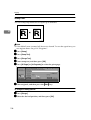
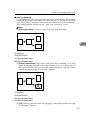
❒ The files are combined in the order of being selected.
❒ The print settings for the file selected first are stored.
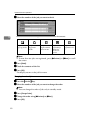
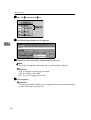
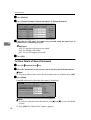
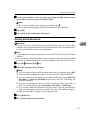
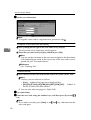
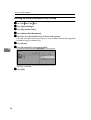
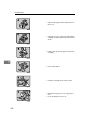
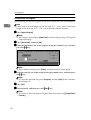
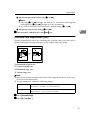
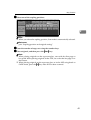
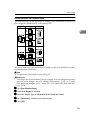
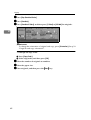
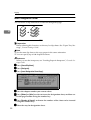
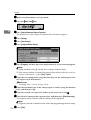
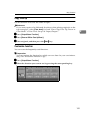
C Press >(GLW)LOH@.
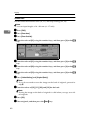
D Press >&RPELQH)LOHV@.
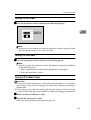
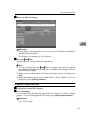
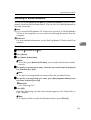
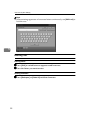
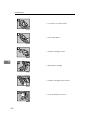
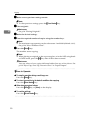
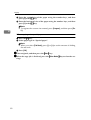
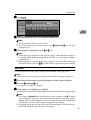
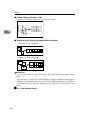
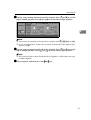
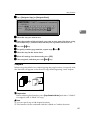
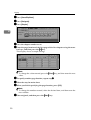
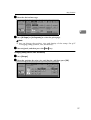
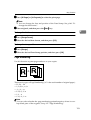
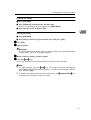
E Enter the new file name.
1RWH
❒ For setting the file name, see p.40 “To change a file name”.
❒ If you do not set the file name, the name of the file selected first will be the
name of the combined file.
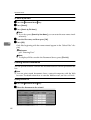
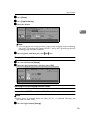
F Press >2.@.
49