1
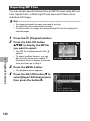
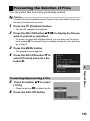
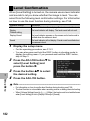
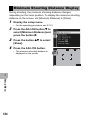
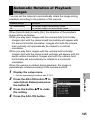
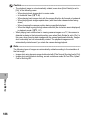
Setting/Canceling Multiple Files at One Time
1
2
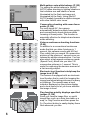
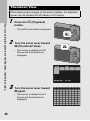
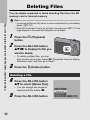
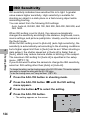
Press the 6 (Playback) button.
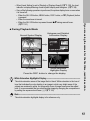
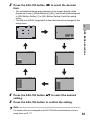
Turn the zoom lever toward 9 (Thumbnail View).
• The screen is divided into 20 frames and thumbnails are displayed.
3
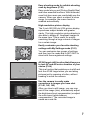
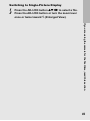
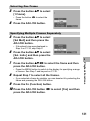
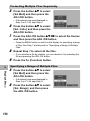
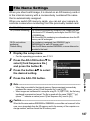
Press the ADJ./OK button !"#$ to select the first file
you want to set or cancel.
4
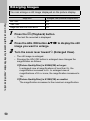
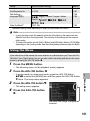
Press the MENU button.
• The playback menu appears.
5
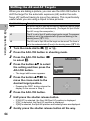
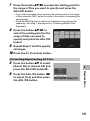
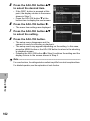
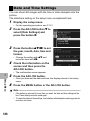
Check that [Flag Function Setting] is selected and
press the ADJ./OK button $.
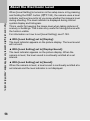
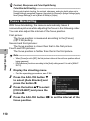
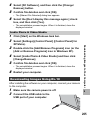
• When a file is set, the symbol appears
on the file.
• If three files have already been set, no
more files can be set.
6
7
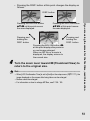
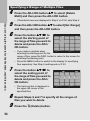
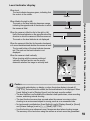
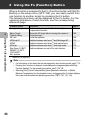
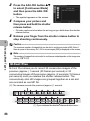
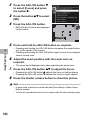
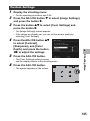
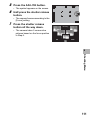
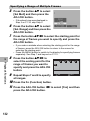
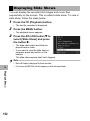
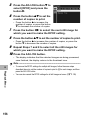
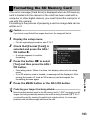
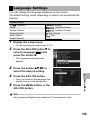
Press the button !"#$ to
select the next file you want to
set or cancel and press the
ADJ./OK button.
Flag Function Setting
Finish
Sel/Cancel
• If you selected a file by mistake, select the file and press the ADJ./OK
button again.
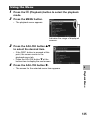
8
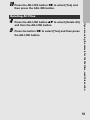
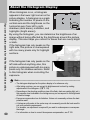
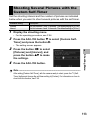
Press the DISP. button.
Caution------------------------------------------------------------------------------------------
6
Playback Menu
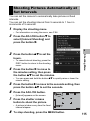
Repeat Step 6 to select all the files you want to set or
cancel.
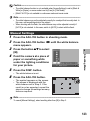
• If the name of the file set to [Flag Function Setting] is changed using a computer, the
file is canceled from [Flag Function Setting].
• When the contents of the internal memory are copied to an SD memory card, the files
set to [Flag Function Setting] in the internal memory are canceled.
• When a file in an SD memory card is set to [Flag Function Setting], [CLIPINFO] folder
and CLIP.CLI file are created on the SD memory card. If these are deleted, the
corresponding file is canceled from [Flag Function Setting].
• If the name of an image file is changed using a computer, the file may not be able to
be set to [Flag Function Setting].
• Only images taken using this camera can be set to [Flag Function Setting].
137