1
File Name Settings
When you shoot a still image, it is stored on an SD memory card or
in the internal memory with a consecutively numbered file name
that is automatically assigned.
When you switch SD memory cards, you can set your camera to
continue consecutive numbering from the previously loaded card.
Available Settings
Description
On (Continue numbering) File names are automatically assigned to still images you take,
in the format of “R” followed by seven digits, from R0010001.jpg
to R9999999.jpg.
With this setting, file numbering is continued even when the SD
memory card is exchanged.
Off (Do not continue
File numbering is assigned, from RIMG0001.jpg to
numbering)
RIMG9999.jpg, for each SD memory card.
*Default setting
When the file name reaches RIMG9999, no more data can be
recorded to that card.
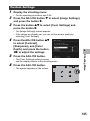
1
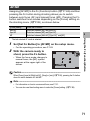
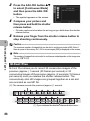
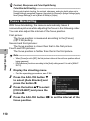
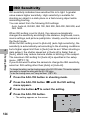
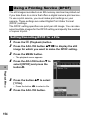
Display the setup menu.
• For the operating procedure, see P.161.
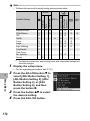
Press the ADJ./OK button " to
select [Card Sequence No.]
and press the button $.
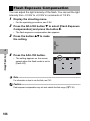
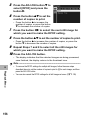
3
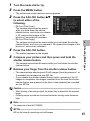
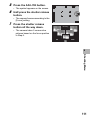
Press the button !" to select
the desired setting.
4
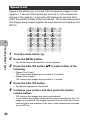
Press the ADJ./OK button.
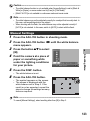
Note ---------------------------------------------------------------------------------------------• When data is recorded to the internal memory, files are assigned consecutively
numbered file names, just as if [Card Sequence No.] is set to [Off].
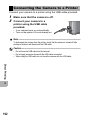
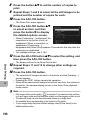
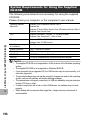
• When images are transferred to a computer using DL-10 (GP.205), the file being
transferred is renamed and saved. The file is saved with the name “RIMG****.jpg”
(where **** indicates a number) even if [Card Sequence No.] is set to [On].
7
Setup Menu
2
Caution-----------------------------------------------------------------------------------------When the file name reaches RIMG9999 or R9999999, no more files can be saved. In this
case, move image data from the SD memory card to the memory of the computer or a
storage medium, and then format the SD memory card.
187