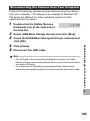
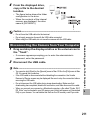
1
Deleting Files
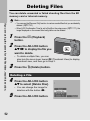
You can delete unwanted or failed shooting files from the SD
memory card or internal memory.
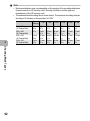
Note ---------------------------------------------------------------------------------------------------
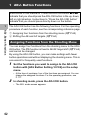
If you are using the camera for the first time, read this section.
• You can use the [Recover File] function to restore needed files that you accidentally
deleted. (GP.157)
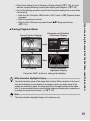
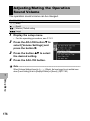
• When [LCD Confirmation Time] is set to [Hold] on the setup menu (GP.177), the
image displayed on the screen after being taken can be deleted.
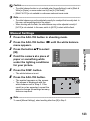
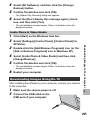
1
2
3
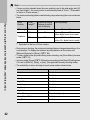
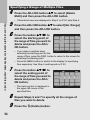
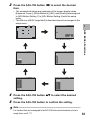
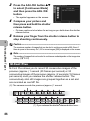
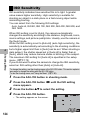
Press the ADJ./OK button
!"#$ to display the file you
want to delete.
• To delete multiple files, you can
also turn the zoom lever toward 9 (Thumbnail View) to display
thumbnail view, and then go to Step 3.
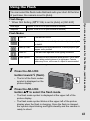
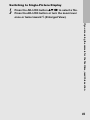
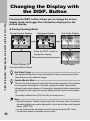
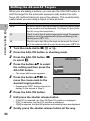
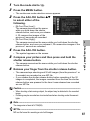
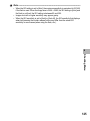
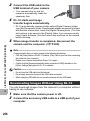
Press the D (Delete) button.
Deleting a File
4
5
52
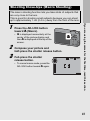
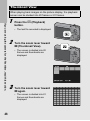
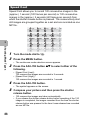
Press the 6 (Playback)
button.
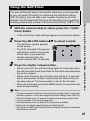
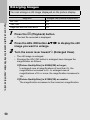
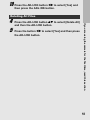
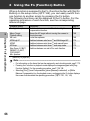
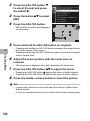
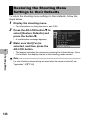
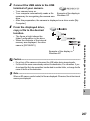
Press the ADJ./OK button
!" to select [Delete One].
• You can change the image for
deletion with the button #$.
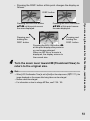
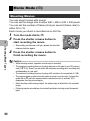
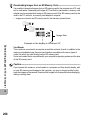
Press the ADJ./OK button.