1
Using Acrobat LCD
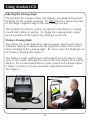
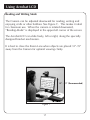
Changing the Viewing Mode
The Acrobat LCD was designed to provide optimum viewing for people
with certain visual conditions by offering a range of choices in both text
and background colors. In addition, it will remember the viewing mode
selected for each viewing angle. The following directions can be used
with the Remote or Camera.
Adjusting Viewing Modes
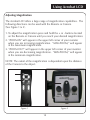
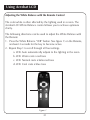
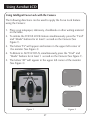
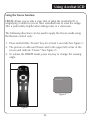
1. You can choose a viewing mode by pressing the MODE button on the Remote or Camera (See figure 1 & 2).
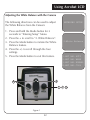
2. Each push will allow you to cycle through all seven viewing modes (See next page).
Figure 1
Figure 2
19