1
Simrad SH90
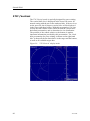
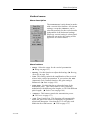
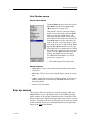
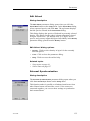
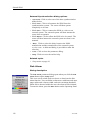
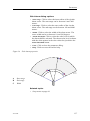
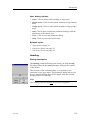
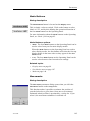
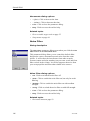
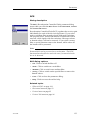
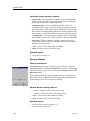
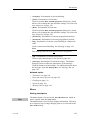
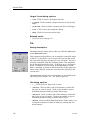
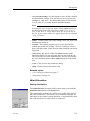
Middle Pos(ition) dialog options
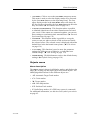
•
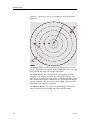
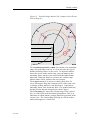
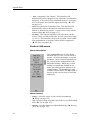
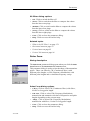
+ (plus): Click to increase the middle position.
•
– (minus): Click to decrease the middle position.
•
Close: Click to close the parameter dialog.
•
Help: Click to access the on-line help.
Related topics
•
Transducer on page 169
Mode
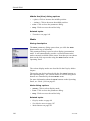
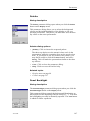
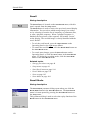
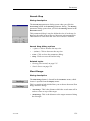
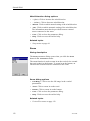
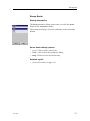
Dialog description
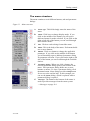
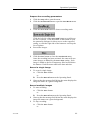
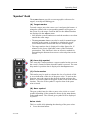
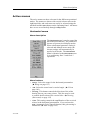
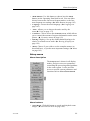
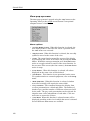
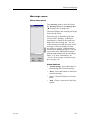
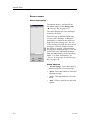
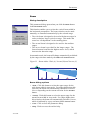
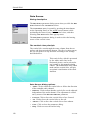
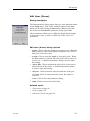
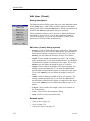
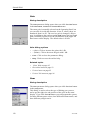
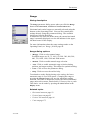
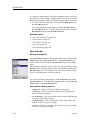
The Mode parameter dialog opens when you click the Mode
button on the top of all menus.
This parameter dialog is used to select display (presentation)
mode. It will automatically provide a selection between the
modes currently available on the sonar. Note that you can choose
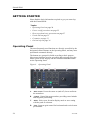
between the four tope modes using the Mode buttons on the
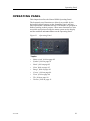
Operating Panel.
The various display modes are described in the Display Modes
chapter.
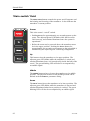
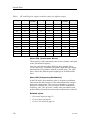
The modes can also be selected with the four Mode buttons on
the Operating Panel. The various modes to activate using those
buttons are controlled by the Sort Modes menu.
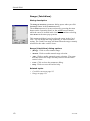
For more information about the Mode buttons on the Operating
Panel, see ’Mode’ field on page 85.
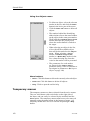
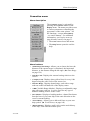
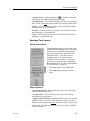
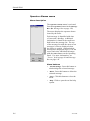
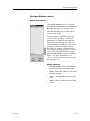
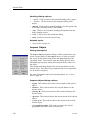
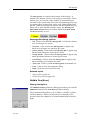
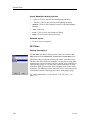
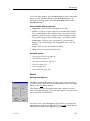
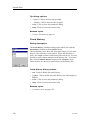
Mode dialog options
•
[Mode]: Click to select display mode.
•
Close: Click to close the parameter dialog.
•
Help: Click to access the on-line help.
Related topics
144
•
Display modes on page 68
•
Sort Modes menu on page 107
•
Mode Buttons on page 145
323775/B