1
2.
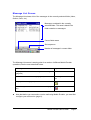
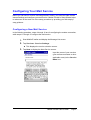
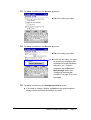
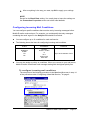
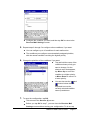
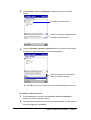
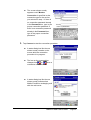
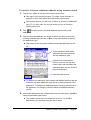
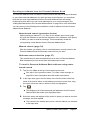
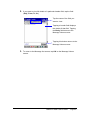
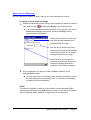
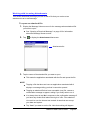
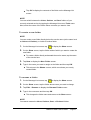
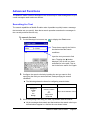
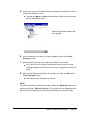
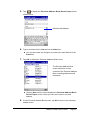
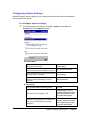
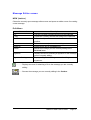
Tap Services - Service Settings to display the service selection
screen.
Currently selected service
Name of connection assigned to the
currently selected service.
3.
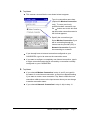
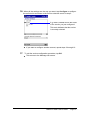
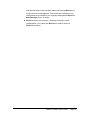
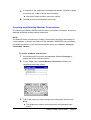
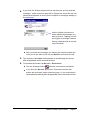
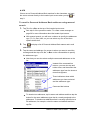
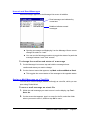
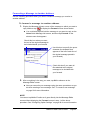
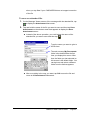
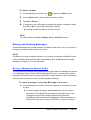
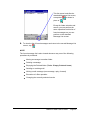
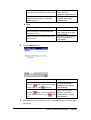
Tap the Currently selected connection box and select the connection
to which you want to change from the list that appears.
Tap the name of the connection to
which you want to change.
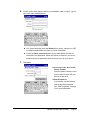
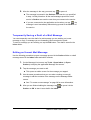
l Tap OK to save your setting and return to the Message List screen.
To delete a mail service
1.
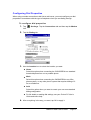
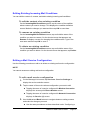
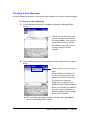
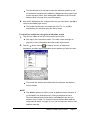
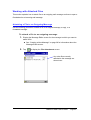
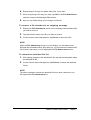
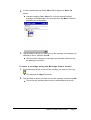
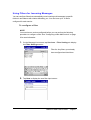
On the Message List screen, tap Services - Service Settings to
display the service selection screen.
2.
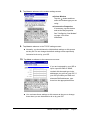
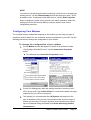
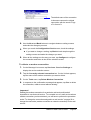
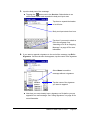
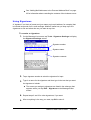
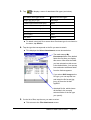
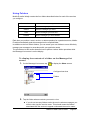
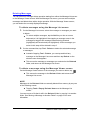
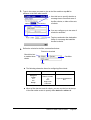
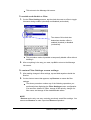
Tap and hold the name of the service you want to delete. On the shortcut
menu that appears, tap Delete.
Mobile E-mailer User's Guide
-Page 21 -