1
Getting Acquainted
Mobile E-mailer is an application that makes it possible for you to send and receive email with your Pocket PC. The following are some of the useful features and functions
available with Mobile E-mailer.
l
Search by addressee, subject, body text, etc.
l
Set up of up to 10 filters for grouping incoming e-mail according to subject, content,
etc.
l
Five signature blocks, allowing separate signatures for business and personal mail
l
Quick and easy input of e-mail addresses from the Contact database
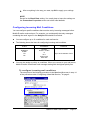
NOTE
Mobile E-mailer supports e-mail with a POP3 mail server. Mobile E-mailer does not
support IMAP4.
Starting Mobile E-mailer
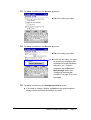
1.
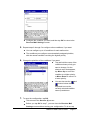
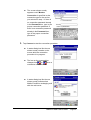
Turn on your Pocket PC.
2.
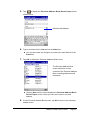
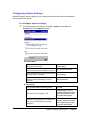
Tap
- Programs - Mobile E-mailer.
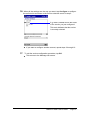
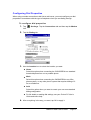
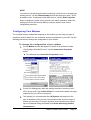
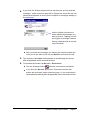
l This starts Mobile E-mailer and displays the Message List screen.
Mobile E-mailer User's Guide
-Page 4 -