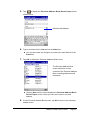
1
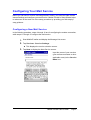
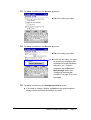
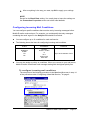
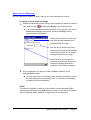
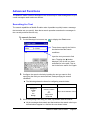
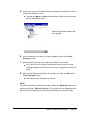
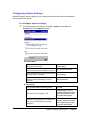
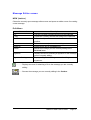
Store all received messages in the Inbox
Filter messages automatically as they are
received and route them to applicable
folders (page 57)
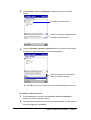
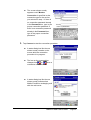
Uncheck the box next to
Filter received
messages automatically
Check the box next to Filter
received messages
automatically
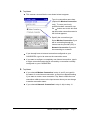
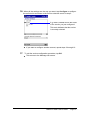
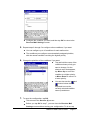
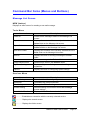
l Sent
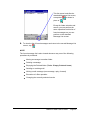
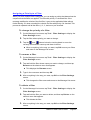
To do this when sending mail:
Do this:
Move messages to the Deleted folder
after they are sent
Move messages to the S e n t folder after
they are sent
2.
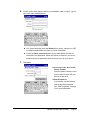
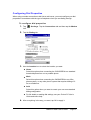
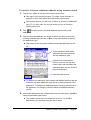
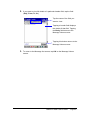
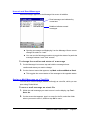
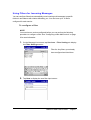
Tap the Message tab.
To do this:
Do this:
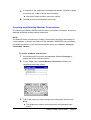
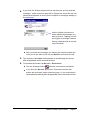
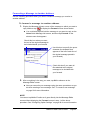
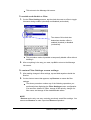
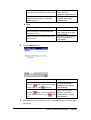
Skip display of the Reply screen when
Uncheck the box next to
Display specified
dialog box for replay
and forward
your tap
(page 43) and the Forward
screen when you tap
(page 44)
Have the Reply screen displayed when
your tap
(page 43) and the Forward
screen displayed when you tap
44)
3.
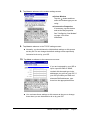
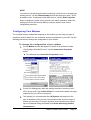
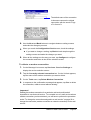
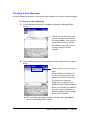
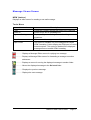
Uncheck the box next to
Keep copy of sent mail
in Send folder
Check the box next to K e e p
copy of sent mail in
Send folder
(page
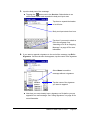
Check the box next to
Display specified
dialog box for replay
and forward
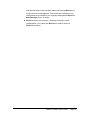
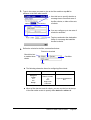
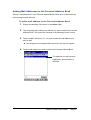
After everything is the way you want it, tap OK to return to the Message
List screen.
Mobile E-mailer User's Guide
-Page 69 -