1
Managing Disk Drives and Enclosures
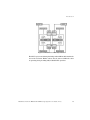
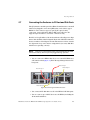
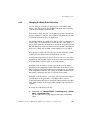
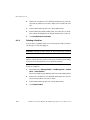
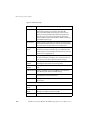
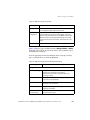
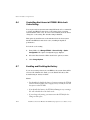
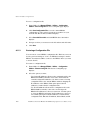
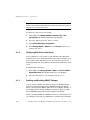
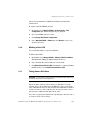
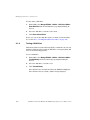
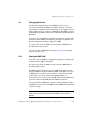
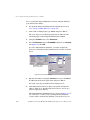
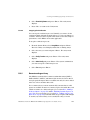
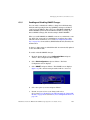
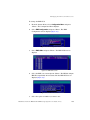
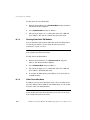
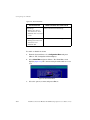
To change the EMP LUN:
1.
From the System Menu, select Configuration Menu and press
<Enter>. The Configuration Menu displays.
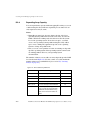
2.
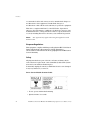
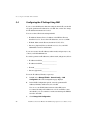
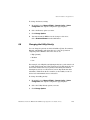
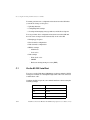
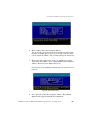
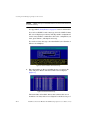
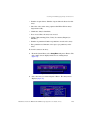
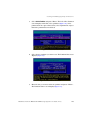
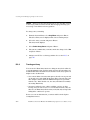
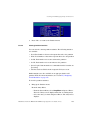
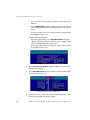
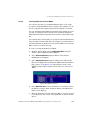
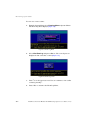
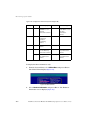
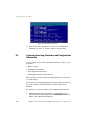
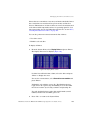
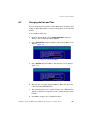
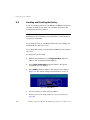
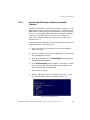
Select EMP Configuration and press <Enter>. The EMP
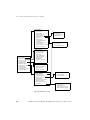
Configuration screen displays (Figure 156).
Figure 156. EMP Configuration Menu
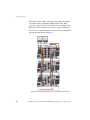
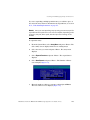
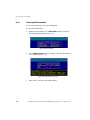
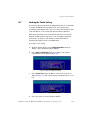
3.
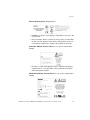
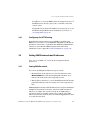
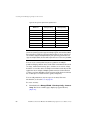
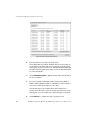
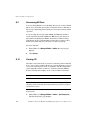
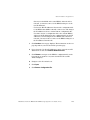
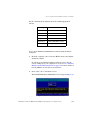
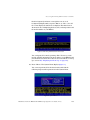
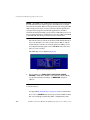
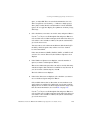
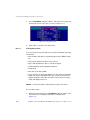
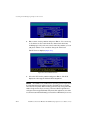
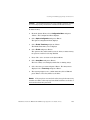
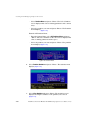
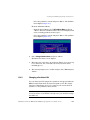
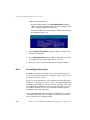
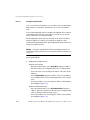
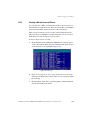
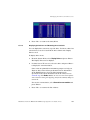
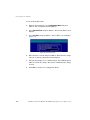
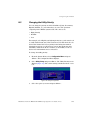
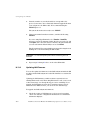
Select EMP LUNs and press <Enter>. The EMP LUNs screen
displays.
Figure 157. EMP LUNs Screen
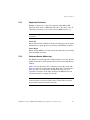
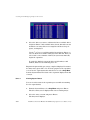
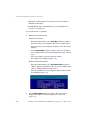
4.
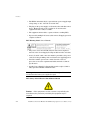
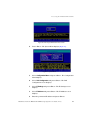
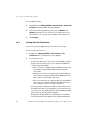
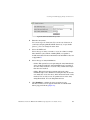
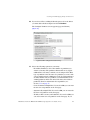
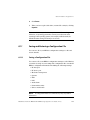
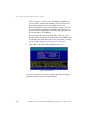
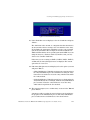
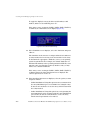
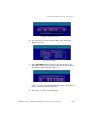
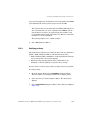
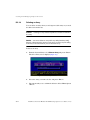
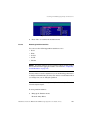
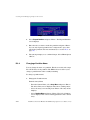
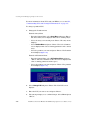
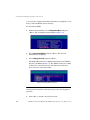
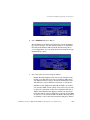
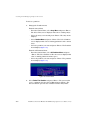
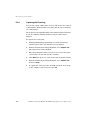
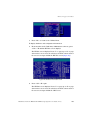
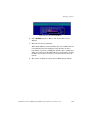
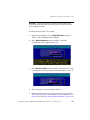
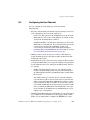
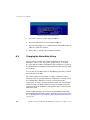
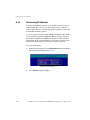
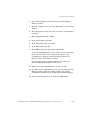
Select the EMP you want and press <Enter>. The EF2800 assigns
EMP IDs sequentially when it starts. The Set EMP LUN screen
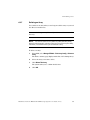
displays (Figure 158).
Figure 158. Set EMP LUN Screen
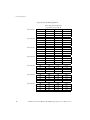
5.
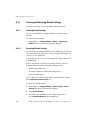
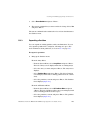
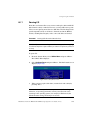
Select the option or number you want to use.
DataDirect Networks EF2800 FC RAID Storage System User Guide (V 1.0)
295