1
Managing Disk Drives and Enclosures
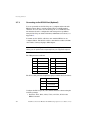
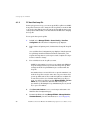
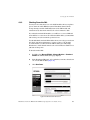
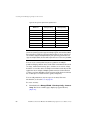
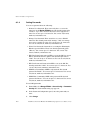
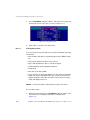
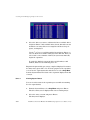
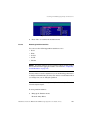
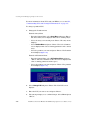
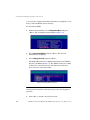
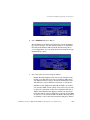
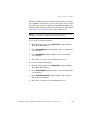
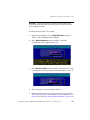
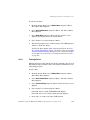
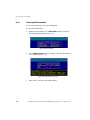
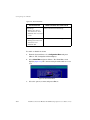
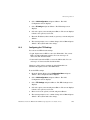
If you do not want to assign the EMP a LUN, select NONE and press
<Enter>. To keep the same LUN for the EMP at all times, select the
LUN you want to use and press <Enter>. This can be any number
from 0 to 63 that is not already in use.
G.2.2
6.
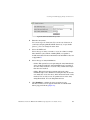
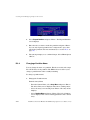
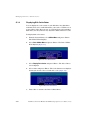
The system prompts you to confirm changes. Select Yes and press
<Enter> to make the change.
7.
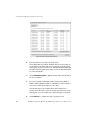
Restart to have your changes take effect.
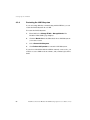
See section H.1.1, "Shutting Down and Restarting the Current SM
Module" on page 298.
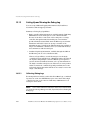
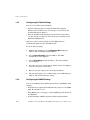
Changing the Additional EMP Setting
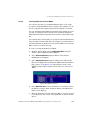
You can change one additional EMP setting—polling interval. This is
the interval, in seconds, that the EF2800 polls the EMPs for status
changes. If the polling rate is set to zero, the EF2800 does not
communicate with the EMP. Only use this setting if you suspect you are
having communication problems with the EMP. The default setting is
five seconds. A change to this setting on either SM is automatically
updated on the other SM.
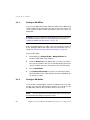
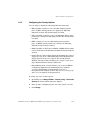
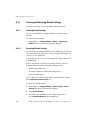
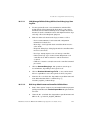
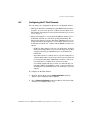
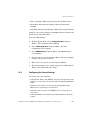
To change the EMP settings:
1.
From the System Menu, select Configuration Menu and press
<Enter>. The Configuration Menu displays.
2.
Select EMP Configuration and press <Enter>. The EMP
Configuration screen displays.
3.
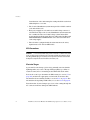
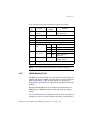
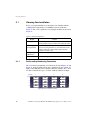
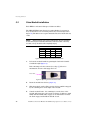
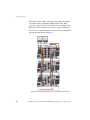
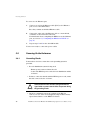
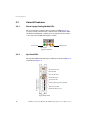
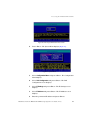
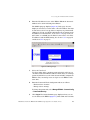
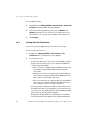
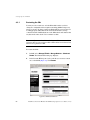
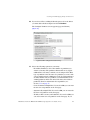
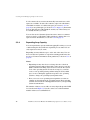
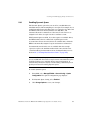
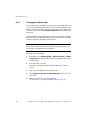
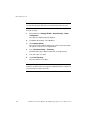
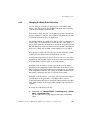
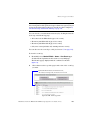
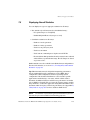
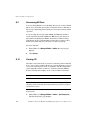
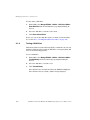
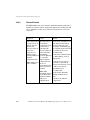
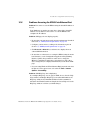
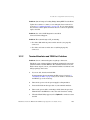
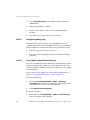
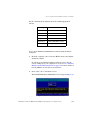
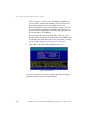
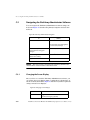
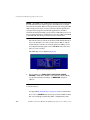
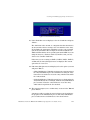
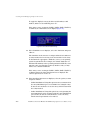
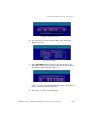
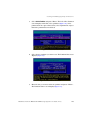
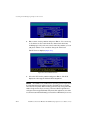
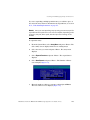
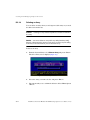
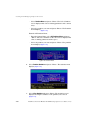
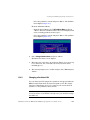
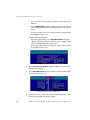
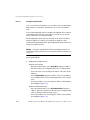
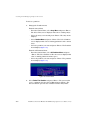
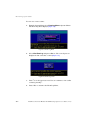
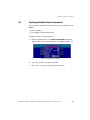
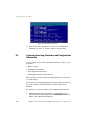
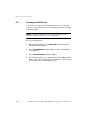
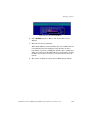
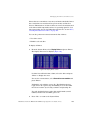
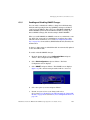
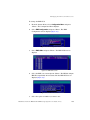
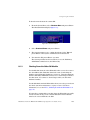
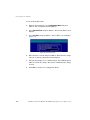
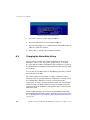
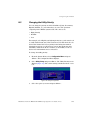
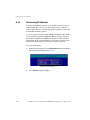
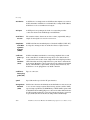
Select EMP Settings and press <Enter>. The Poll Rate screen
displays (Figure 159).
Figure 159. Poll Rate Screen
296
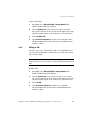
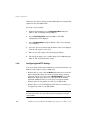
4.
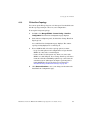
Enter the poll rate you want, in seconds, and press <Enter>.
5.
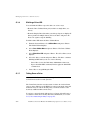
The system prompts you to confirm changes. Select Yes and press
<Enter> to make the changes.
DataDirect Networks EF2800 FC RAID Storage System User Guide (V 1.0)