1
Creating and Managing Arrays & Partitions
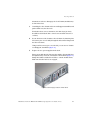
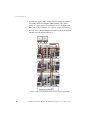
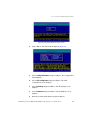
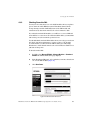
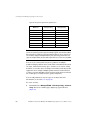
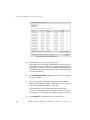
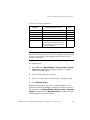
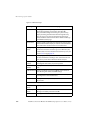
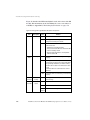
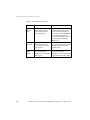
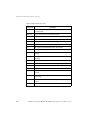
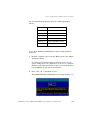
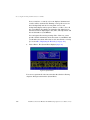
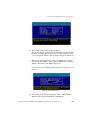
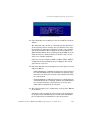
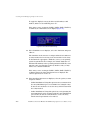
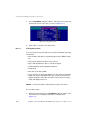
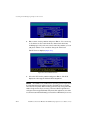
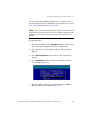
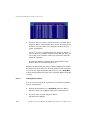
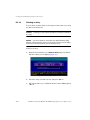
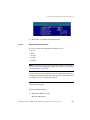
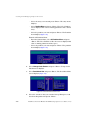
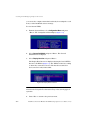
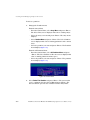
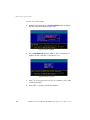
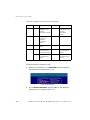
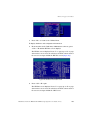
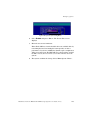
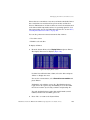
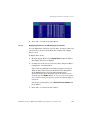
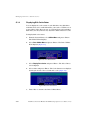
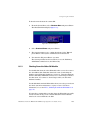
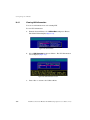
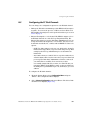
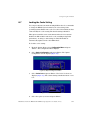
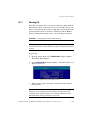
Figure 122. Partition Statistics Screen
4.
D.3.2.3
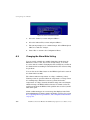
Press <Esc> to return to the statistics menu.
Resetting Partition Statistics
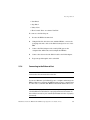
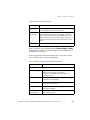
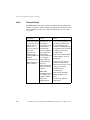
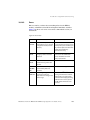
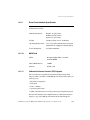
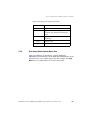
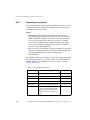
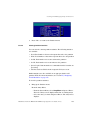
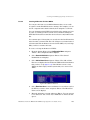
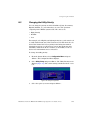
You can reset the following partition statistics to zero:
• Read
• Write
• SecRd
• SecWt
• I/O Size
NOTE: Resetting statistics here also resets the statistics for this partition
that are included in the aggregate statistics. See section E.7, "Displaying
Overall Statistics" on page 272.
You may want to reset the statistics if you are monitoring performance
or doing benchmark testing. You may also want to reset statistics when
you change how you are using the partition.
NOTE: You cannot reset the queue depth value. It always reflects the
current I/O queue depth.
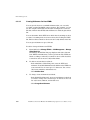
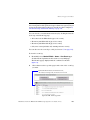
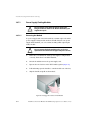
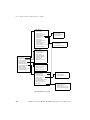
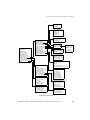
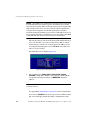
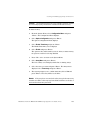
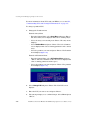
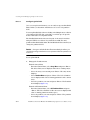
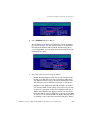
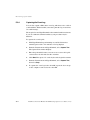
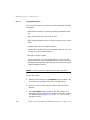
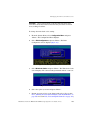
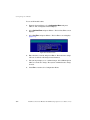
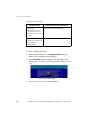
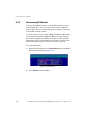
To reset partition statistics:
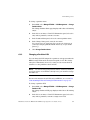
1.
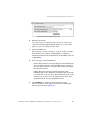
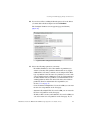
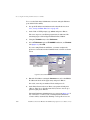
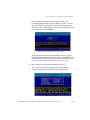
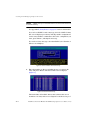
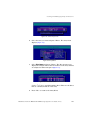
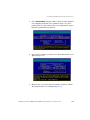
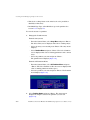
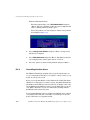
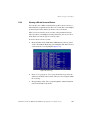
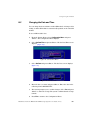
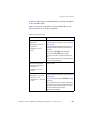
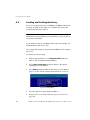
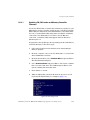
Bring up the Partition menu.
From the Array Menu:
DataDirect Networks EF2800 FC RAID Storage System User Guide (V 1.0)
241