1
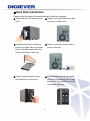
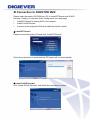
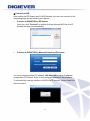
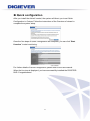
Hard Disk Installation Please follow the steps as illustrated below to install the hardware: Please take out the disk tray from Please connect the Ethernet cable NVR. to the port of Giga LAN. Install the hard disk in each tray and lock the disk with four screws. Ensure the disk holes match the holes at the base of disk tray. Please connect the power cord to power connector. Please insert the disk tray into NVR and push it to the end. After the power cord is connected, NVR will automatically turn on and beep once. The installation of NVR is complete right now. 6