1
4100_Ch3_eng
6/15/05
8:34 AM
Page 36
User Guide
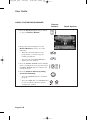
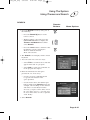
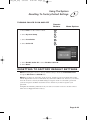
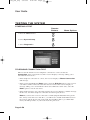
CREATING OR CHANGING RATING (CONTENT) CODE LOCKS
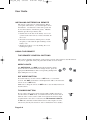
Remote
Buttons
Menu Options
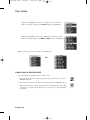
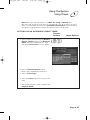
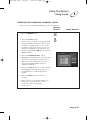
1. Press the MENU button.
2. Select the Locks option.
3. If the receiver is locked, enter the password
using the number pad buttons. The receiver
continues to display stars (*) as you enter
the digits of the password. As soon as you
enter the fourth digit of the password, the
receiver highlights the OK option. Press the
SELECT button.
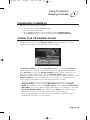
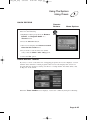
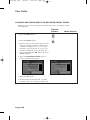
4. Select the Ratings Locks option.
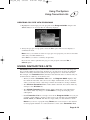
5. Highlight the rating that corresponds to the
lowest unacceptable audience age. Press the
SELECT button to lock the highlighted rating.
Note: All ratings that are more restrictive
than the selected rating are also selected.
For example, if you lock PG-14 rated
programs, then all programs with the R,
NC-17, and NR/AO ratings are also locked.
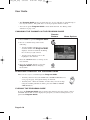
6. Select the expanded rating code(s), if you
want to also lock these ratings.
7. To unlock a rating code, highlight the code
and press SELECT.
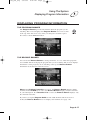
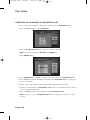
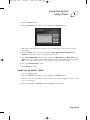
8. Select the Done option to save the
changes.
9. If the receiver is not locked, you must lock
it to put the locks you just created into
effect by selecting Lock System.
Page 3-36