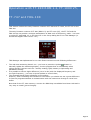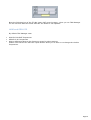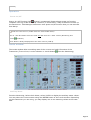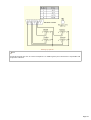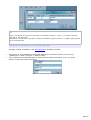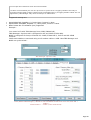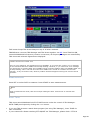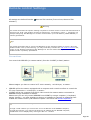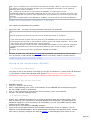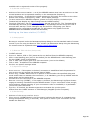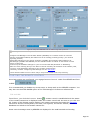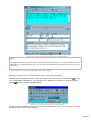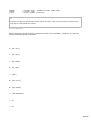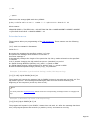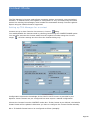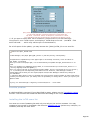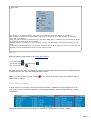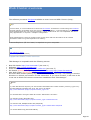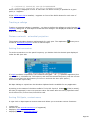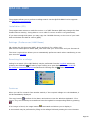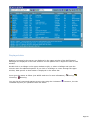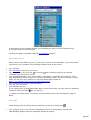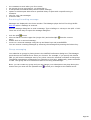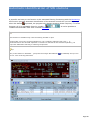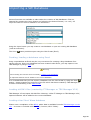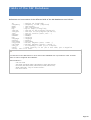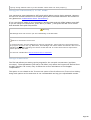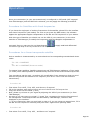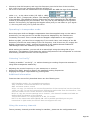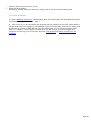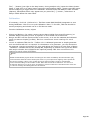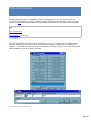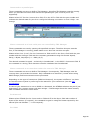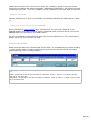
1
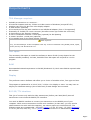
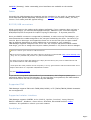
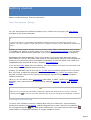
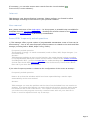
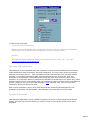
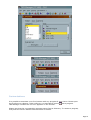
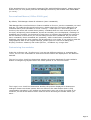
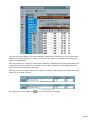
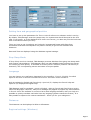
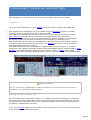
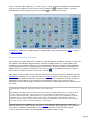
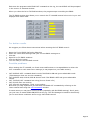
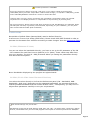
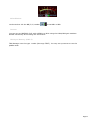
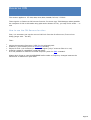
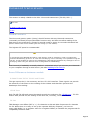
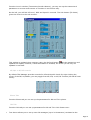
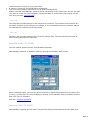
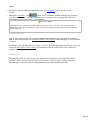
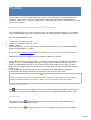
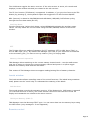
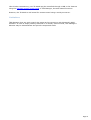
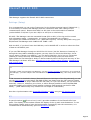
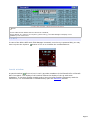
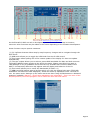
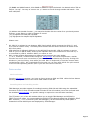
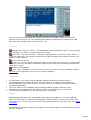
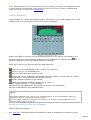
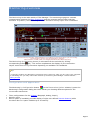
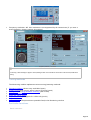
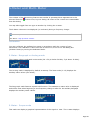
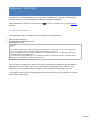
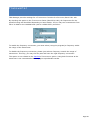
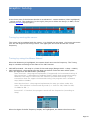
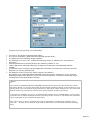
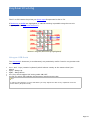
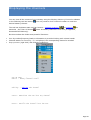
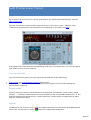
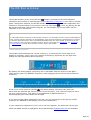
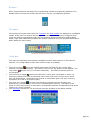
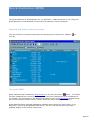
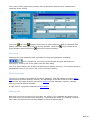
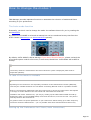
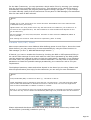
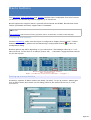
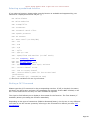
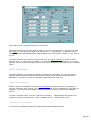
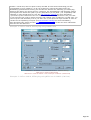
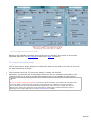
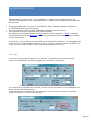
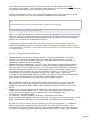
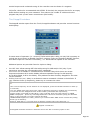
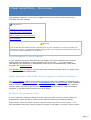
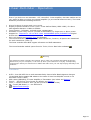
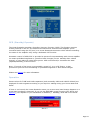
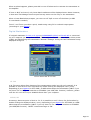
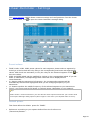
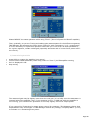
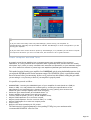
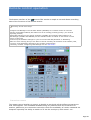
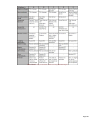
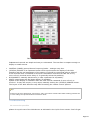
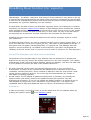
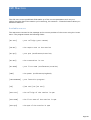
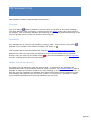
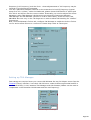
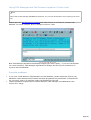
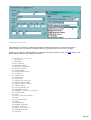
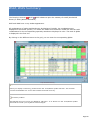
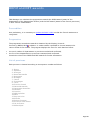
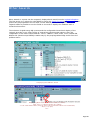
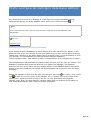
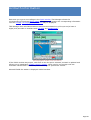
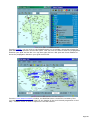
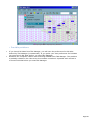
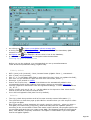
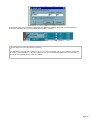
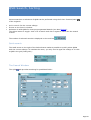
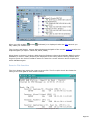
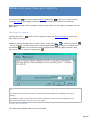
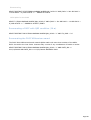
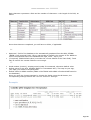
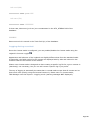
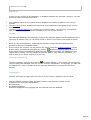
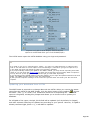
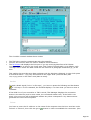
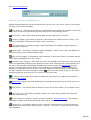
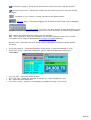
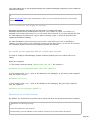
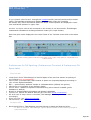
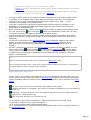
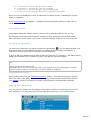
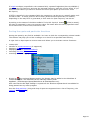
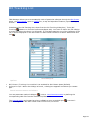
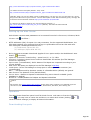
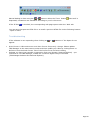
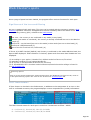
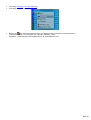
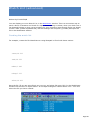
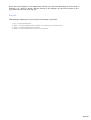
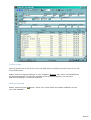
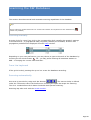
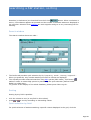
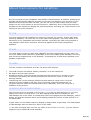
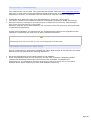
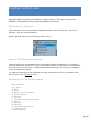
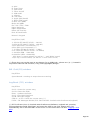
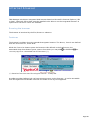
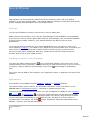
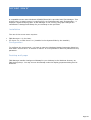
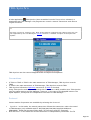
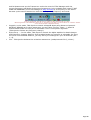
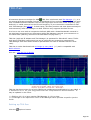
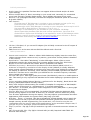
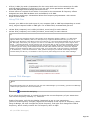
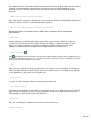
For the Main Transceiver, you may associate a Mode and a Filter by entering your settings from the Preferences dialog under Transceiver. This selection is only valid if the mode is automatically selected by the program (band segment change, DX Spots...). If you change the mode manually (either from the transceiver's front panel or TRX-Manager) the associated filter for that mode is NOT selected. Notes If a DSP only is used, these filters are virtual and their bandwidths have to be defined under the DSP/PBT frame (see below), If Quartz filters are used, please select only the filters that are installed in your transceiver. If you select a non-supported filter, the effect obtained is unforeseeable and depends on the type of transceiver, With FT-1000MP, TS-450/690/850/950 selection of either 455 KHz AND/OR 8/9MHz IF filters is possible, These settings are saved for each transceiver separately (TRX1 to TRX4) Variable DSP (PBT) filters Most recent transceivers use a DSP and allow defining preset virtual Filters. Once the virtual filters defined, you may restore any of them automatically by using the Filter functions in TRX-manager (i.e FIL1-3, WID NAR Monitoring's buttons...) If desired, you have to enable this function by checking the DSP or PBT option and filling in the various filter settings for each mode with the valid values permitted by the DSP (please read the transceiver's manual in order to check the valid values). Generally, if you introduce an invalid value, the program selects the nearest bandwidth. You may have to adjust these parameters to match the possible settings permitted by your transceiver and to suit your requirements. The displayed mentions, names and values depend on the brand you are using. Please read also the Specifications (this help) for the transceiver you are using for more information. Notes In CW, Bandwidth (BW) is centered on Pitch (*). I.E 600Hz or 200 Hz. In SSB, Bandwidth may be defined by High and Low cut frequencies : Low=200 and High=2800 define a Wide SSB bandwidth of 2600Hz centered on 1500Hz while Low=200 and High=2000 define a Narrow bandwidth of 1800hz centered on 1100Hz. However, if your transceiver does not provide IF-Shift function or Low/High Cut functions, High and Low values are only used to define the bandwidth (BW=High-Low) and the filter will be centered. Suggested v alues (DSP filtering) Please understand that these filters are virtual and, in most cases, without any relation with the fixed filters (eventually) installed in your rig. Page 142