1
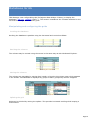
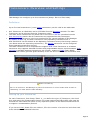
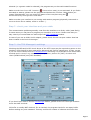
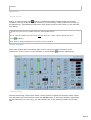
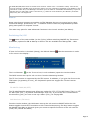
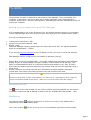
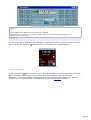
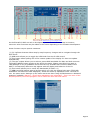
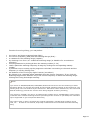
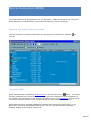
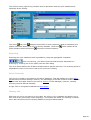
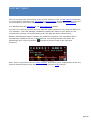
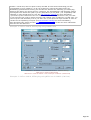
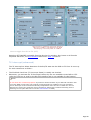
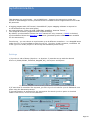
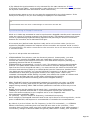
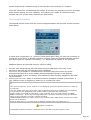
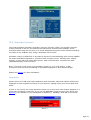
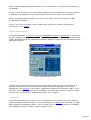
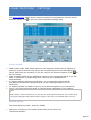
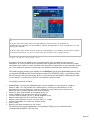
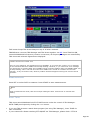
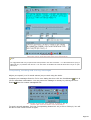
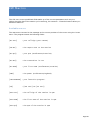
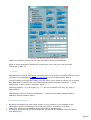
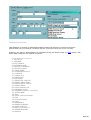
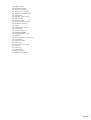
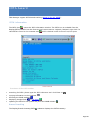
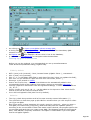
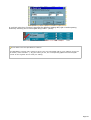
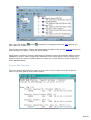
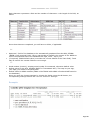
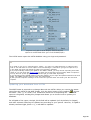
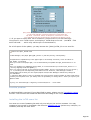
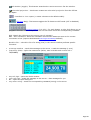
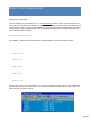
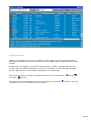
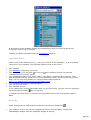
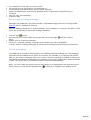
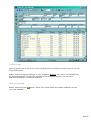
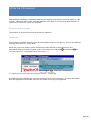
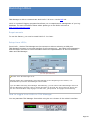
HAMCall The program allows you to perform a callsign search via the Buckmaster's HAMCALL CD-ROM. Settings To declare the CD-Rom type and drive, you have to open the Preferences dialog box, HAM Bases tab. You must indicate: the drive of the CD which folder contains the HAMCALL.DAT and HAMCALL.IDX database files. The default folder is HAM0 but may change depending on the CD you are using. CD on driv e D Database in D:\HAM0 The Auto Log check box allows you to automatically perform a search when transferring a new spot into the Log Book. Note If you have enough disk space you may copy the Database folder ( HAM0 by default) on the root of your hard disk and declare this disk as the CD drive. Callsign search Calling for a search may be performed from the Log Book window by pressing the corresponding button: and also by right clicking on a spot displayed in Web Cluster or DX-Cluster or Azimuthal projection windows. Features When you call for a search from another module, if the required callsign is in the database, it will be immediately displayed. If an image file is found, the image button is activated and allows you to display it. If a valid EMail address is found, it is possible to send an emailby pressing this button . The copy button transfers the Name and address into the Page 331