1
SDM-300L3 Satellite Modem
Front Panel Operation
Revision 0
MN/SDM300L3.IOM
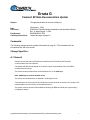
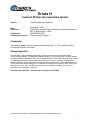
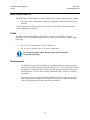
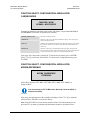
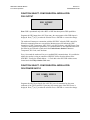
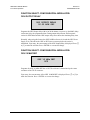
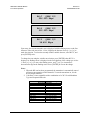
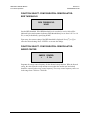
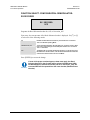
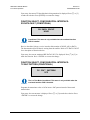
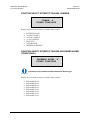
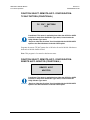
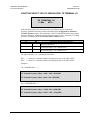
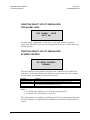
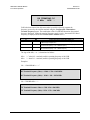
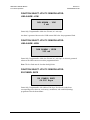
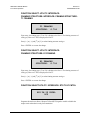
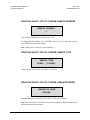
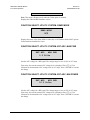
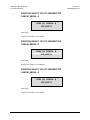
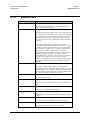
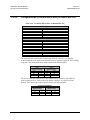
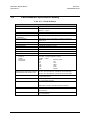
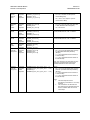
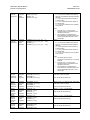
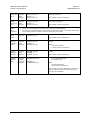
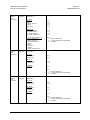
On entry, the current configuration code is displayed with the flashing cursor on the first
character. Press [←] or [→] to move the flashing cursor. Press [↑] or [↓] to increment or
decrement the digit at the flashing cursor. Press <ENTER> to execute the change.
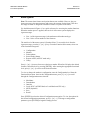
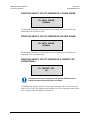
Entering this code enables the corresponding modem option. To purchase an option,
contact an Comtech EF Data marketing representative for more information.
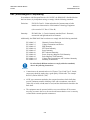
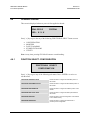
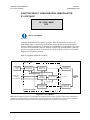
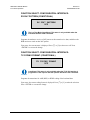
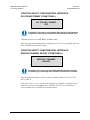
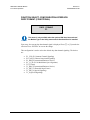
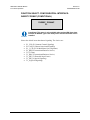
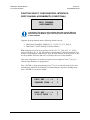
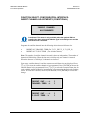
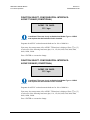
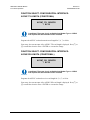
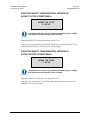
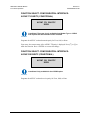
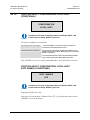
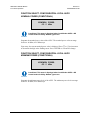
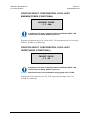
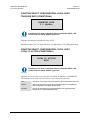
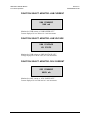
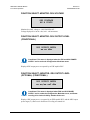
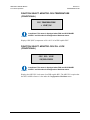
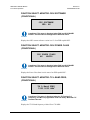
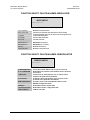
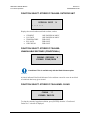
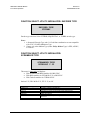
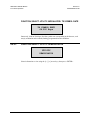
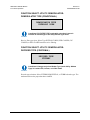
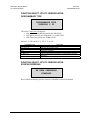
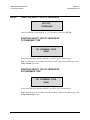
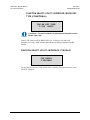
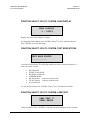
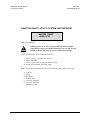
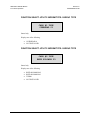
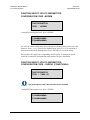
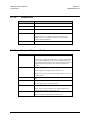
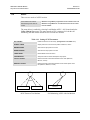
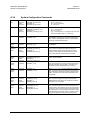
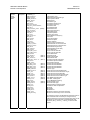
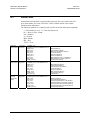
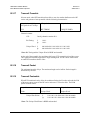
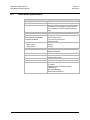
FUNCTION SELECT: UTILITY: MODEM TYPE:
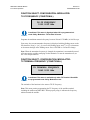
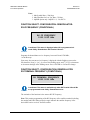
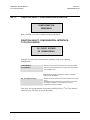
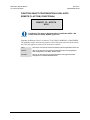
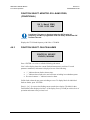
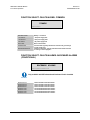
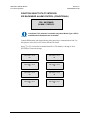
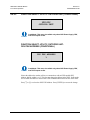
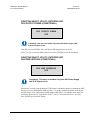
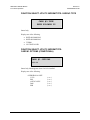
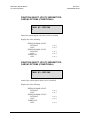
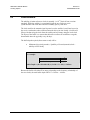
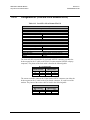
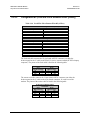
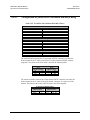
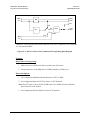
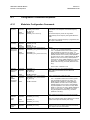
CONFIGURATION CODE – CARD #2 (CONDITIONAL)
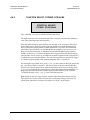
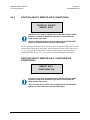
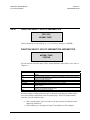
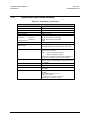
CONFIGURATION
CODE – CARD #2
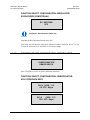
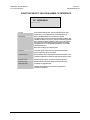
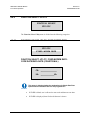
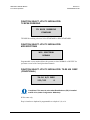
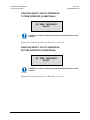
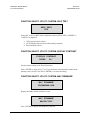
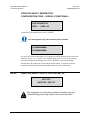
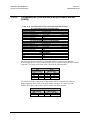
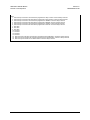
This menu appears only if the Overhead card is installed.
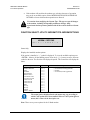
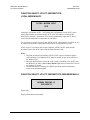
IMPORTANT
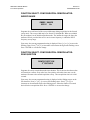
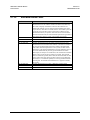
Comtech EF Data-supplied code. Press <ENTER>
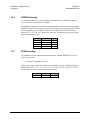
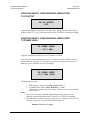
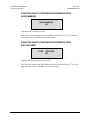
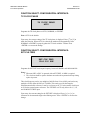
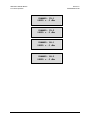
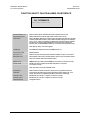
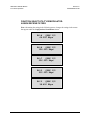
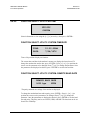
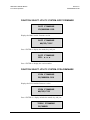
1)AAAAAAAAAA
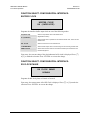
2)AAAAAAAAAA
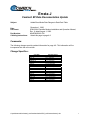
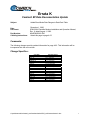
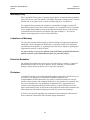
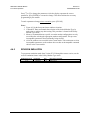
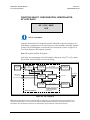
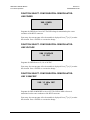
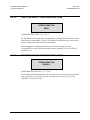
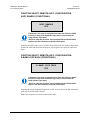
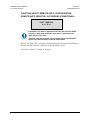
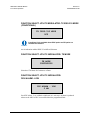
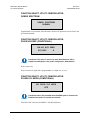
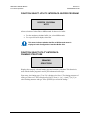
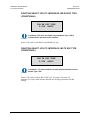
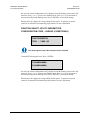
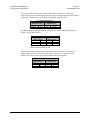
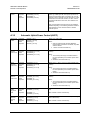
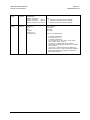
On entry, the current configuration code is displayed with the flashing cursor on the first
character. Press [←] or [→] to move the flashing cursor. Press [↑] or [↓] to increment or
decrement the digit at the flashing cursor. Press <ENTER> to execute the change.
Entering this code enables the corresponding modem option. To purchase an option,
contact an Comtech EF Data marketing representative for more information
4–116