1
SDM-300L3 Satellite Modem
Front Panel Operation
•
Revision 0
MN/SDM300L3.IOM
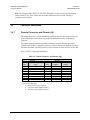
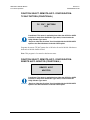
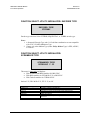
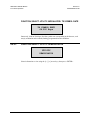
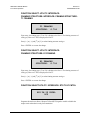
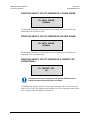
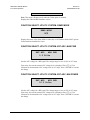
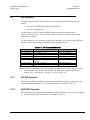
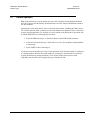
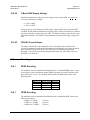
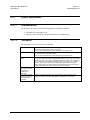
If the modem will not allow the modem type selection, that type of operation
may not be an available option. Select MODEM OPTIONS and OVERHEAD
OPTIONS to locate which modem operations are allowed.
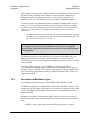
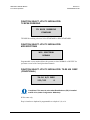
CAUTION
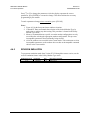
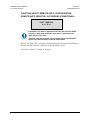
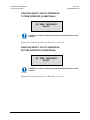
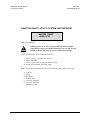
Use caution when modifying the Custom Type. This type accepts all changes
to the modem, including incompatible parameters changes. Only
experienced modem operators familiar with all the controls shall use Custom
type.
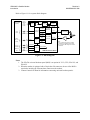
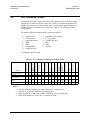
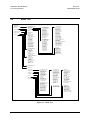
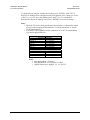
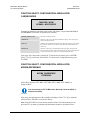
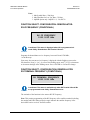
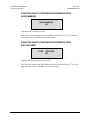
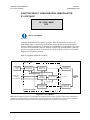
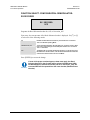
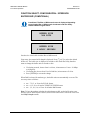
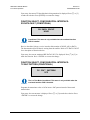
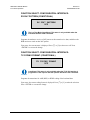
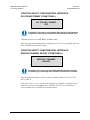
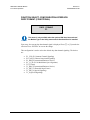
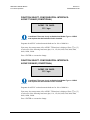
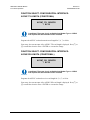
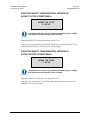
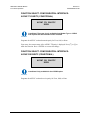
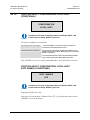
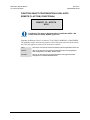
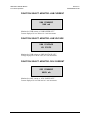
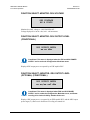
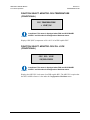
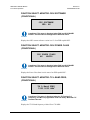
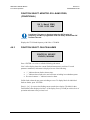
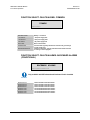
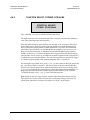
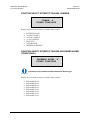
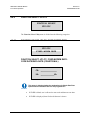
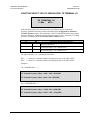
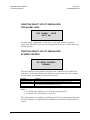
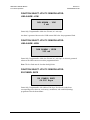
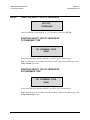
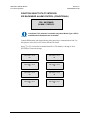
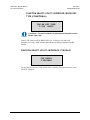
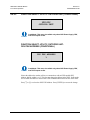
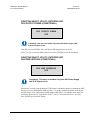
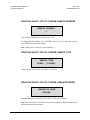
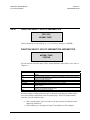
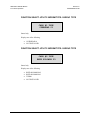
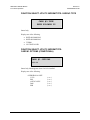
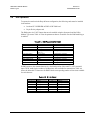
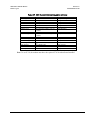
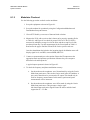
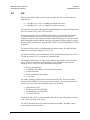
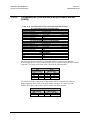
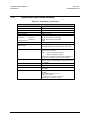
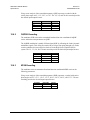
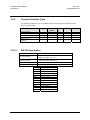
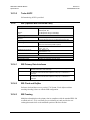
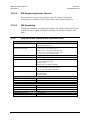
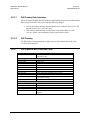
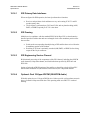
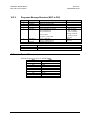
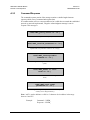
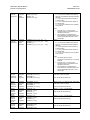
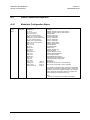
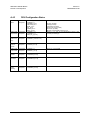
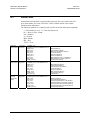
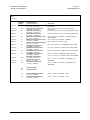
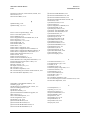
FUNCTION SELECT: UTILITY: MODEM TYPE: MODEM OPTIONS
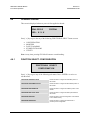
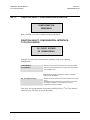
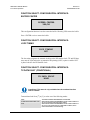
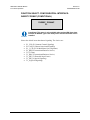
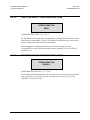
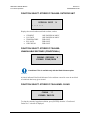
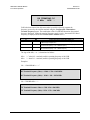
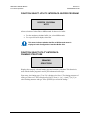
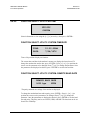
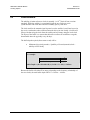
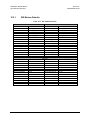
MODEM OPTIONS
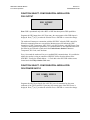
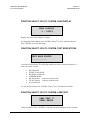
-+ + - + - - - + + + + + - - +
Status Only.
Displays the installed modem options.
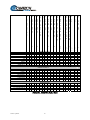
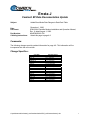
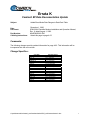
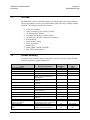
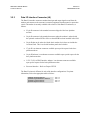
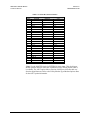
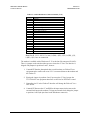
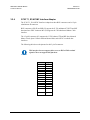
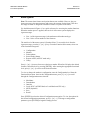
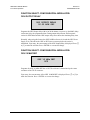
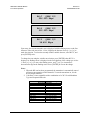
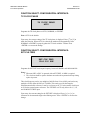
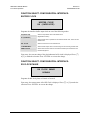
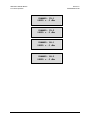
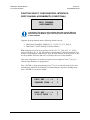
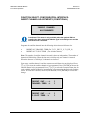
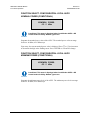
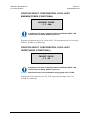
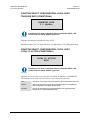
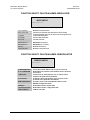
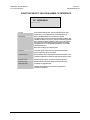
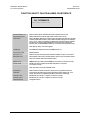
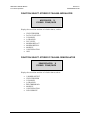
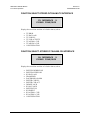
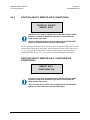
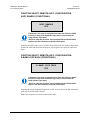
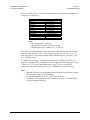
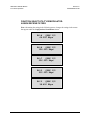
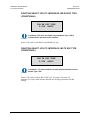
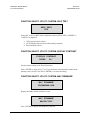
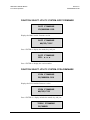
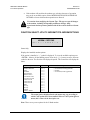
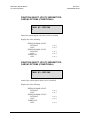
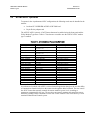
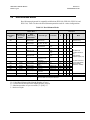
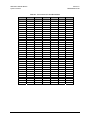
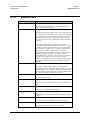
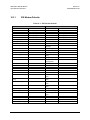
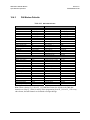
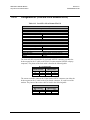
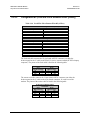
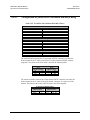
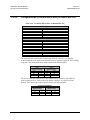
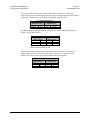
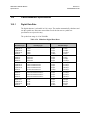
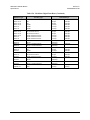
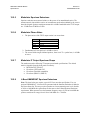
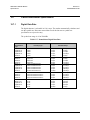
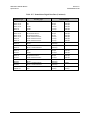
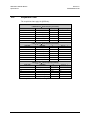
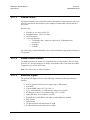
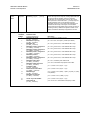
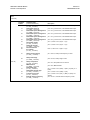
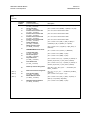
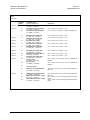
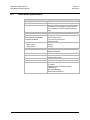
If the option is installed, a “+” symbol is displayed. To view the available options press
<ENTER>. Observe for the flashing cursor. Press the [←] [→] arrows to move from one
symbol to the next. The first line will display the option. The second line will display the
status:
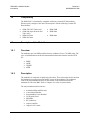
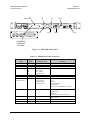
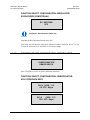
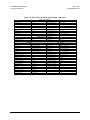
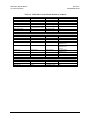
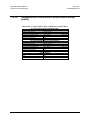
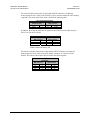
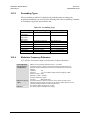
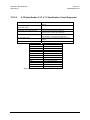
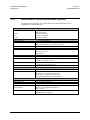
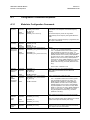
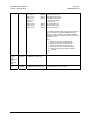
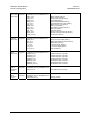
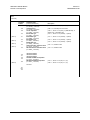
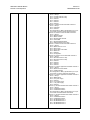
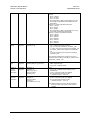
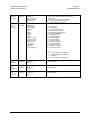
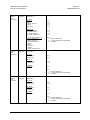
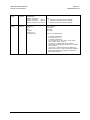
Option
HIGH POWER (see Note)
HIGH STABILITY
ASLT
VITERBI
SEQUENTIAL
SINGLE RATE
LOW RATE VAR
FULL RATE VAR
CARD #1 PCB
CARD #2 PCB
CARD #3 PCB
8PSK
TX only
RX only
OQPSK
TX/RF L-BAND
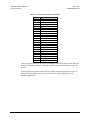
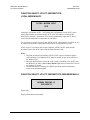
IMPORTANT
Code
(0 or +)
(0 or +)
(- or +)
(- or +)
(- or +)
(- or +)
(- or +)
(- or +)
(x or +)
(x or +)
(x or +)
(- or +)
(0 or +)
(0 or +)
(- or +)
(0 or +)
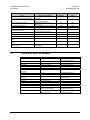
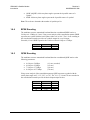
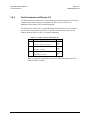
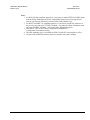
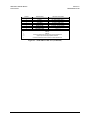
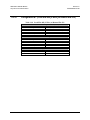
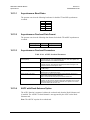
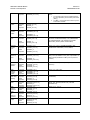
0
+
x
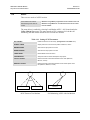
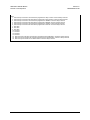
Legend
= Not Installed, Not Upgradeable
= Not Installed, FAST Upgradeable
= Installed
= Not Installed, Field Upgradeable
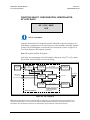
The actual choices displayed in the sub-menus may vary according to
which FAST options have been enabled. Where a FAST option affects a
menu, this is shown in the descriptive text.
Note: There are no power options for the L-Band modem.
4–109