1
Configuring the BSC Managed Interface
Configuring a Protected Virtual Interface (Optional)
This is an advanced BSC configuration feature that enables you to set up a protected-side
virtual interface for protected-side resources that would benefit from being on a subnet
that differs from the BSC protected physical or VLAN interfaces.
For example, you might want to isolate protected side components from wireless users by
isolating them on different subnets so as to make it more difficult for the users to find and
gain unauthorized access.
Displaying the
“Create a
Protected Virtual
Interface” page
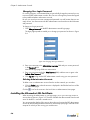
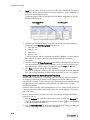
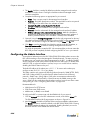
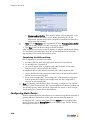
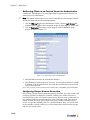
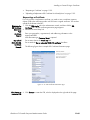
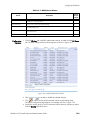
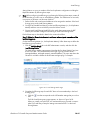
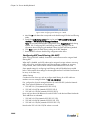
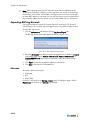
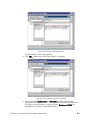
1. Click the Network tab in the administrator console, and then click the Protected tab.
2. Select Protected-side Virtual Interface from the Create drop-down list.
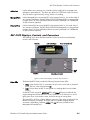
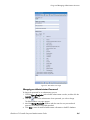
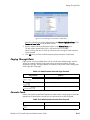
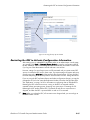
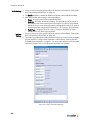
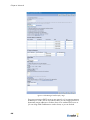
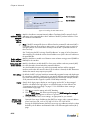
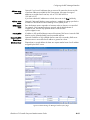
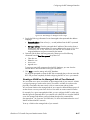
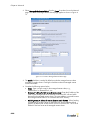
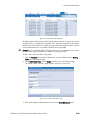
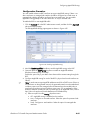
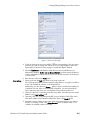
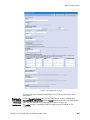
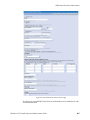
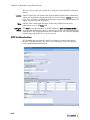
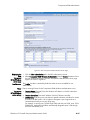
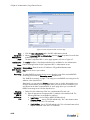
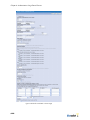
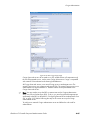
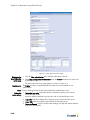
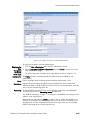
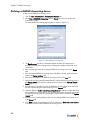
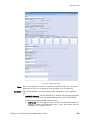
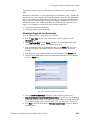
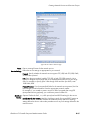
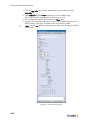
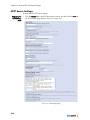
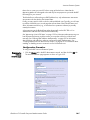
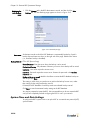
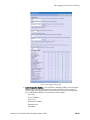
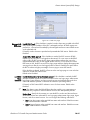
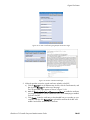
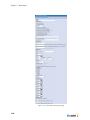
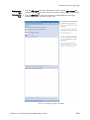
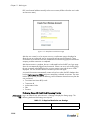
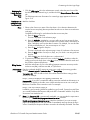
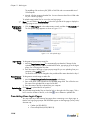
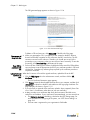
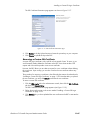
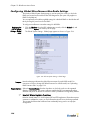
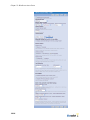
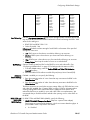
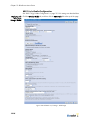
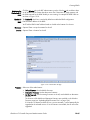
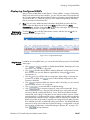
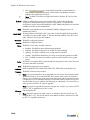
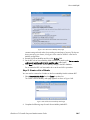
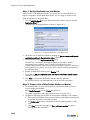
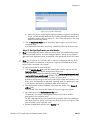
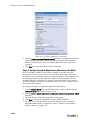
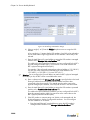
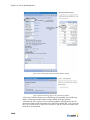
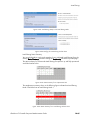
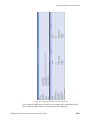
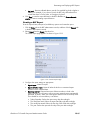
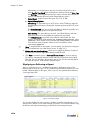
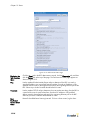
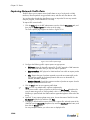
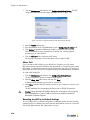
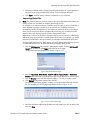
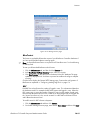
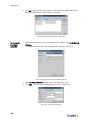
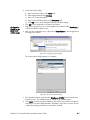
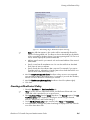
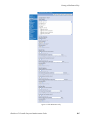
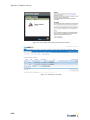
The Create a Protected Virtual Interface page appears as shown in Figure 4-4.
Figure 4-4: Create a Protected Virtual Interface Page
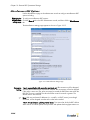
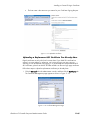
Specify the following sections as required and then click Save to save the Protected
Virtual Interface settings to the BSC database, or Save and create another to continue
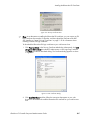
creating protected virtual interfaces. You might be prompted to restart the BSC. We
recommend that you do not restart the BSC until you have completely finished configuring
the BSC for use in your network.
Protected Virtual
Interface
Settings
Interface
Settings
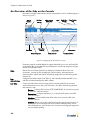
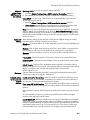
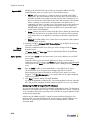
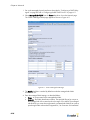
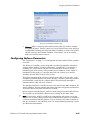
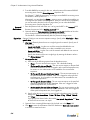
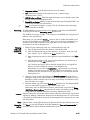
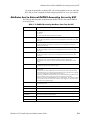
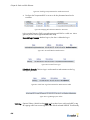
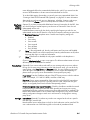
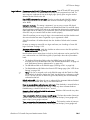
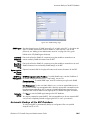
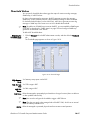
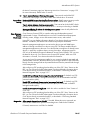
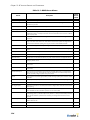
Enable - This checkbox is marked by default to make the protected virtual interface
available. Clearing the checkbox makes the protected virtual interface unavailable.
Name - Enter a unique name for the protected virtual interface.
IP address - Enter the IP address of the protected virtual interface.
Netmask - Enter the subnet mask for the protected virtual interface IP address.
Configuring the BSC Managed Interface
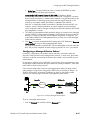
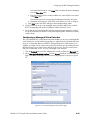
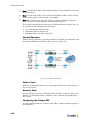
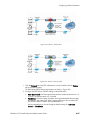
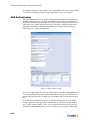
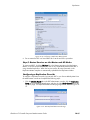
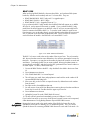
You must configure the BSC to communicate with the managed (i.e., wireless) side of your
network. The managed side of your network includes all wireless and wired clients
attempting to access resources on the protected side of the network via the BSC.
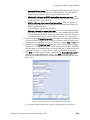
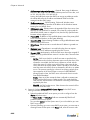
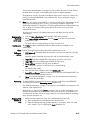
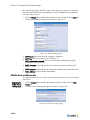
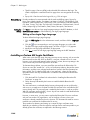
Configuring the BSC managed interface requires that you:
•
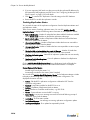
Define how the BSC assigns IP addresses to wireless clients:
-
Configure the BSC to relay all client DHCP requests to a DHCP server running on
the protected side of the network and return the IP address, DNS, and other
options to the client from the server (i.e. configure as a relay agent).
BlueSecure™ Controller Setup and Administration Guide
4-7