1
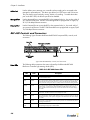
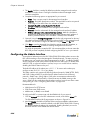
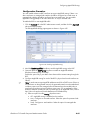
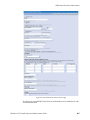
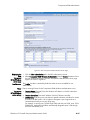
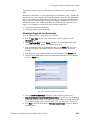
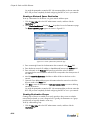
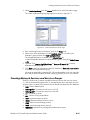
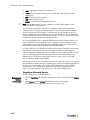
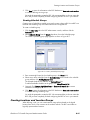
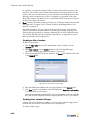
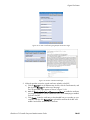
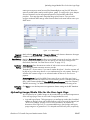
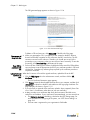
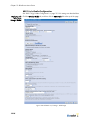
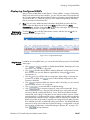
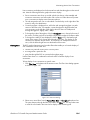
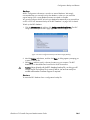
Configuring Autocontainment
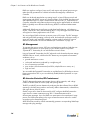
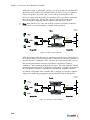
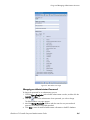
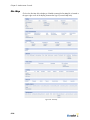
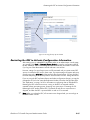
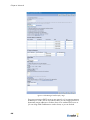
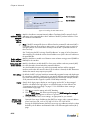
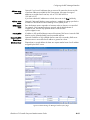
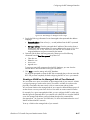
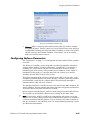
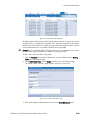
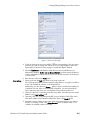
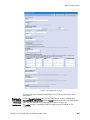
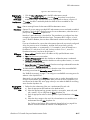
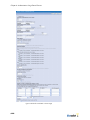
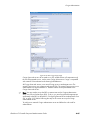
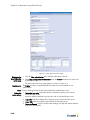
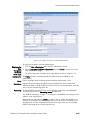
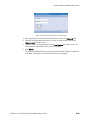
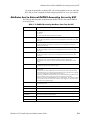
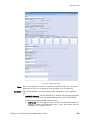
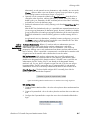
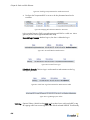
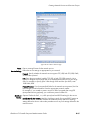
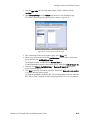
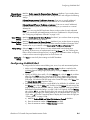
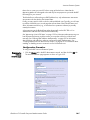
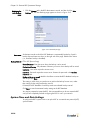
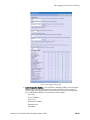
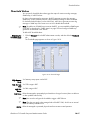
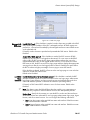
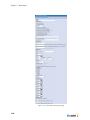
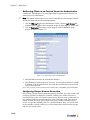
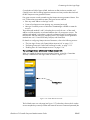
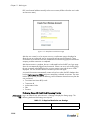
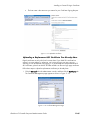
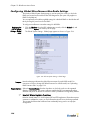
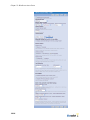
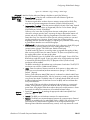
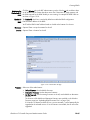
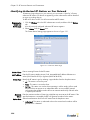
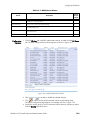
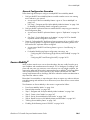
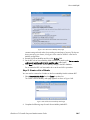
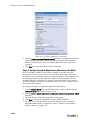
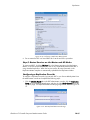
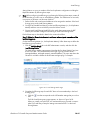
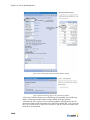
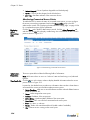
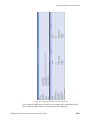
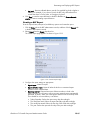
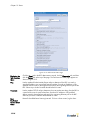
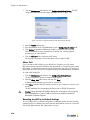
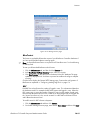
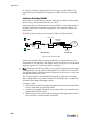
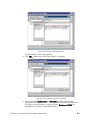
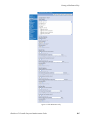
Figure 13-4: Autocontainment Configuration Page
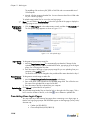
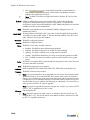
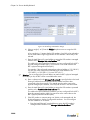
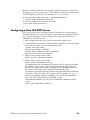
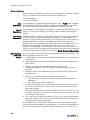
2. Mark the Enable Autocontainment checkbox to enable RF autocontainment.
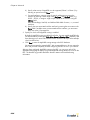
3. Enter the duration (in minutes) that the BSC will perform active containment on the
rogue device in the Autocontainment Duration field.
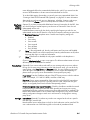
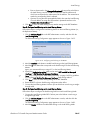
4. Click Save to save the autocontainment settings to the BSC database.
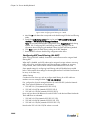
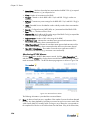
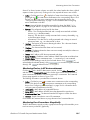
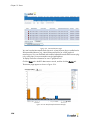
See “Monitoring Devices in RF Autocontainment” on page 15-7 for information about
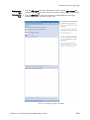
displaying a list of devices currently in active containment.
BlueSecure™ Controller Setup and Administration Guide
13-7