1
General Operation
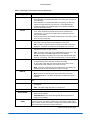
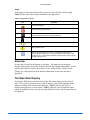
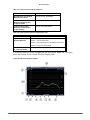
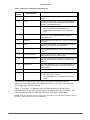
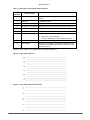
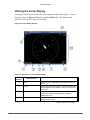
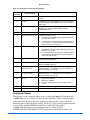
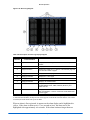
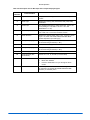
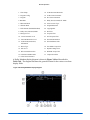
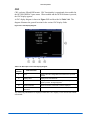
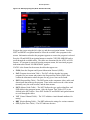
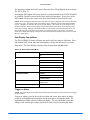
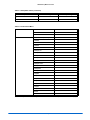
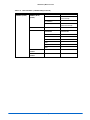
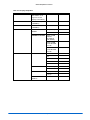
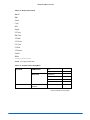
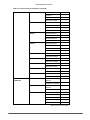
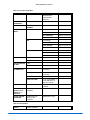
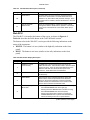
Table 3-46. Description of Simultaneous VTM Classic Display (continued)
Key
Description
19
Waveform or Eye Pattern and Jitter display of selected input(s).
20
Indicates the selected aspect ratio of the picture.
21
Picture Gamut indication.
22
Indicates the Closed Caption selection.
23
Displays the picture for the selected input.
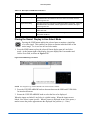
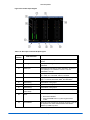
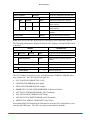
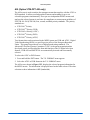
The VTM Classic panes are located in fixed pane locations. Panes cannot be moved
while in this mode. Press the appropriate display button to highlight and change a
function selection (i.e. from vector to gamut or waveform to eye pattern). The VTM
classic display can only utilize a single input.
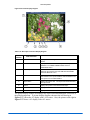
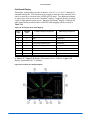
The panes are linked together for Line select and cursor movement. When line select is
enabled, the WFM and VEC are in line select and the picture cursor show and follow
the line selection.
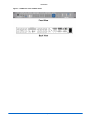
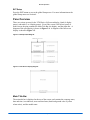
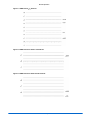
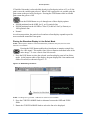
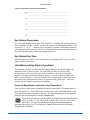
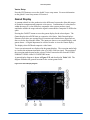
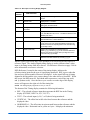
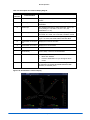
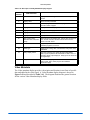
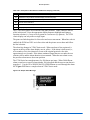
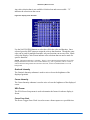
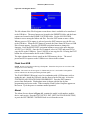
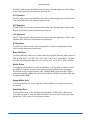
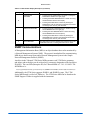
The alarm log changes in VTM Classic mode. When an alarm is first registered, it
appears at the top of the alarm display area in yellow. If the alarm is short term (i.e.,
two seconds or less), the alarm text reverts to the original graticule color after
approximately two seconds. If the alarm continues longer than two seconds, the text
remains yellow and the alarm duration is incremented. When the next alarm occurs,
the previous alarm moves down one position.
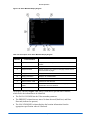
The VTM Series has enough memory for 200 alarms per input. When 200 different
alarm events have occurred, alarm number 200 is dropped and the most recent alarm is
tagged as 1. Use the UP or DOWN NAVIGATION buttons to scroll through the alarm
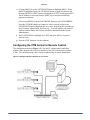
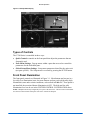
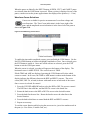
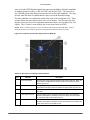
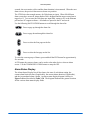
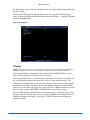
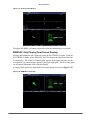
list. Figure 3-55 shows a sample alarm in VTM Classic mode.
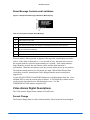
Figure 3-55. Sample Alarm Message
3-80
VTM Series Installation and Operation Handbook