1
General Operation
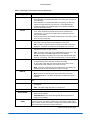
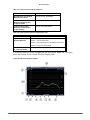
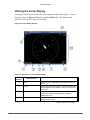
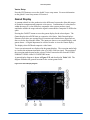
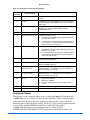
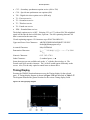
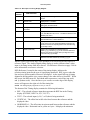
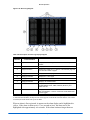
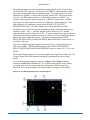
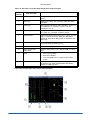
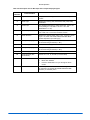
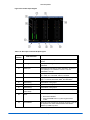
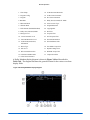
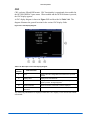
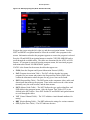
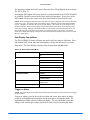
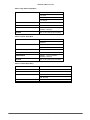
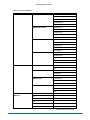
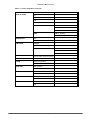
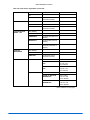
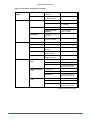
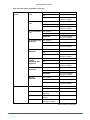
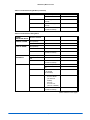
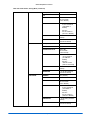
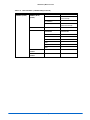
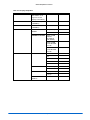
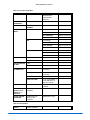
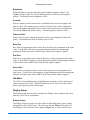
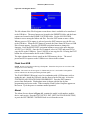
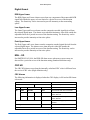
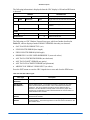
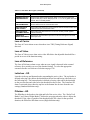
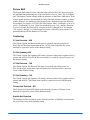
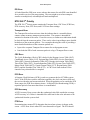
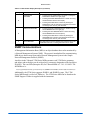
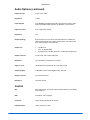
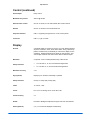
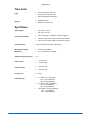
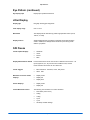
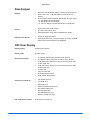
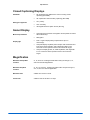
Table 3-6. Description of Waveform Display Diagram
Field
Identifier
Field information
Nomenclature
1
Input
Displays the user-configurable source IDs for the input and
routers.
2
Format
Displayed as YCBCR, RGB, YRGB, or Composite (CMPST).
This can be selected in the HD FORMAT or SD FORMAT
submenu of the WFM Pane menu.
3
Filter
Displayed as FLT, LP, CHR, BOW (Bowtie), R-Y
This can be selected in the COMPOSITE or
COMPONENT FILTER submenu of the WFM Pane
menu.
4
Standard
Displays the Line Rate/Frame Rate [1080i/59.94]. This is
selected in the VIDEO FORMAT\VIDEO A though D
CONFIGURE menu.
5
Reference
Displays the reference as INT, EXT. Toggled by pressing the
EXT button.
6
Gain
Displays the selected gain. The Gain ranges are 0.5 to 15.0.
Change by pressing the STEP or VAR button.
7
Amplitude cursor readout
Displays the amplitude cursor as AMP and the selected
numerical value followed by the unit or measure (mV, units,
or IRE).
8
Time cursor readout
Displays the time cursor as TIME and the selected numerical
value followed by the unit or measure (µS).
9
Line select information
Line select is shown as Line number with the ODD or EVEN
field (odd or even field will only show for interlaced Video
Formats).
10
WFM graticule
Shows the WFM RGB, YCBCR, or Composite graticule. The
graticule is dependent upon the Video format, Zoom, and
scale selections.
11
Scale
Indicates the major graticule indications for time.
12
Zoom
Displays Zoom when enabled
Blank when Zoom is disabled
Press the ZOOM button to cycle through the ZOOM
modes.
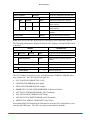
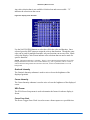
Graticules are configured by selecting the Video Input Format along with the
appropriate Waveform Setup scale adjustment (Units, %, or Volts). The scales can
also change when ZOOM is pressed.
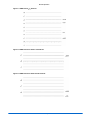
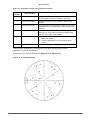
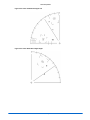
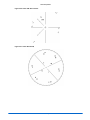
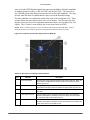
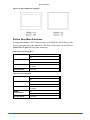
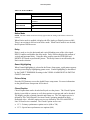
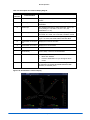
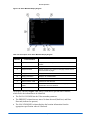
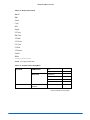
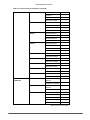
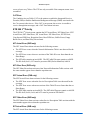
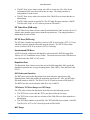
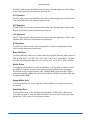
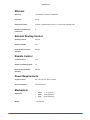
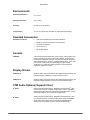
Figure 3-7 to Figure 3-9 illustrates some waveform graticules with the critical
amplitude limits for the video formats that can be displayed by the VTM Series. The
critical amplitude limits are indicated on the screen by special dashed lines.
NOTE: When in VAR mode for all waveform scales, the graticule scale and numeric identifiers will not
be shown. Only the graticule lines will be displayed.
VTM Series Installation and Operation Handbook
3-11