1
96
WIN-PAK User Guide
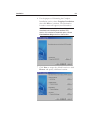
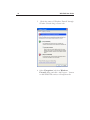
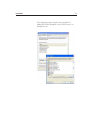
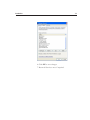
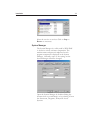
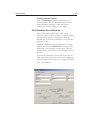
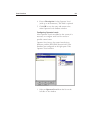
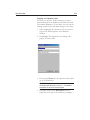
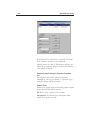
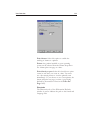
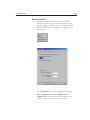
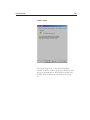
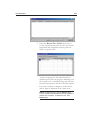
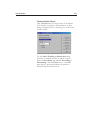
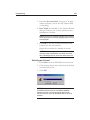
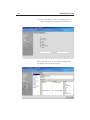
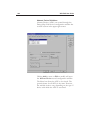
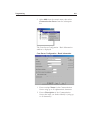
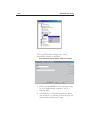
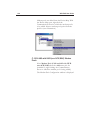
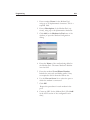
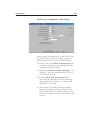
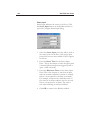
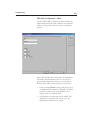
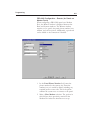
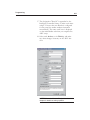
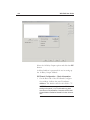
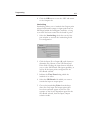
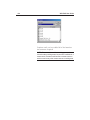
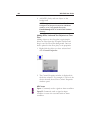
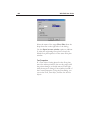
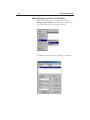
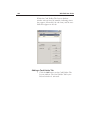
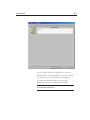
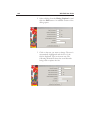
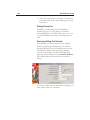
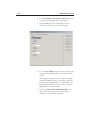
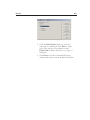
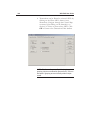
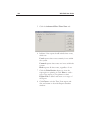
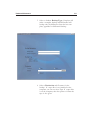
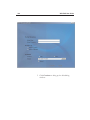
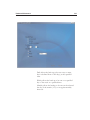
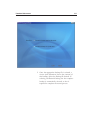
Press the Enter key on your keyboard, or click the
Connect button to log on to WIN-PAK.
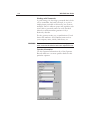
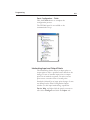
System Settings
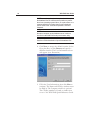
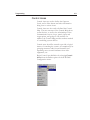
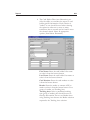
This section explains how to set up operators and
operator levels, how to configure a workstation, and
how to set certain system defaults such as alarm
handling.
NOTE: Operator levels should be defined after the access
control hardware has been defined in the Control Map.
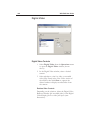
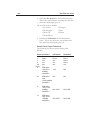
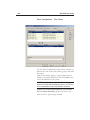
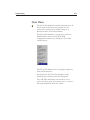
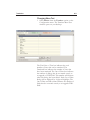
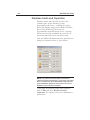
Operator Levels and Operators
Operators are individuals with defined rights and
privileges to view and/or change parts of the system.
Operator privileges can be very broad or they can be
greatly restricted [e.g. a workstation can be set up to
view alarms from just one door]. An administrator
can view and edit all devices, databases, and all parts
of the user interface.
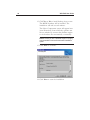
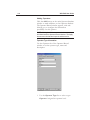
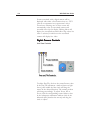
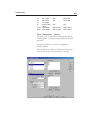
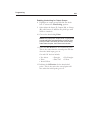
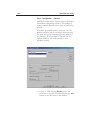
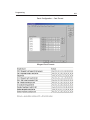
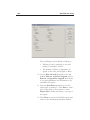
Operators are defined by Operator Level and Time
Zone. Operator Level defines the system
components to which the Operator has access and
the Time Zone defines when the operator can log in
to the system.