1
Reports
663
Report Window Conventions
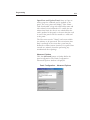
While the sorting and filtering options found on
Report detail windows vary depending upon the
individual report selected, certain conventions are
applied to all reports.
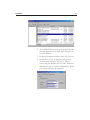
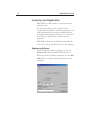
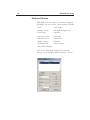
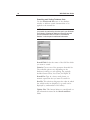
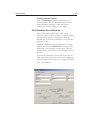
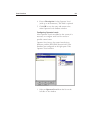
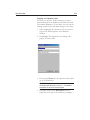
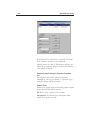
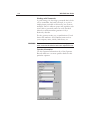
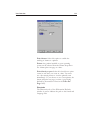
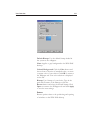
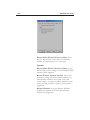
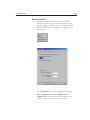
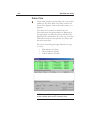
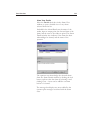
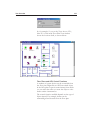
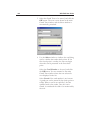
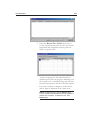
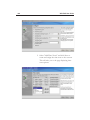
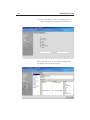
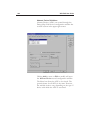
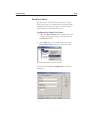
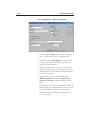
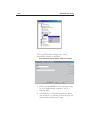
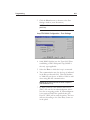
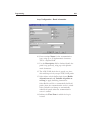
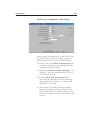
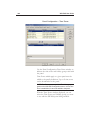
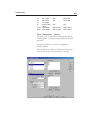
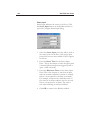
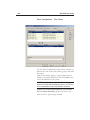
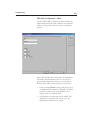
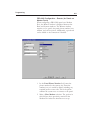
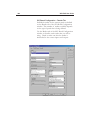
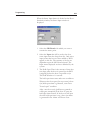
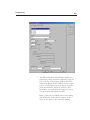
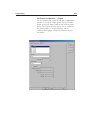
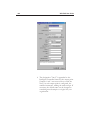
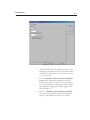
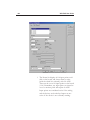
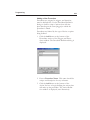
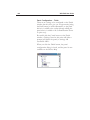
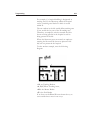
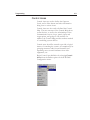
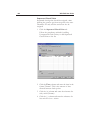
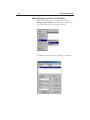
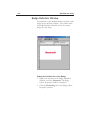
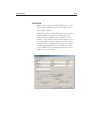
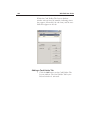
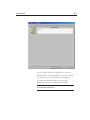
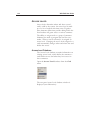
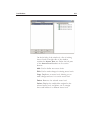
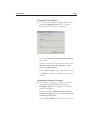
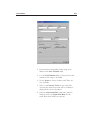
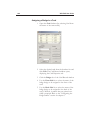
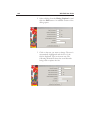
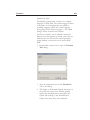
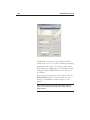
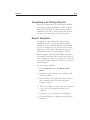
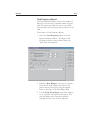
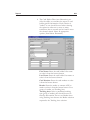
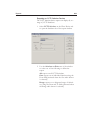
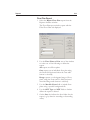
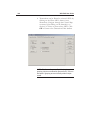
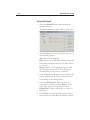
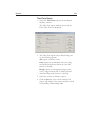
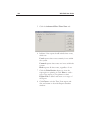
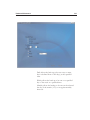
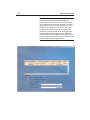
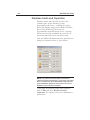
For example, many report windows have a set of
radio buttons used to filter the report.
When these filter options are presented, they are
used in the same manner across all reports.
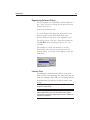
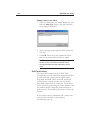
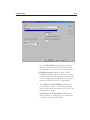
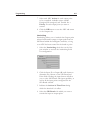
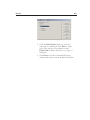
•
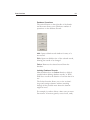
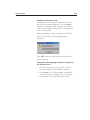
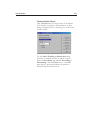
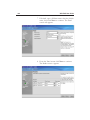
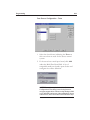
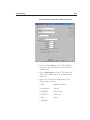
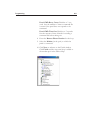
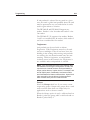
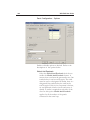
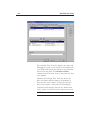
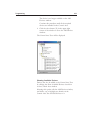
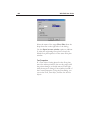
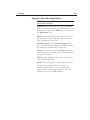
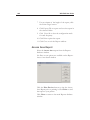
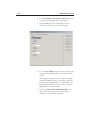
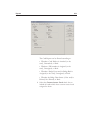
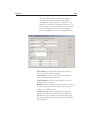
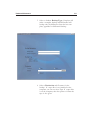
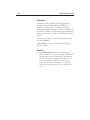
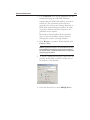
Select the All radio button to report on all
records that can be included in the report.
•
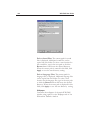
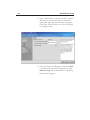
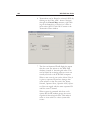
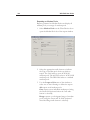
Select the One radio button to report on an
individual record. When the One button is
selected, the From field is activated, allowing a
selection to be made.
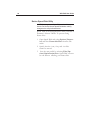
•
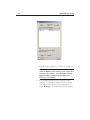
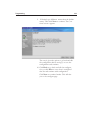
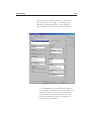
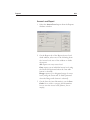
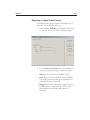
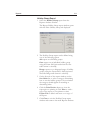
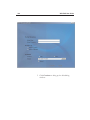
Select the Range radio button to report on a
designated range of records. When the Range
button is selected, both the From and To fields
are activated, allowing a reporting range to be
set.