1
531
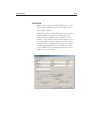
Badging
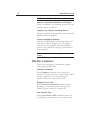
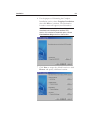
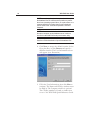
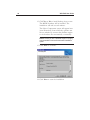
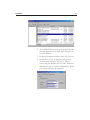
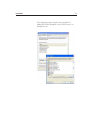
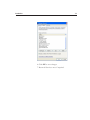
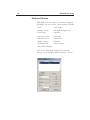
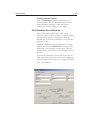
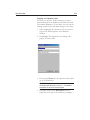
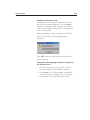
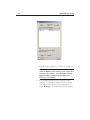
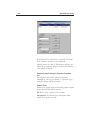
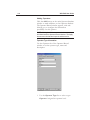
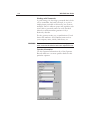
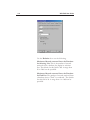
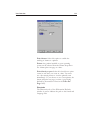
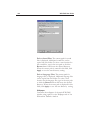
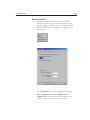
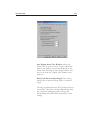
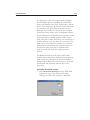
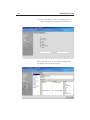
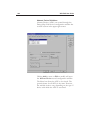
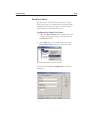
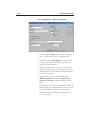
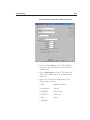
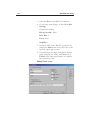
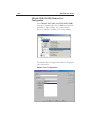
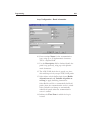
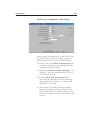
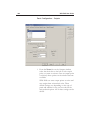
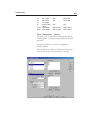
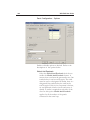
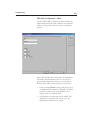
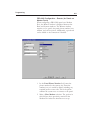
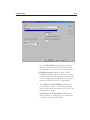
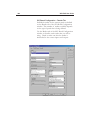
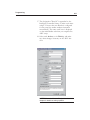
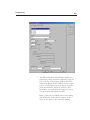
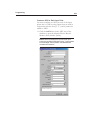
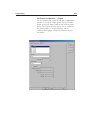
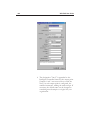
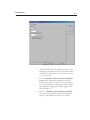
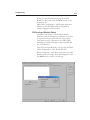
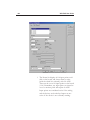
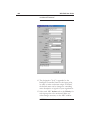
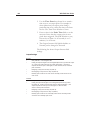
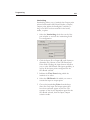
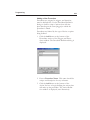
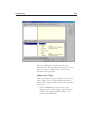
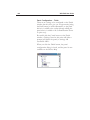
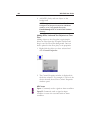
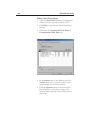
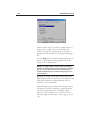
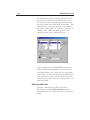
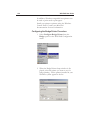
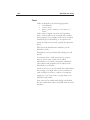
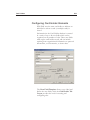
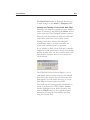
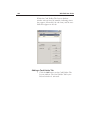
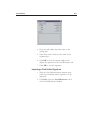
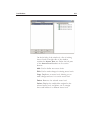
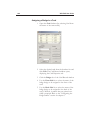
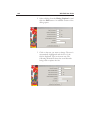
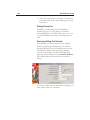
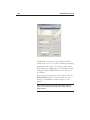
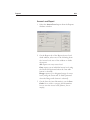
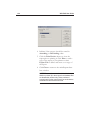
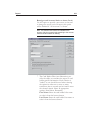
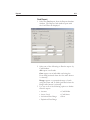
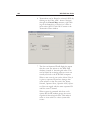
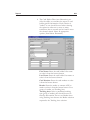
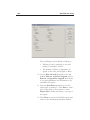
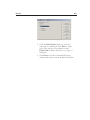
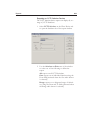
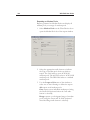
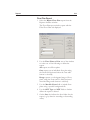
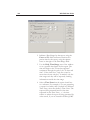
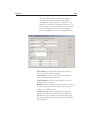
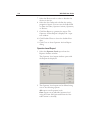
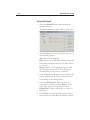
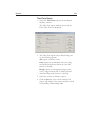
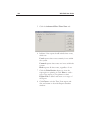
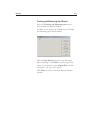
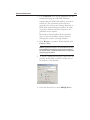
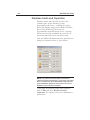
Options on the Positioning Tab
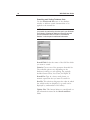
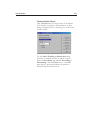
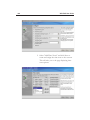
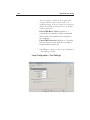
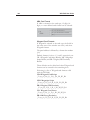
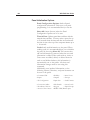
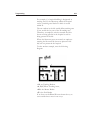
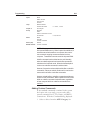
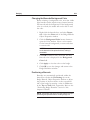
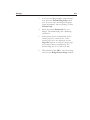
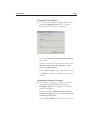
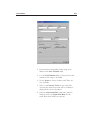
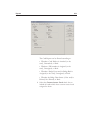
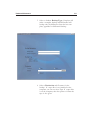
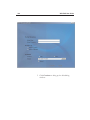
Horizontal: Places the graphic object in the top,
center, or bottom of the defined area.
Vertical: Places the graphic object to the right or left
side [or in the middle] of the defined area.
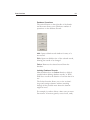
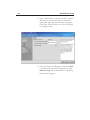
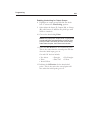
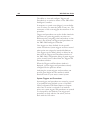
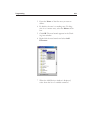
Orientation: Rotates the selected object by 90-egree
increments.
0° Places the object upright
90° Rotates the object 90° clockwise
180° Places the object upside-down
270° Rotates the object 90° counterclockwise
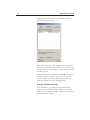
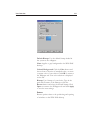
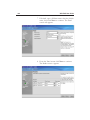
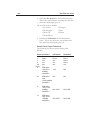
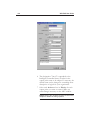
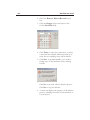
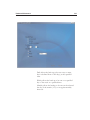
Top: Position from the top of the badge in
millimeters (normally 0 for PVC printers).
Left: Position from the left edge of the badge (in
millimeters (normally 0 for PVC printers).
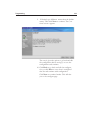
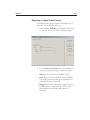
Height: Height of the badge in millimeters or
inches.
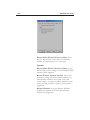
Width: Width of the badge in millimeters or inches.
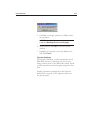
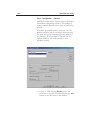
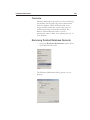
NOTE: By default, badge height and width is shown in
terms of inches.