1
Programming
435
Interlocking
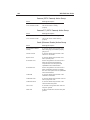
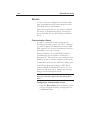
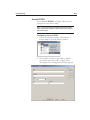
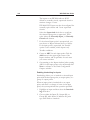
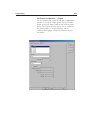
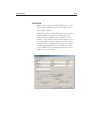
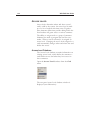
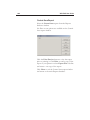
Interlocking allows you to interlock the Output point
selected with another SIO Board, Reader, or Input/
Output point within the Intelligent Controller, so
long as an ADV has been created for the board,
reader, or point.
1
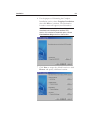
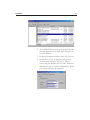
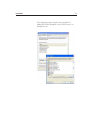
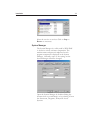
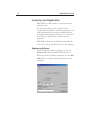
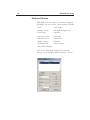
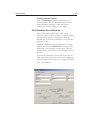
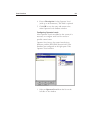
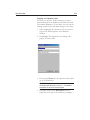
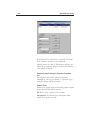
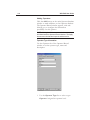
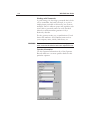
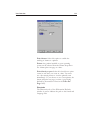
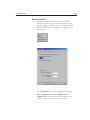
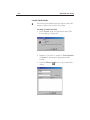
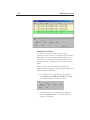
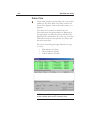
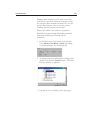
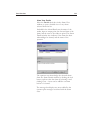
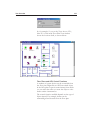
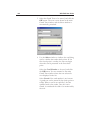
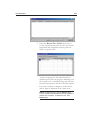
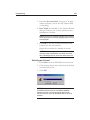
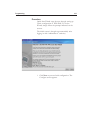
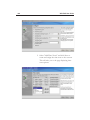
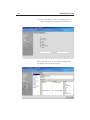
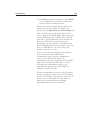
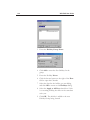
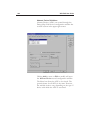
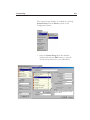
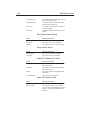
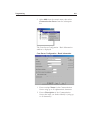
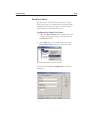
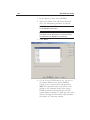
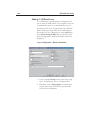
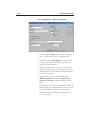
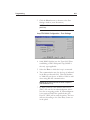
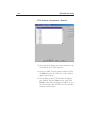
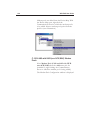
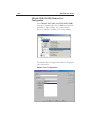
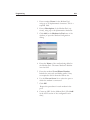
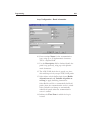
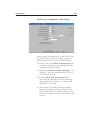
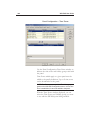
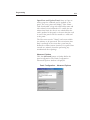
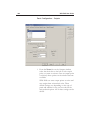
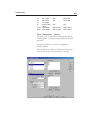
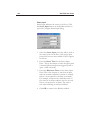
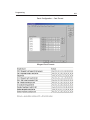
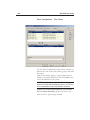
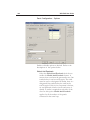
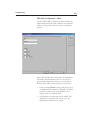
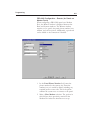
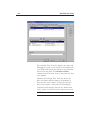
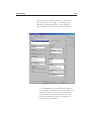
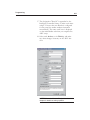
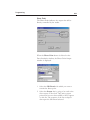
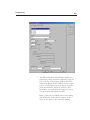
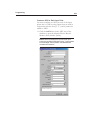
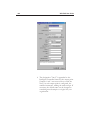
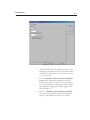
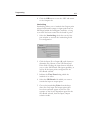
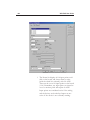
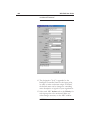
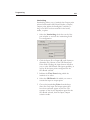
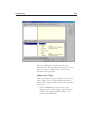
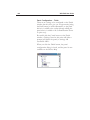
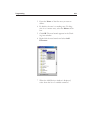
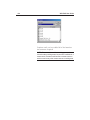
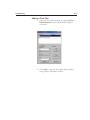
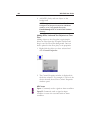
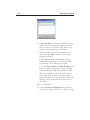
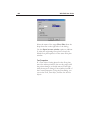
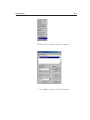
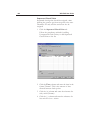
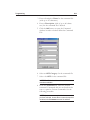
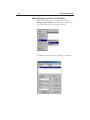
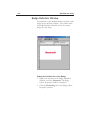
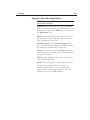
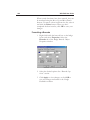
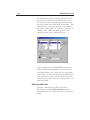
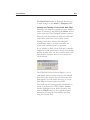
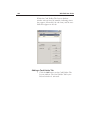
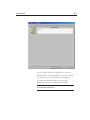
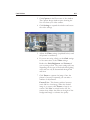
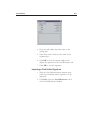
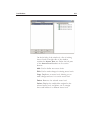
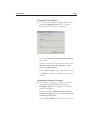
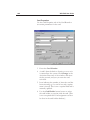
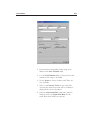
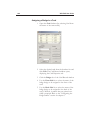
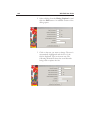
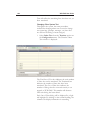
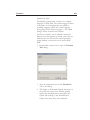
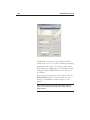
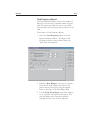
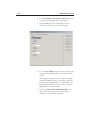
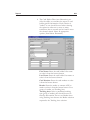
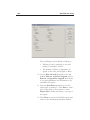
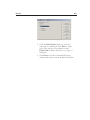
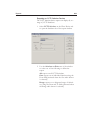
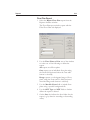
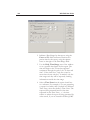
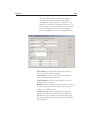
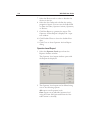
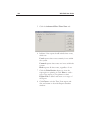
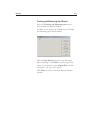
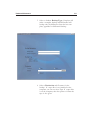
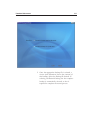
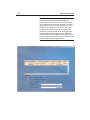
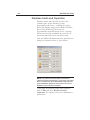
Select the Interlocking check box on the Outputs window to activate the interlocking fields
for configuration.
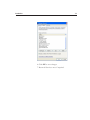
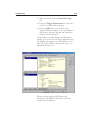
2
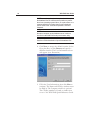
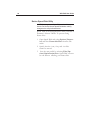
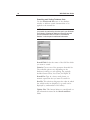
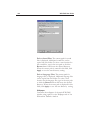
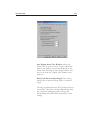
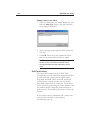
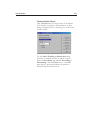
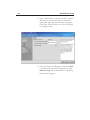
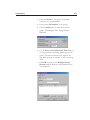
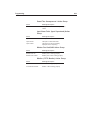
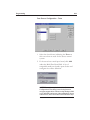
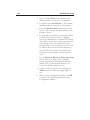
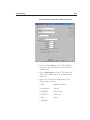
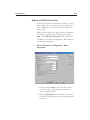
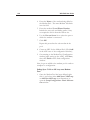
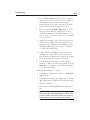
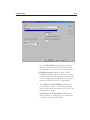
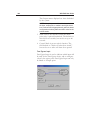
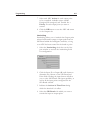
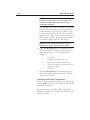
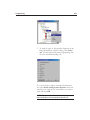
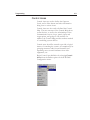
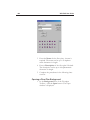
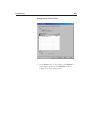
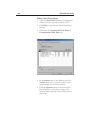
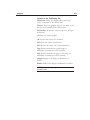
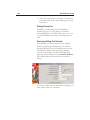
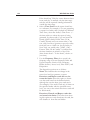
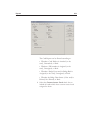
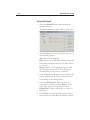
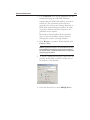
Click the Input (I) or Output (O) radio button to
determine the contents of the SIO Board and
Point fields. Clicking the input button will allow
you to select SIO Boards with input capability, as
well as all the input points configured for the
SIO Board selected.
3
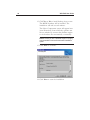
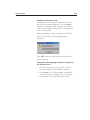
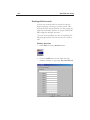
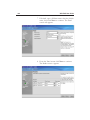
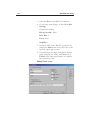
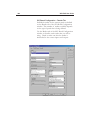
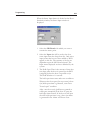
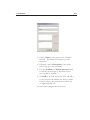
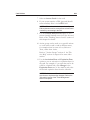
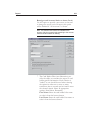
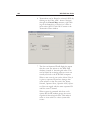
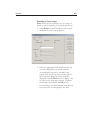
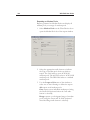
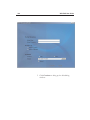
Indicate the Time Zone during which the
interlock is in effect.
4
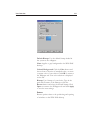
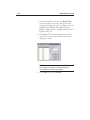
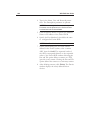
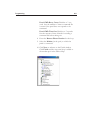
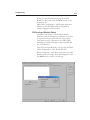
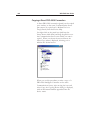
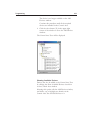
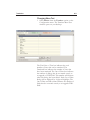
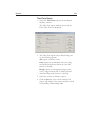
Select the SIO Board with which you want to
contain the input or output point.
5
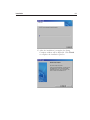
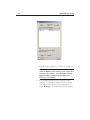
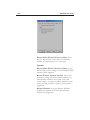
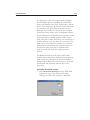
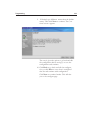
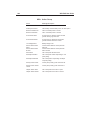
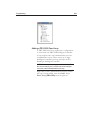
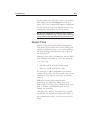
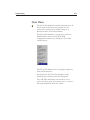
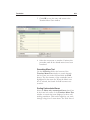
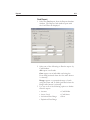
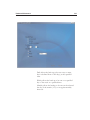
Choose the interlocking Point from the dropdown list. Only input and output points that
have been activated appear on this list. The
contents of the list are dependent upon first the
SIO Board selected, then the Input/Output
selection made.