1
544
WIN-PAK User Guide
3
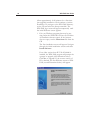
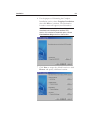
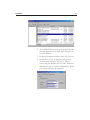
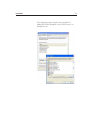
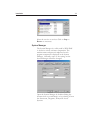
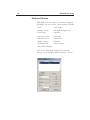
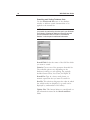
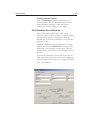
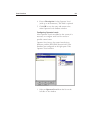
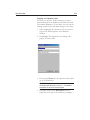
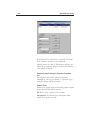
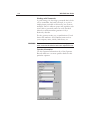
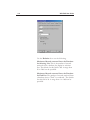
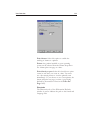
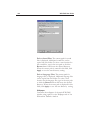
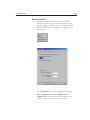
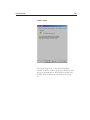
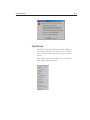
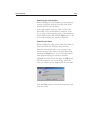
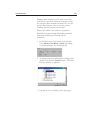
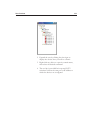
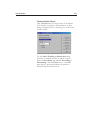
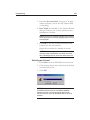
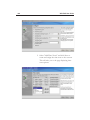
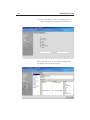
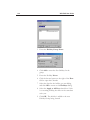
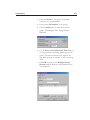
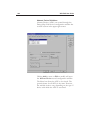
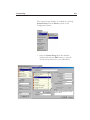
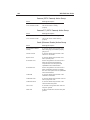
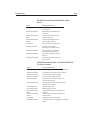
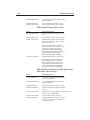
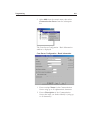
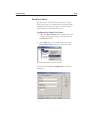
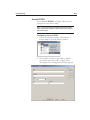
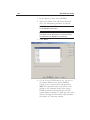
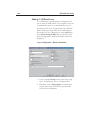
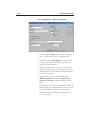
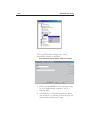
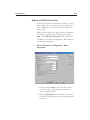
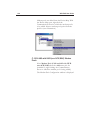
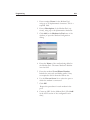
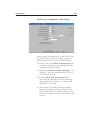
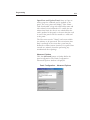
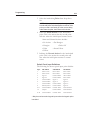
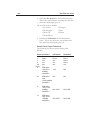
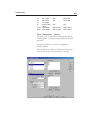
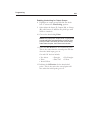
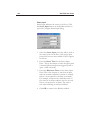
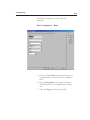
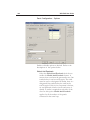
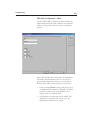
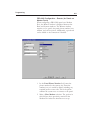
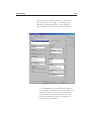
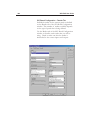
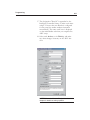
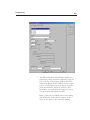
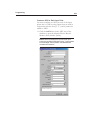
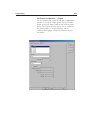
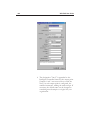
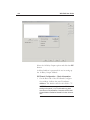
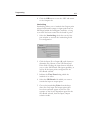
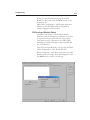
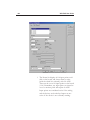
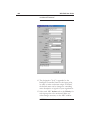
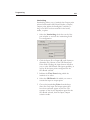
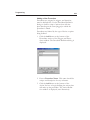
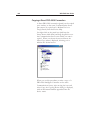
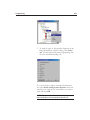
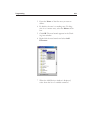
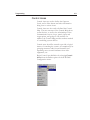
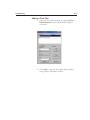
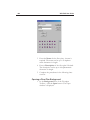
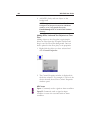
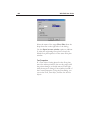
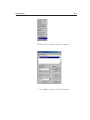
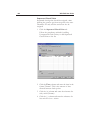
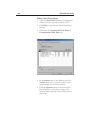
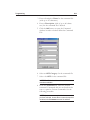
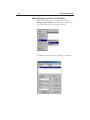
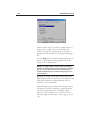
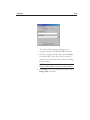
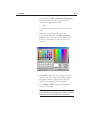
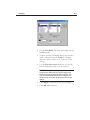
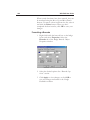
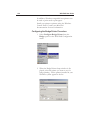
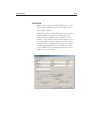
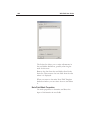
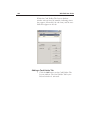
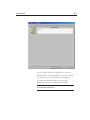
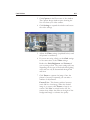
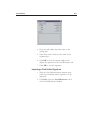
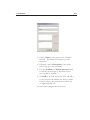
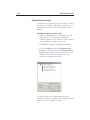
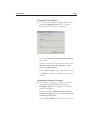
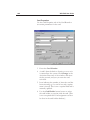
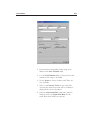
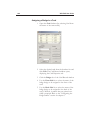
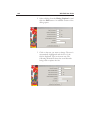
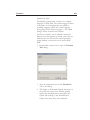
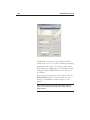
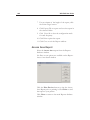
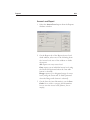
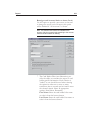
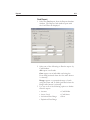
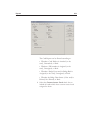
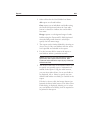
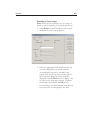
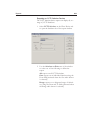
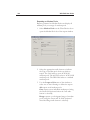
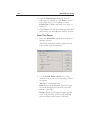
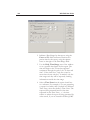
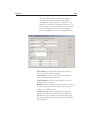
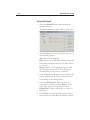
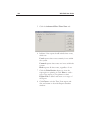
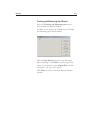
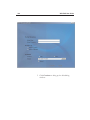
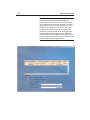
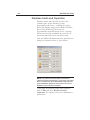
Select Fields or type in data for the Expression.
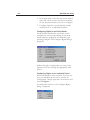
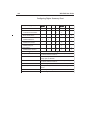
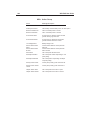
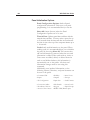
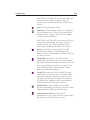
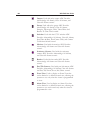
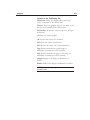
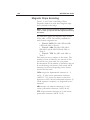
See the following explanation for magnetic stripe
encoding options.
4
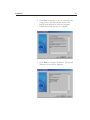
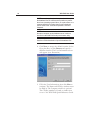
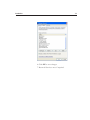
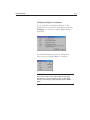
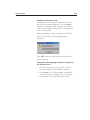
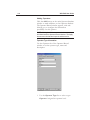
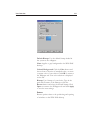
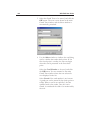
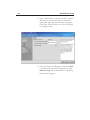
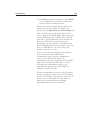
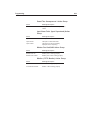
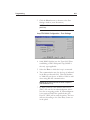
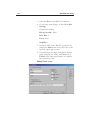
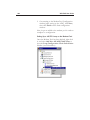
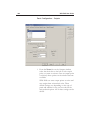
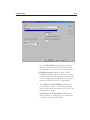
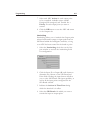
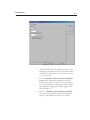
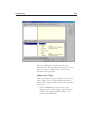
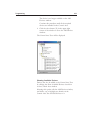
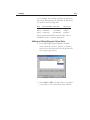
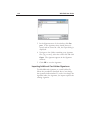
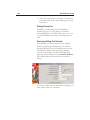
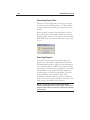
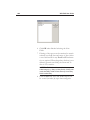
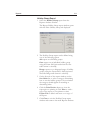
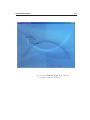
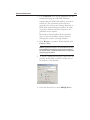
Click OK to save your entries and return to the
Track tab.
5
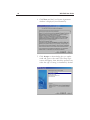
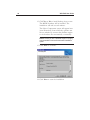
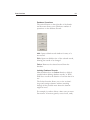
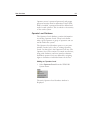
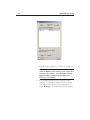
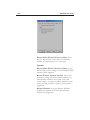
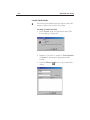
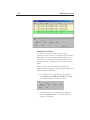
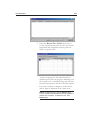
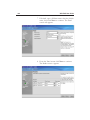
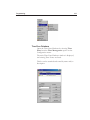
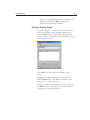
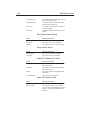
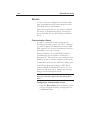
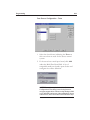
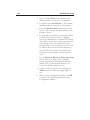
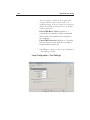
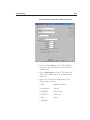
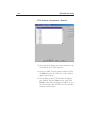
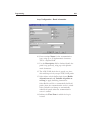
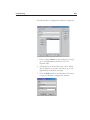
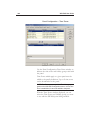
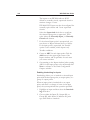
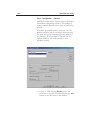
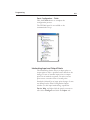
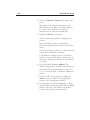
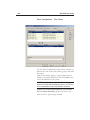
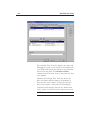
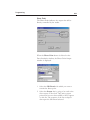
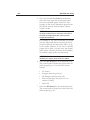
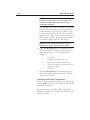
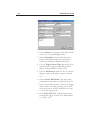
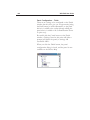
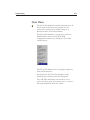
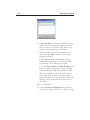
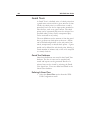
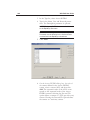
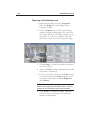
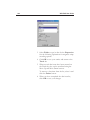
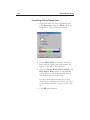
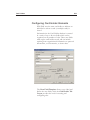
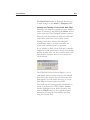
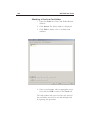
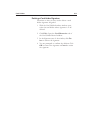
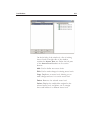
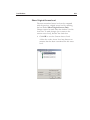
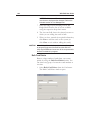
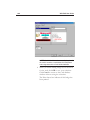
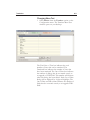
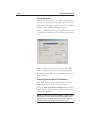
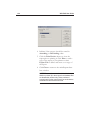
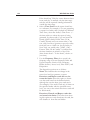
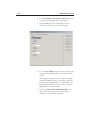
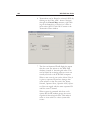
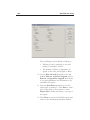
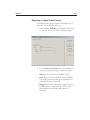
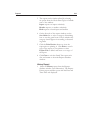
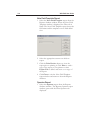
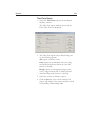
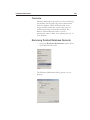
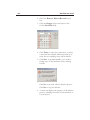
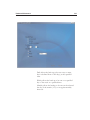
When several data items have been entered on
the Track tab, they can be reordered using the
Move Up and Move Down buttons.
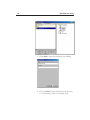
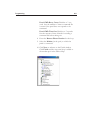
To remove a data item from the list, select it and
click the Delete button.
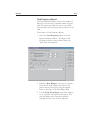
6
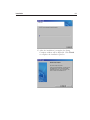
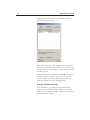
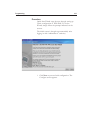
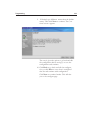
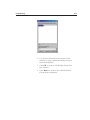
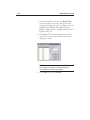
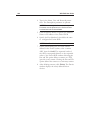
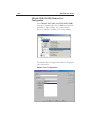
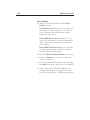
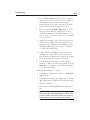
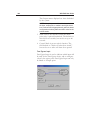
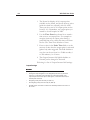
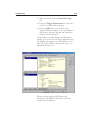
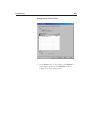
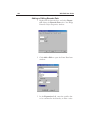
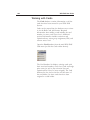
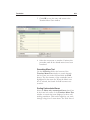
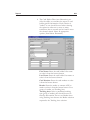
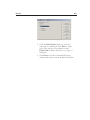
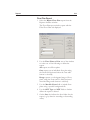
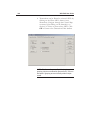
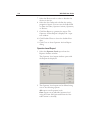
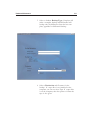
When you have completed the data item list,
click OK to save your changes.