1
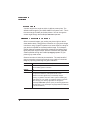
Configuration
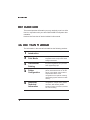
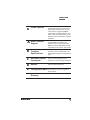
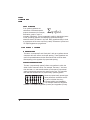
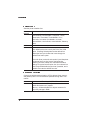
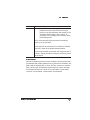
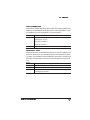
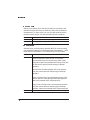
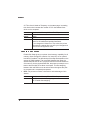
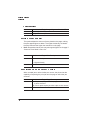
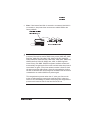
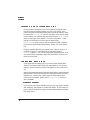
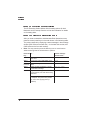
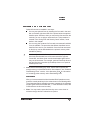
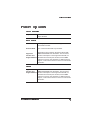
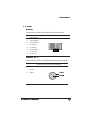
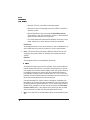
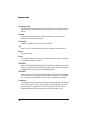
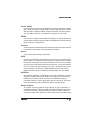
Menu
Previous
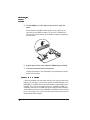
Return to the previous option or submenu within a
menu.
Select
Select an option or enter a submenu.
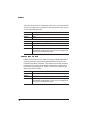
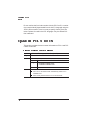
Example
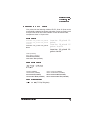
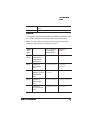
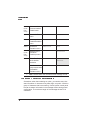
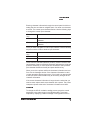
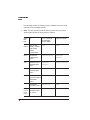
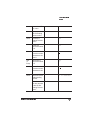
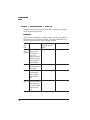
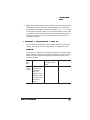
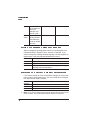
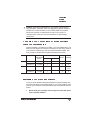
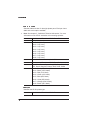
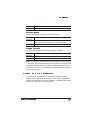
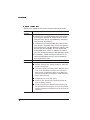
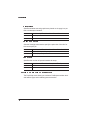
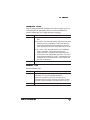
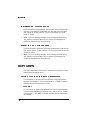
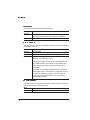
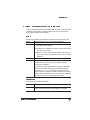
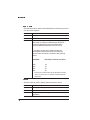
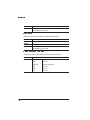
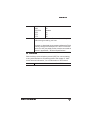
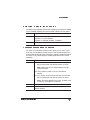
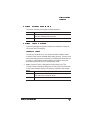
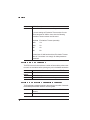
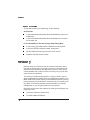
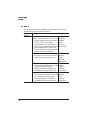
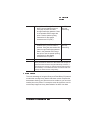
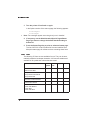
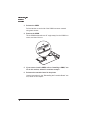
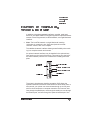
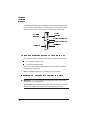
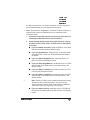
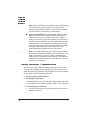
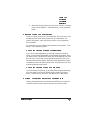
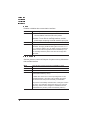
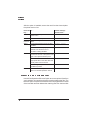
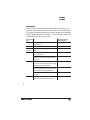
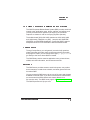
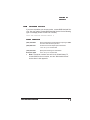
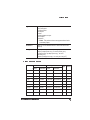
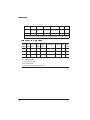
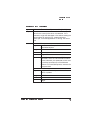
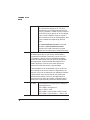
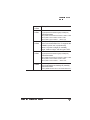
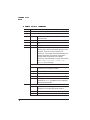
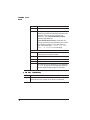
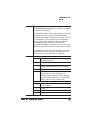
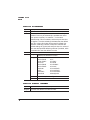
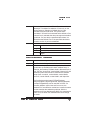
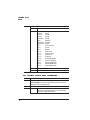
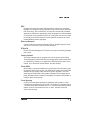
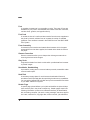
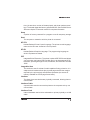
To change the default printer emulation from ESP to PostScript, press
the control panel keys in the order shown in the following table.
»
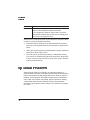
Note: You may need to press the Next key more than one time to
advance through the list of selections or options.
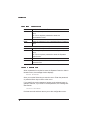
Press to...
this
key...
For 1.5 seconds,
the message
window reads ...
and then it
reads ...
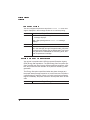
Online/
Offline
Turn off the Ready IDLE
indicator and
enable printer
configuration.
IDLE
Menu
Access the
configuration
menu.
CONFIGURATION
OPERATOR
CONTROL
Next
Advance to the
Operator Control/
Administration
menu.
OPERATOR
CONTROL
ADMINISTRATION
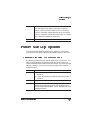
Select
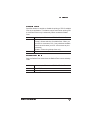
Access the
Administration
menu.
ADMINISTRATIO
N
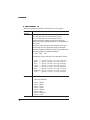
COMMUNICATIONS
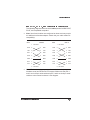
Select
Access the
Communications
menu.
COMMUNICATION
S
TIMEOUTS
Printer Configuration
4-7