1
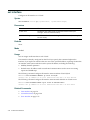
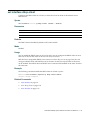
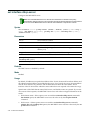
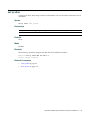
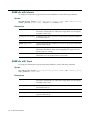
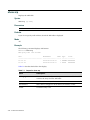
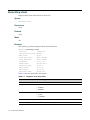
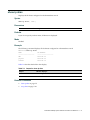
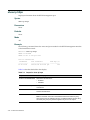
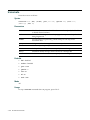
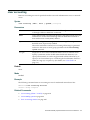
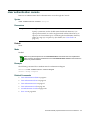
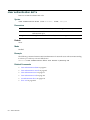
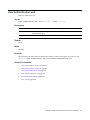
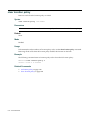
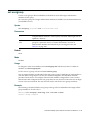
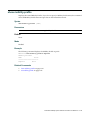
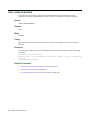
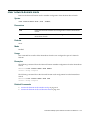
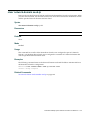
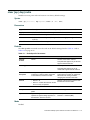
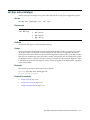
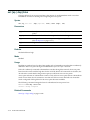
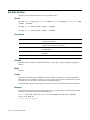
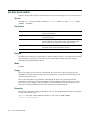
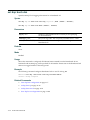
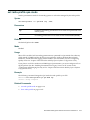
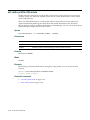
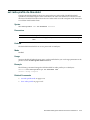
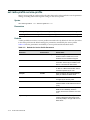
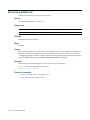
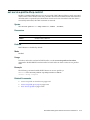
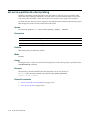
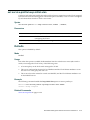
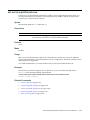
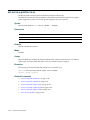
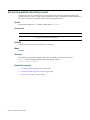
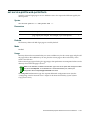
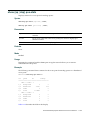
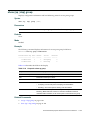
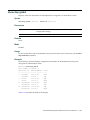
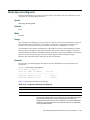
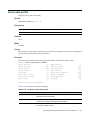
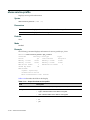
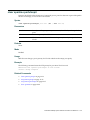
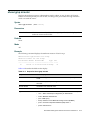
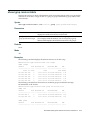
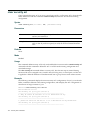
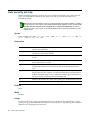
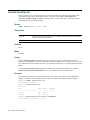
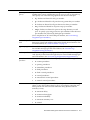
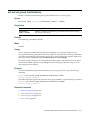
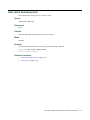
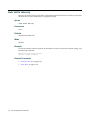
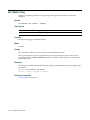
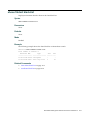
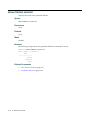
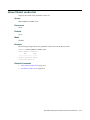
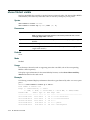
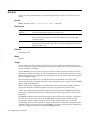
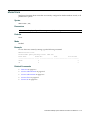
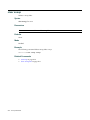
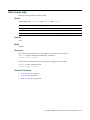
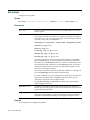
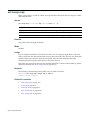
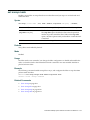
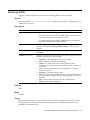
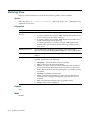
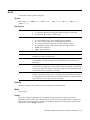
set ip ssh
Changes the TCP port number on which a RoamAbout switch listens for Secure Shell (SSH) management traffic.
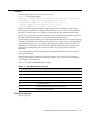
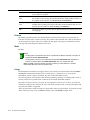
Caution: If you change the SSH port number from an SSH session, MSS immediately ends the
session. To open a new management session, you must configure the SSH client to use the new
TCP port number.
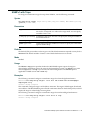
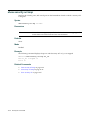
Syntax
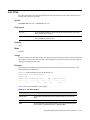
set ip ssh port port-num
Parameters
port‐num
TCP port number.
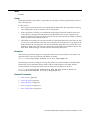
Defaults
The default SSH port number is 22.
Mode
Enabled.
Example
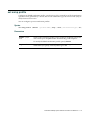
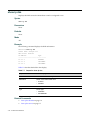
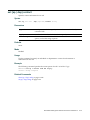
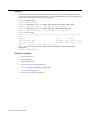
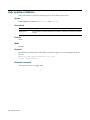
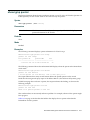
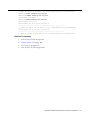
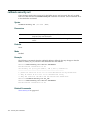
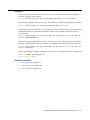
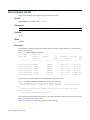
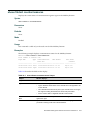
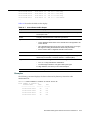
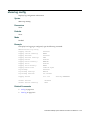
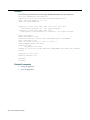
The following command changes the SSH port number on a RoamAbout switch to 6000:
RBT-8100# set ip ssh port 6000
success: change accepted.
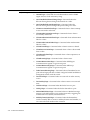
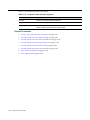
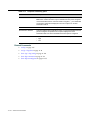
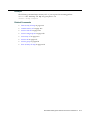
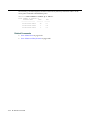
Related Commands
•
set ip ssh server on page 7‐38
•
set ip ssh server on page 7‐38
•
set ip ssh server on page 7‐38
RoamAbout Mobility System Software Command Line Reference
7-37