1
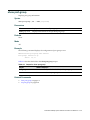
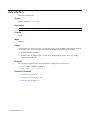
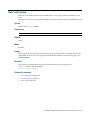
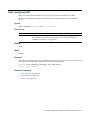
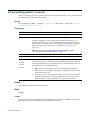
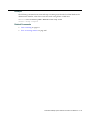
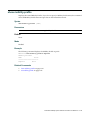
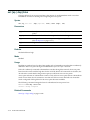
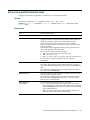
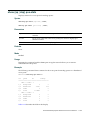
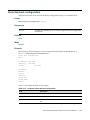
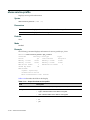
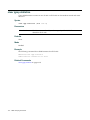
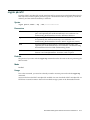
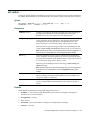
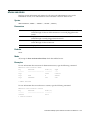
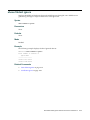
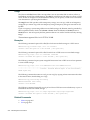
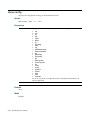
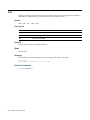
help
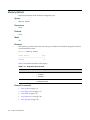
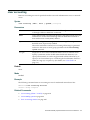
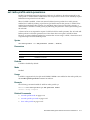
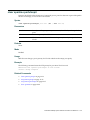
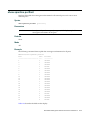
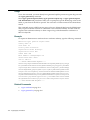
Displays a list of commands that can be used to configure and monitor the RoamAbout switch.
Syntax
help
Defaults
None.
Mode
All.
Example
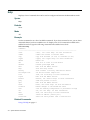
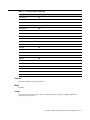
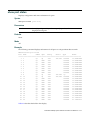
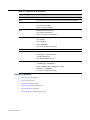
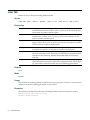
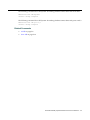
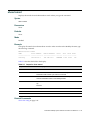
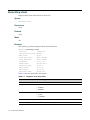
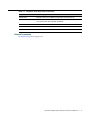
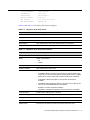
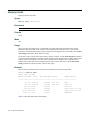
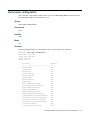
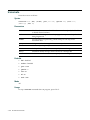
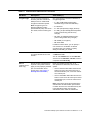
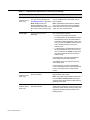
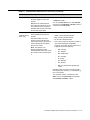
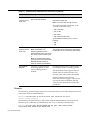
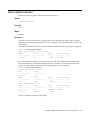
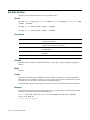
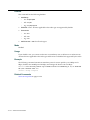
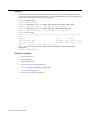
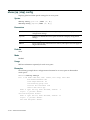
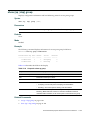
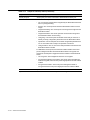
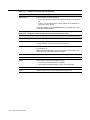
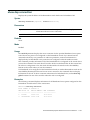
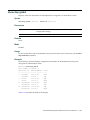
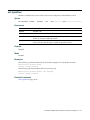
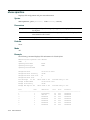
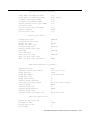
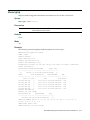
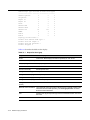
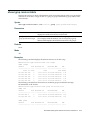
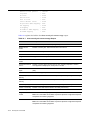
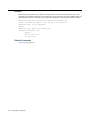
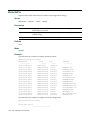
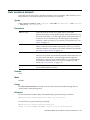
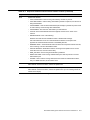
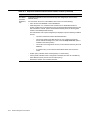
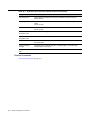
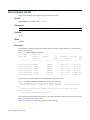
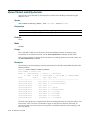
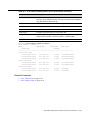
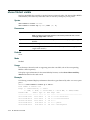
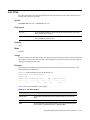
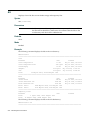
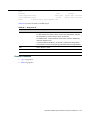
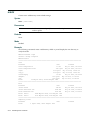
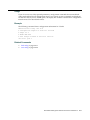
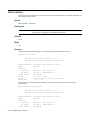
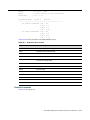
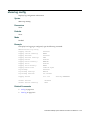
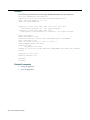
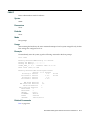
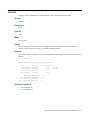
Use this command to see a list of available commands. If you have restricted access, you see fewer commands than if you have enabled access. To display a list of CLI commands available at the enabled access level, type the following command at the enabled access level:
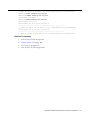
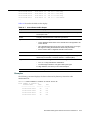
RBT‐8100# help
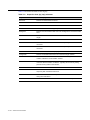
Commands:
------------------------------------------------------------------------clear
Clear, use 'clear help' for more information
commit
Commit the content of the ACL table
copy
Copy from filename (or url) to filename (or url)
crypto
Crypto, use 'crypto help' for more information
delete
Delete url
dir
Show list of files on flash device
disable
Disable privileged mode
exit
Exit from the Admin session
help
Show this help screen
history
Show contents of history substitution buffer
hit-sample-rate
Set NP hit-counter sample rate
load
Load, use 'load help' for more information
logout
Exit from the Admin session
monitor
Monitor, use 'monitor help' for more information
ping
Send echo packets to hosts
quit
Exit from the Admin session
reset
Reset, use 'reset help' for more information
rollback
Remove changes to the edited ACL table
save
Save the running configuration to persistent storage
set
Set, use 'set help' for more information
show
Show, use 'show help' for more information
telnet
telnet IP address [server port]
traceroute
Print the route packets take to network host
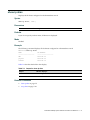
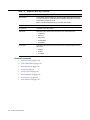
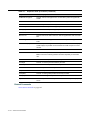
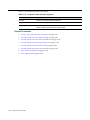
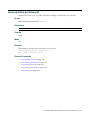
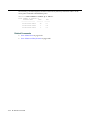
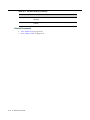
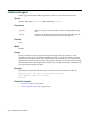
Related Commands
Using CLI Help on page 1‐7
3-6
System Services Commands