1
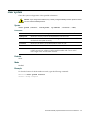
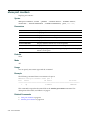
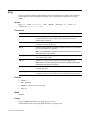
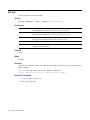
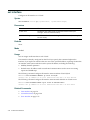
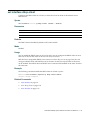
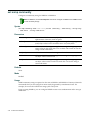
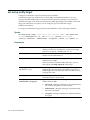
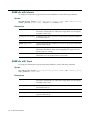
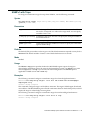
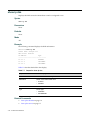
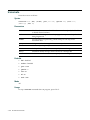
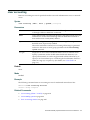
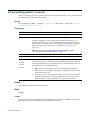
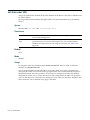
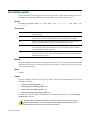
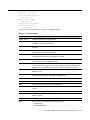
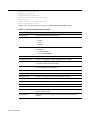
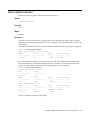
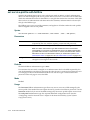
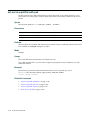
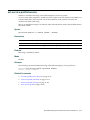
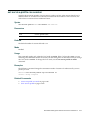
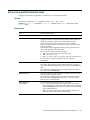
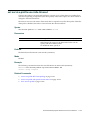
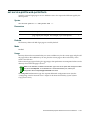
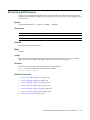
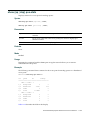
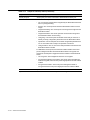
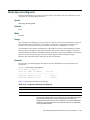
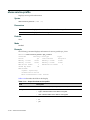
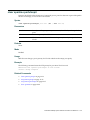
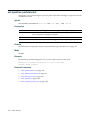
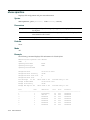
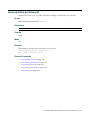
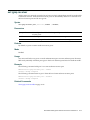
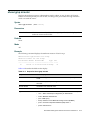
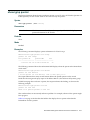
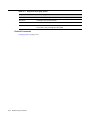
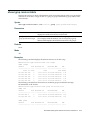
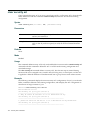
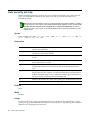
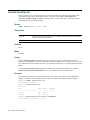
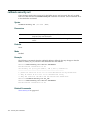
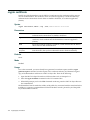
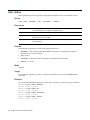
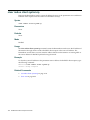
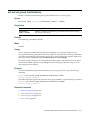
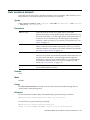
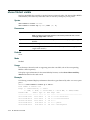
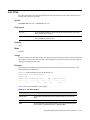
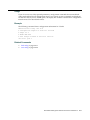
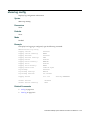
set accounting {admin | console}
Sets up accounting services for specified wireless users with administrative access, and defines the accounting records and where they are sent. Syntax
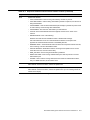
set accounting {admin | console} {user-glob} {start-stop | stop-only} method1
[method2] [method3] [method4]
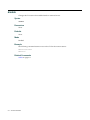
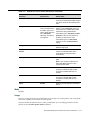
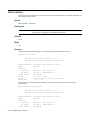
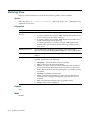
Parameters
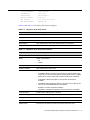
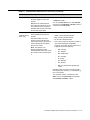
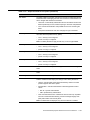
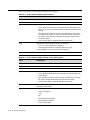
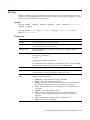
admin
Users with administrative access to the RAS through Telnet or Web View.
console
Users with administrative access to the RAS through a console connection.
user‐glob
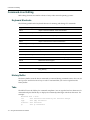
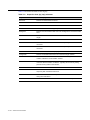
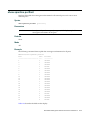
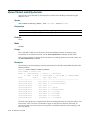
Single user or set of users with administrative access or network access. Specify a username, use the double‐asterisk wildcard character (**) to specify all usernames, or use the single‐asterisk wildcard character (*) to specify a set of usernames up to or following the first delimiter character—
either an at sign (@) or a period (.). (For details, see “User Globs” on page 1‐3.)
Note: This option does not apply if mac is specified. For mac, specify a
mac-addr-glob. (See “MAC Address Globs” on page 1-4.)
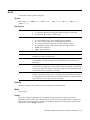
start‐stop
Sends accounting records at the start and end of a network session.
stop‐only
Sends accounting records only at the end of a network session.
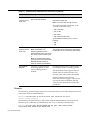
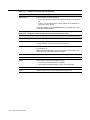
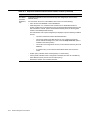
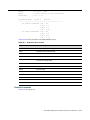
method1
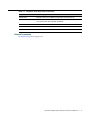
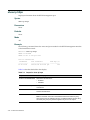
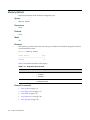
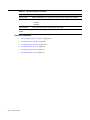
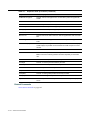
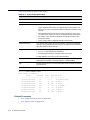
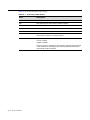
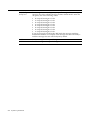
At least one of up to four methods that MSS uses to process accounting records. Specify one or more of the following methods in priority order. If the first method does not succeed, MSS tries the second method, and so on. method2
method3
method4
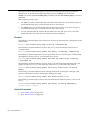
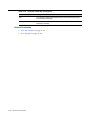
A method can be one of the following:
•
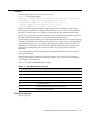
local—Stores accounting records in the local database on the RAS . When the local accounting storage space is full, MSS overwrites older records with new ones.
•
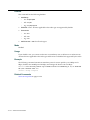
server‐group‐name—Stores accounting records on one or more Remote Authentication Dial‐In User Service (RADIUS) servers. You can also enter the names of existing RADIUS server groups as methods. Default
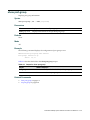
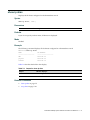
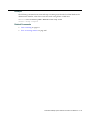
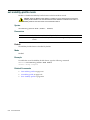
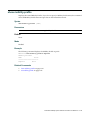
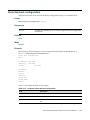
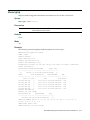
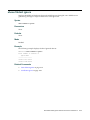
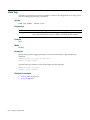
Accounting is disabled for all users by default.
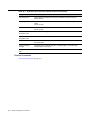
Mode
Enabled.
Usage
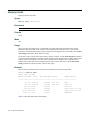
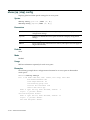
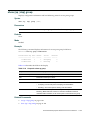
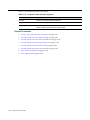
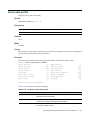
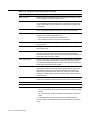
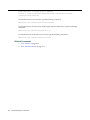
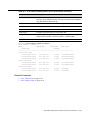
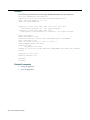
For network users with start‐stop accounting whose records are sent to a RADIUS server, MSS sends interim updates to the RADIUS server when the user roams.
8-22
AAA Commands