1
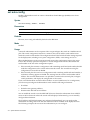
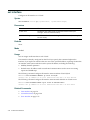
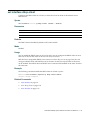
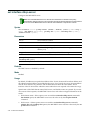
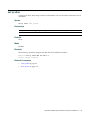
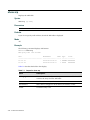
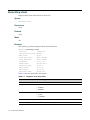
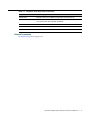
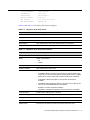
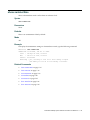
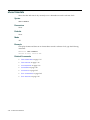
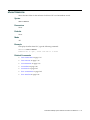
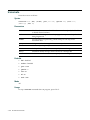
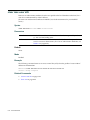
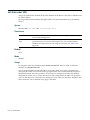
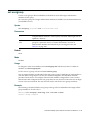
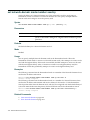
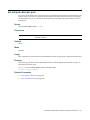
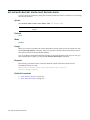
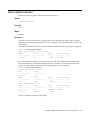
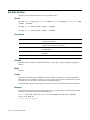
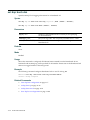
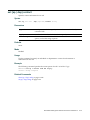
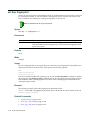
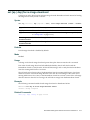
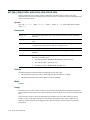
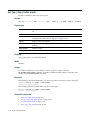
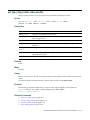
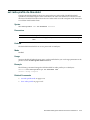
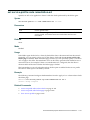
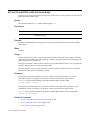
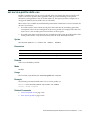
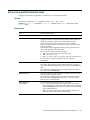
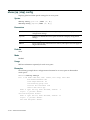
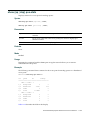
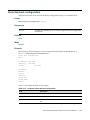
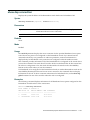
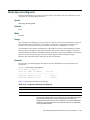
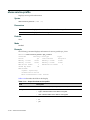
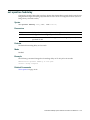
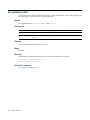
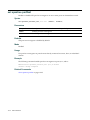
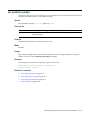
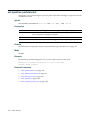
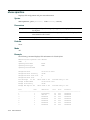
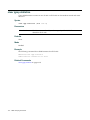
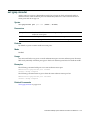
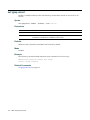
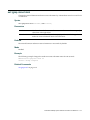
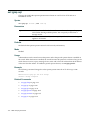
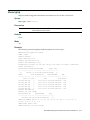
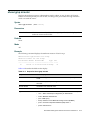
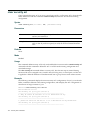
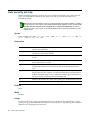
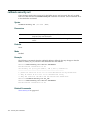
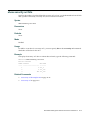
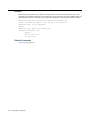
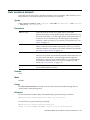
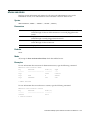
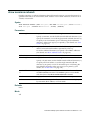
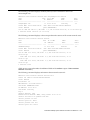
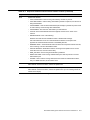
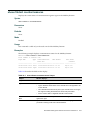
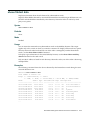
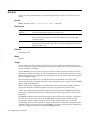
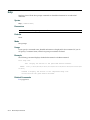
clear user attr
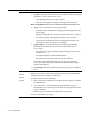
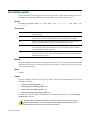
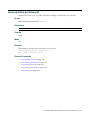
Removes an authorization attribute from the user profile in the local database on the RAS, for a user with a password.
(To remove an authorization attribute from a RADIUS user profile, see the documentation for your RADIUS server.)
Syntax
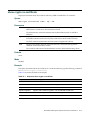
clear user username attr attribute-name
Parameters
username
Username of a user with a password.
attribute‐name
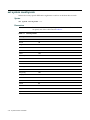
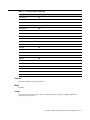
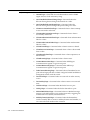
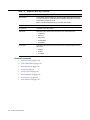
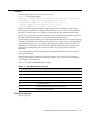
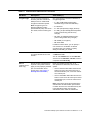
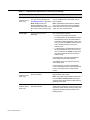
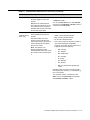
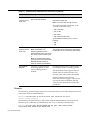
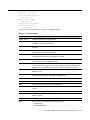
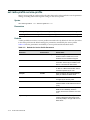
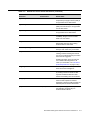
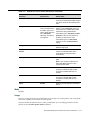
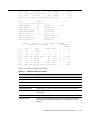
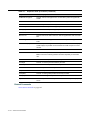
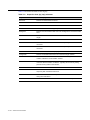
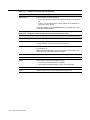
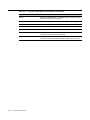
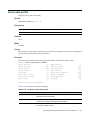
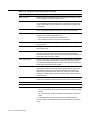
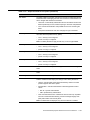
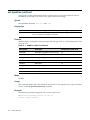
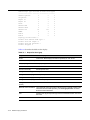
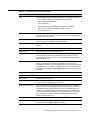
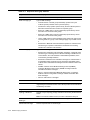
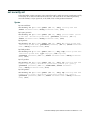
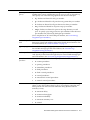
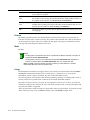
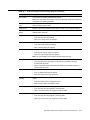
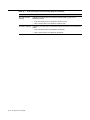
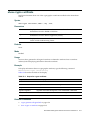
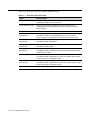
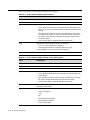
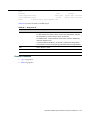
Name of an attribute used to authorize the user for a particular service or session characteristic. (For a list of authorization attributes, see Table 8‐1 on page 45.)
Default
None.
Mode
Enabled.
Example
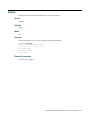
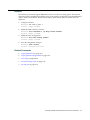
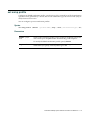
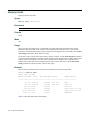
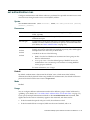
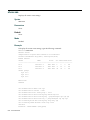
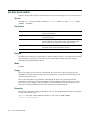
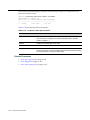
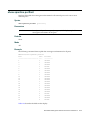
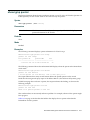
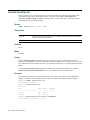
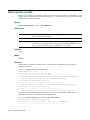
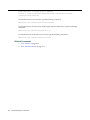
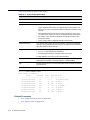
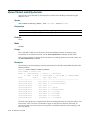
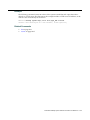
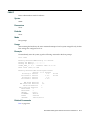
The following command removes the Session‐Timeout attribute from Hosni’s user profile:
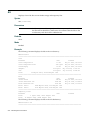
RBT-8100# clear user Hosni attr session-timeout
success: change accepted.
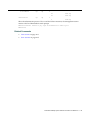
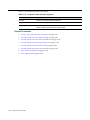
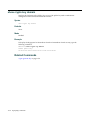
Related Commands
8-18
•
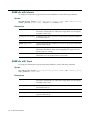
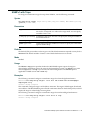
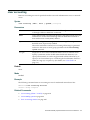
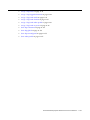
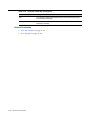
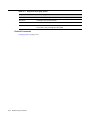
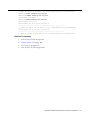
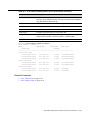
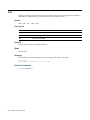
set user attr on page 8‐57
•
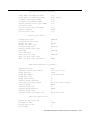
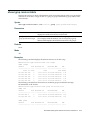
show aaa on page 8‐62
AAA Commands