1
Chapter 7: Using the Emulator with a Debugger
Using the Software Development Systems debugger
Examples
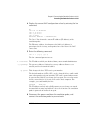
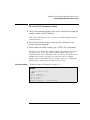
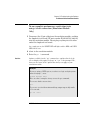
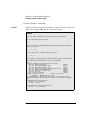
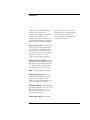
To see the speed that the emulator is using to communicate with
the target system you would issue the following command in the
SingleStep command window:
control -c "cf procck"
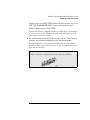
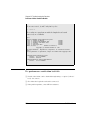
To change the speed to match a 25MHz processor clock you would
issue the following command in the command window:
control -c "cf procck=25"
For more information about "terminal interface" commands see page
77.
Download performance
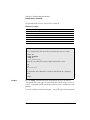
Downloads are fastest when the emulator speed is set to match that of
the target processor. The initial speed that the emulator uses to
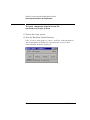
communicate with the target processor is set by the Processor clock
item in the connection tab of the "Debug" dialog. The user is
responsible for specifying this speed to be less than or equal to the
initial, reset, speed of the processor. Usually a command in the _config
alias will raise the speed of the processor above its initial, reset value.
For maximum download performance the command to increase the
target processor speed should be followed by a command to increase
the speed of the emulator communication:
Example
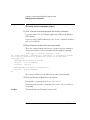
After setting the clock rate of the target processor, the following
command should be entered to increase the emulator
communication speed:
control -c "cf procck=25"
CPU32 Emulation
131