1
Chapter 3: Installing the Emulation Module
Installing the Emulation Module
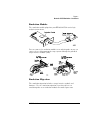
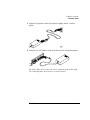
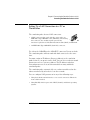
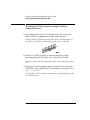
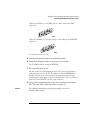
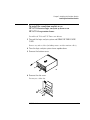
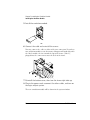
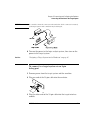
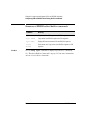
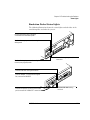
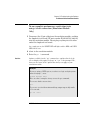
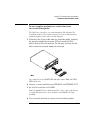
4 Install the emulation module.
5 Connect the cable and re-install the screws.
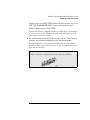
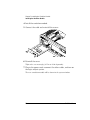
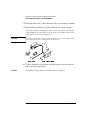
6 Reinstall the cover.
Tighten the screws snugly ( 2 N-m or 18 inch-pounds).
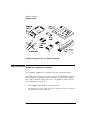
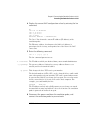
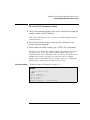
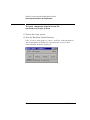
7 Plug in the power cord, reconnect the other cables, and turn on
the logic analysis system.
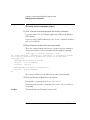
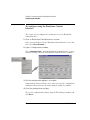
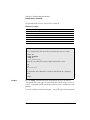
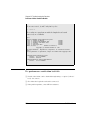
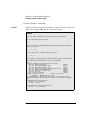
The new emulation module will be shown in the system window.
52
CPU32 Emulation