1
Chapter 5: Connecting and Configuring the Emulator
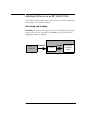
Connecting the Emulator to the Target System
To connect to a target system using an analysis
probe
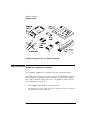
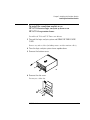
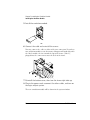
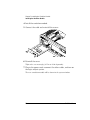
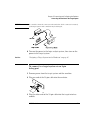
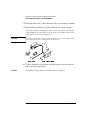
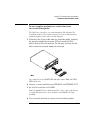
1 Remove power from the target system.
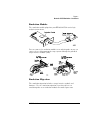
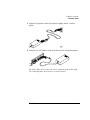
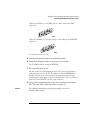
2 Plug one end of the 50-pin cable into the emulator. The
connectors are keyed.
3 Plug the other end of the 50-pin cable into the connector on the
analysis probe.
CPU32 Emulation
73