1
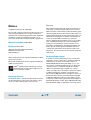
Chip Setup Sub-tab
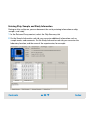
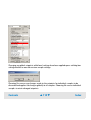
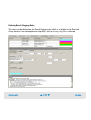
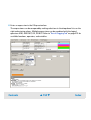
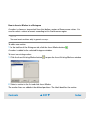
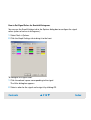
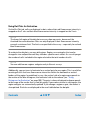
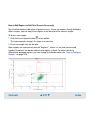
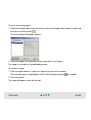
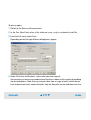
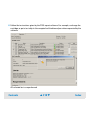
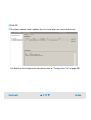
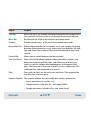
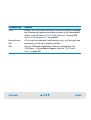
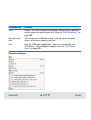
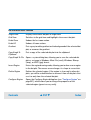
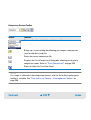
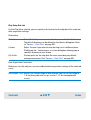
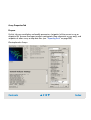
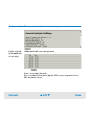
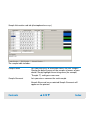
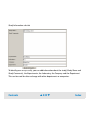
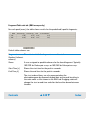
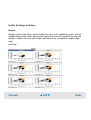
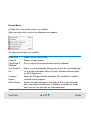
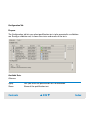
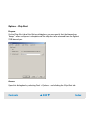
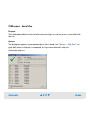
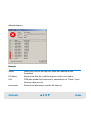
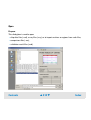
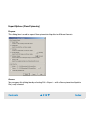
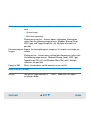
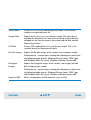
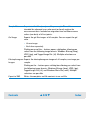
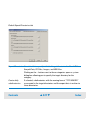
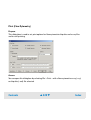
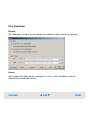
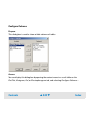
On the Chip Setup sub-tab, you can specify a destination for the chip data file, and make
data acquisition settings.
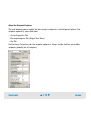
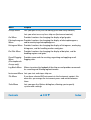
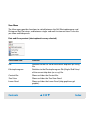
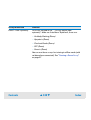
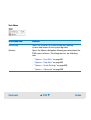
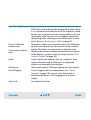
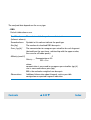
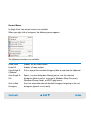
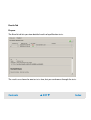
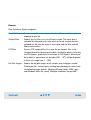
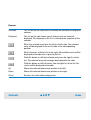
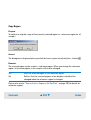
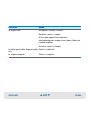
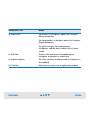
Destination
Default
Select Default if you want to save the chip run in the default directory.
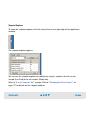
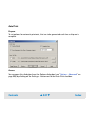
The default directory can be defined in the Options dialog box. Refer
to “Options – Data Files” on page 501.
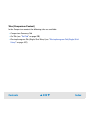
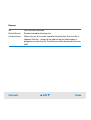
Custom
Select Custom if you want to save the chip run in a different place.
Clicking on the ... button opens a system dialog box allowing you to
specify a directory of your choice.
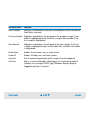
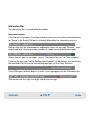
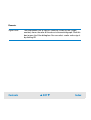
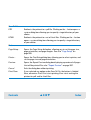
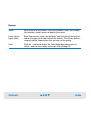
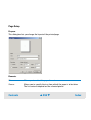
File Prefix
Custom prefix for the chip data file name, overriding any default
naming conventions. See “Options – Data Files” on page 501.
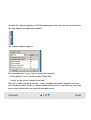
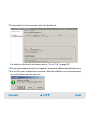
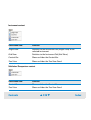
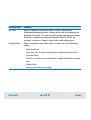
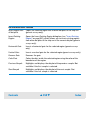
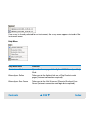
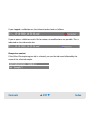
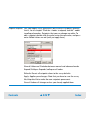
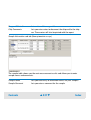
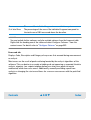
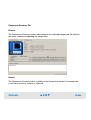
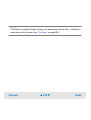
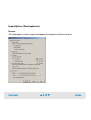
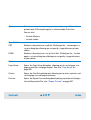
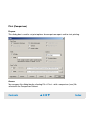
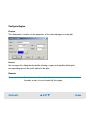
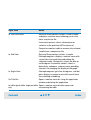
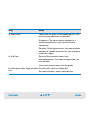
Data Acquisition Parameters
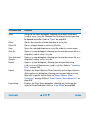
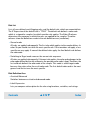
Before you start the chip run, you can modify the data acquisition settings of the selected
assay:
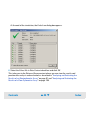
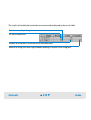
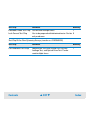
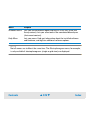
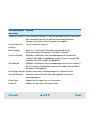
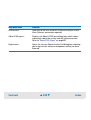
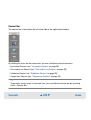
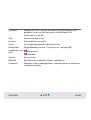
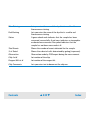
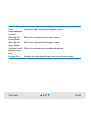
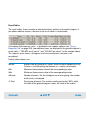
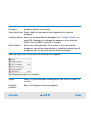
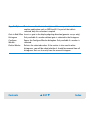
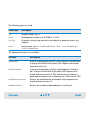
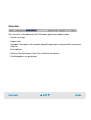
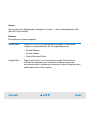
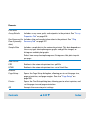
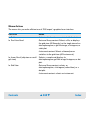
Run sample 1 to n Defines the sample range to be measured. You can set the range to
1...6 for flow cytometric assays, and to 1...12 for electrophoretic
assays.
Contents
▲ 408 ▼
Index