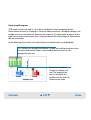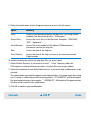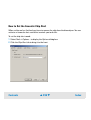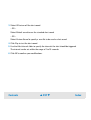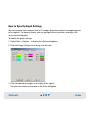
1
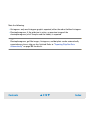
TIP
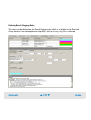
You can export result flagging rules and import rules from other assay or chip data
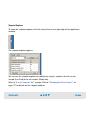
files. See “Exporting Result Flagging Rules” on page 274 and “Importing Result
Flagging Rules” on page 262.
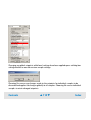
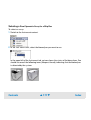
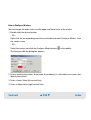
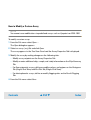
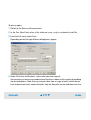
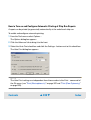
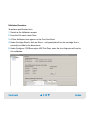
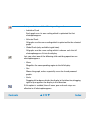
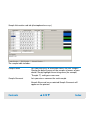
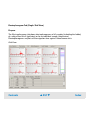
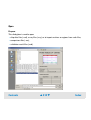
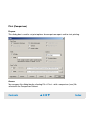
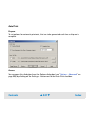
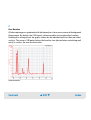
To define a result flagging rule for an electrophoretic assay:
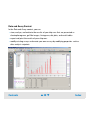
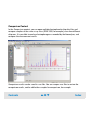
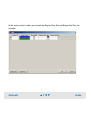
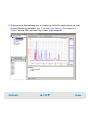
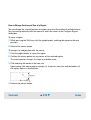
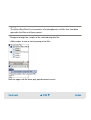
1 In the Data and Assay context open and select an electrophoretic chip data (.xad) or
assay (.xsy) file.
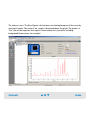
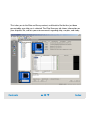
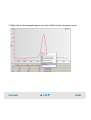
2 Switch to the Result Flagging tab.
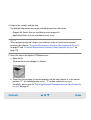
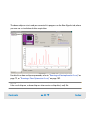
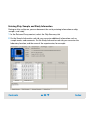
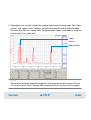
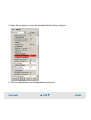
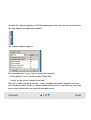
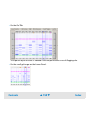
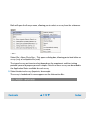
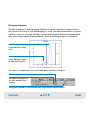
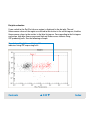
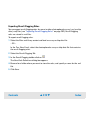
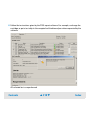
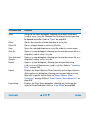
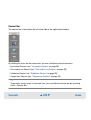
3 Create a new rule by clicking the Add Rule
button in the Result Flagging toolbar.
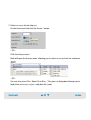
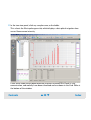
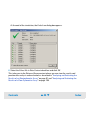
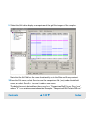
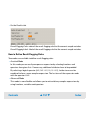
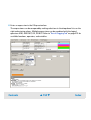
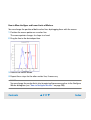
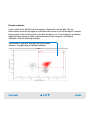
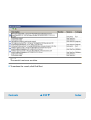
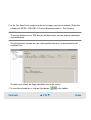
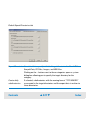
4 Select the rule in the rules list at the top of the tab.
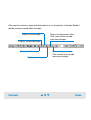
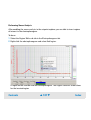
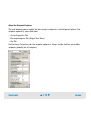
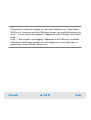
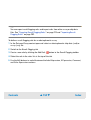
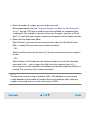
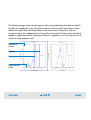
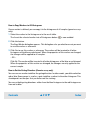
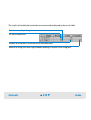
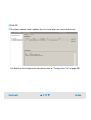
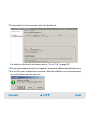
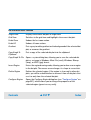
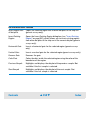
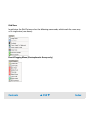
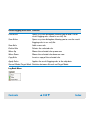
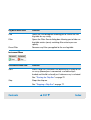
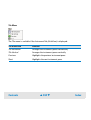
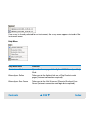
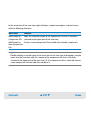
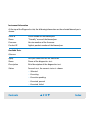
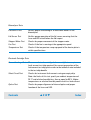
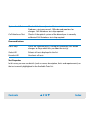
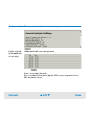
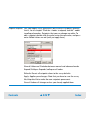
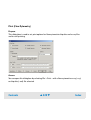
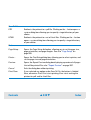
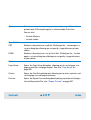
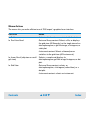
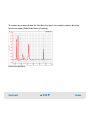
5 Use the Edit buttons to switch between the Label Expression, If Expression, Comment,
and Color Expression sections.
Contents
▲ 152 ▼
Index