1
Note that your desk phone can receive as many simultaneous calls as its
number of Line Appearance keys.
4
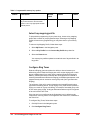
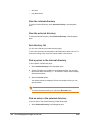
Select the Save button to save the information
Do not configure your Twinning Target to be your own company
phone number.
Call groups
Incoming calls to a call group have the opportunity to be answered by any
member of the call group. The way the call is presented to the group
members depends on the call group type. The five types of call groups are as
follows:
•
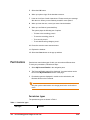
Broadcast group — all phones in the group ring simultaneously.
•
Pickup group - calls to any member of the group can be answered by
any other member who presses their pickup key.
•
Monitor group - all phones in the group ring simultaneously when a call
comes in to the primary member of the group.
•
Hunt group — phones in the group ring in sequence.
•
Rollover group — first available phone in the group rings.
In all cases, the first phone that picks up answers the call and stops the other
phones from ringing or being notified.
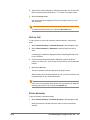
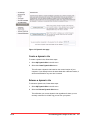
To view call groups of which you are a member, select My Call Groups in the
Navigation pane.
To view the members of a particular call group, select the Name of the call
group from the list.
Only the administrator can add a call group, or change the members of an
existing call group.
Join/leave call groups
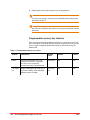
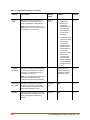
You can join and leave a call group of which you are a member if the call
group has been configured to allow joining and leaving. For Broadcast, Hunt
and Rollover groups, only the phones of members who are joined in the group
will ring when the call group is called. For Call Pickup groups, other phones in
the group will be notified only if the phone being called is joined in the group.
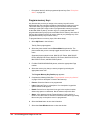
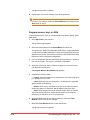
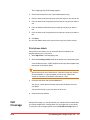
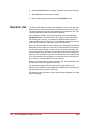
To join or leave a call group of which you are a member using the web
interface, follow these steps:
1
Final
Select My Call Groups in the Navigation pane.
Personalizing phone usage via the web 137