1
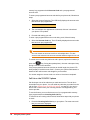
Note: If you forward your phone to an external phone number, you must
have permission to make that external call and Redirect Inbound Call to
External Number permission. See “Permissions” on page 122 for
instructions on how to view your call permissions.
If you have this feature turned on when you log out of your phone all your
calls will be forwarded to the number defined.
Forwarding your 5320/5330/5340/5260 phone to prompt
Using Forward to Prompt, you can send all incoming calls to a phone number
that you have entered via your phone. The LED on the programmed key
indicates when the phone is being forwarded.
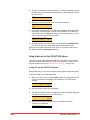
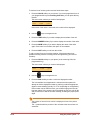
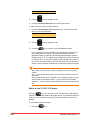
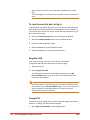
To forward to prompt, follow these steps:
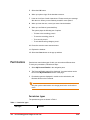
1
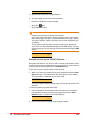
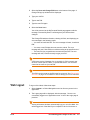
Press the Forward to Prompt key on your phone. The system will ask
you to enter a phone number.
2
Enter the phone number on the phone keypad.
3
Press the ENTER softkey.
To change the phone number for the forward to prompt, repeat the above
three steps.
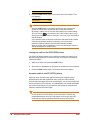
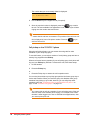
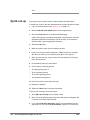
To turn forward to prompt off, follow these steps:
1
Press the Forward to Prompt key.
2
Press the FWDOFF softkey.
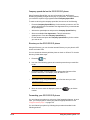
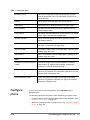
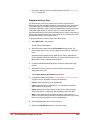
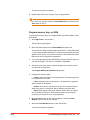
Notes: To use this feature, you must have a key programmed with
Forward to Prompt. See “Program memory keys” on page 124.
The system stores internal extensions, therefore you do not need to press
the ENTER softkey.
If you forward your phone to an external phone number, you must have
permission to make that external call and Redirect Inbound Call to
External Number permission. See “Permissions” on page 122 for
instructions on how to view your call permissions.
If you have this feature turned on when you log out of your phone all your
calls will be forwarded to the prompt defined.
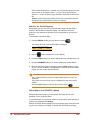
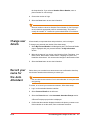
Handsfree answerback on the 5320/5330/5340/5260 phone
Using Handsfree answerback, you can have intercom calls automatically
answered so that you have a two-way speech connection. See “Intercom to
co-worker on the 5320/5330/5340/5260 phone” on page 21.
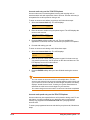
Press the Handsfree answerback key to turn the feature on. Press the key a
second time to turn the feature off. The LED on the programmed key indicates
when the Handsfree answerback feature is turned on.
20
Using the phone system
Final