1
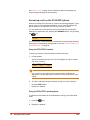
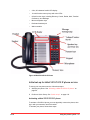
Answering a second call on the 5304 phone
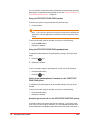
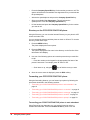
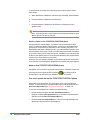
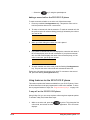
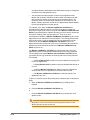
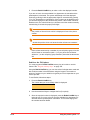
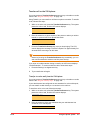
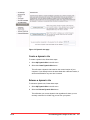
A second incoming call causes three things to happen: (1) the phone rings
once (only if you are using the handset), (2) a line appearance flashes, and
(3) the LCD displays the number and name of the caller, if known.
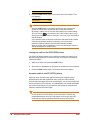
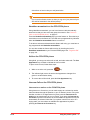
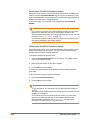
))321: Robin Jones
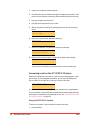
To answer a second call, choose one of the following:
•
Press the flashing Line Appearance key. This puts the active call on hold
and answers the second call.
•
End the first call by replacing the handset. The phone will start ringing.
Pick up the handset again to answer the second call.
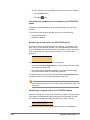
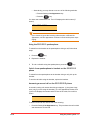
To switch between two active calls, press the flashing Line Appearance key.
This puts the active call on hold and activates the other call.
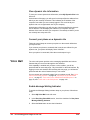
If the display shows )) prior to the number calling, this indicates that it is a
second call.
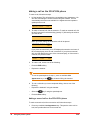
Making a call on the 5304 phone
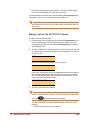
To make a call, follow these steps:
1
Lift the handset. This will select the next available Line Appearance.
2
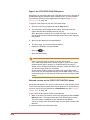
To make an internal call, dial the extension. To make an external call, dial
the prefix required for external dialing (usually 9) followed by the number
you want to call.
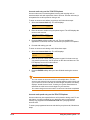
320
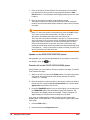
When you finish dialing the number the call is placed.
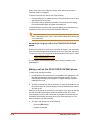
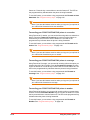
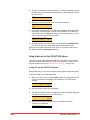
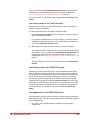
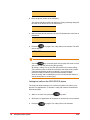
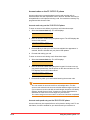
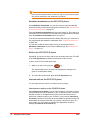
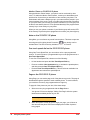
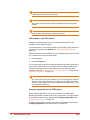
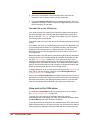
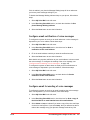
Calling: Robin Jones
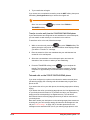
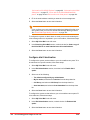
If you place an internal call, your LCD displays the extension and name of
the connected party once the call is answered. If you place an external
call, the LCD screen displays the name of the connected party, or if the
name is unknown, the phone number.
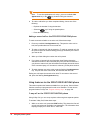
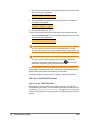
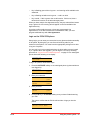
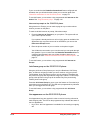
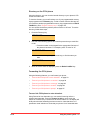
320: Robin Jones
3
Final
To end the call, replace the handset.
Using the phone system 85