1
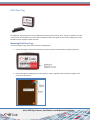
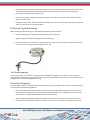
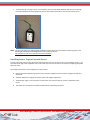
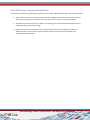
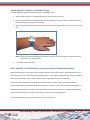
To mount M174-i IT Asset Tags using the Thin Loop tab (OTAB-i020), follow these guidelines:
•
•
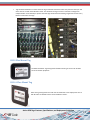
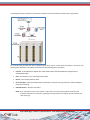
Thread the Loop tab around the desired mounting point (e.g. handle of the asset).
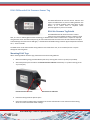
Then remove the release liner on the end of the Loop tab and firmly press the adhesive strip onto the tab.
Release liner
Adhesive after being pressed down onto tab
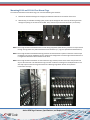
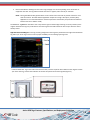
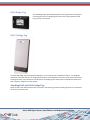
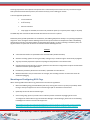
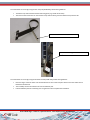
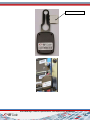
To mount M174-i IT Asset Tags using the Thumbscrew tab (OTAB-i030), follow these guidelines:
•
•
•
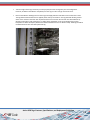
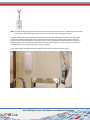
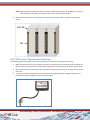
Place the larger of the two holes over the thumbscrew on the IT asset and pull it down so that the smaller hole is
behind the thumbscrew.
Then carefully remove the release liner from the adhesive pad.
Fold the adhesive pad over and firmly press it against the tab to complete the installation.
Active RFID Tags: Features, Specifications, and Deployment Guidelines
51