1
Chapter 5
Preparing SRM Cards for Communications
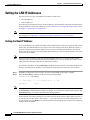
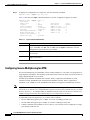
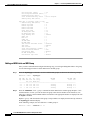
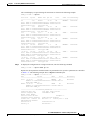
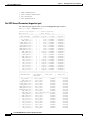
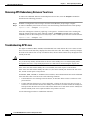
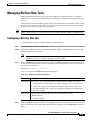
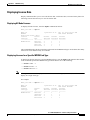
Setting Up SRM Lines
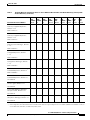
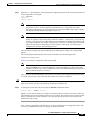
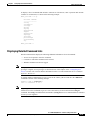
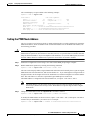
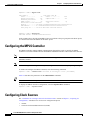
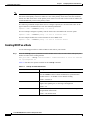
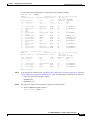
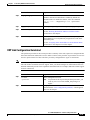
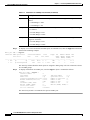
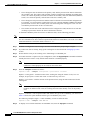
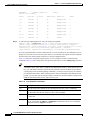
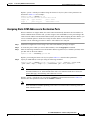
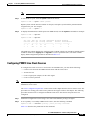
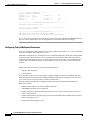
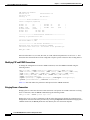
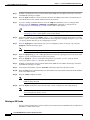
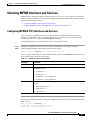
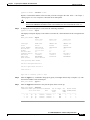
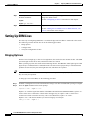
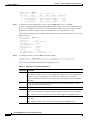
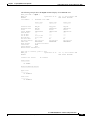
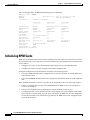
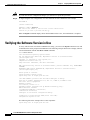
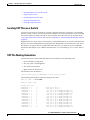
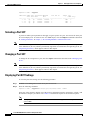
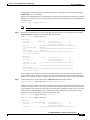
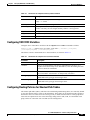
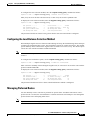
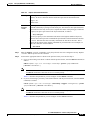
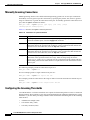
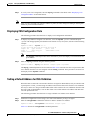
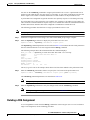
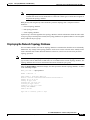
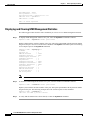
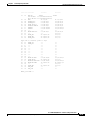
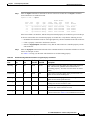
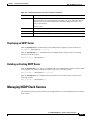
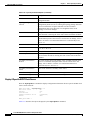
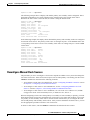
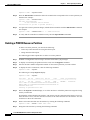
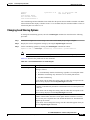
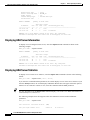
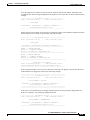
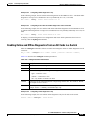
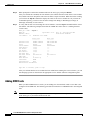
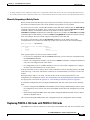
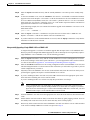
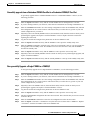
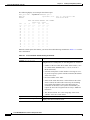
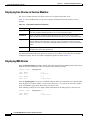
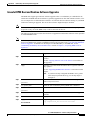
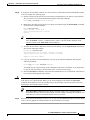
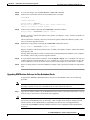
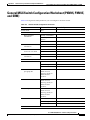
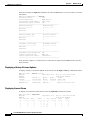
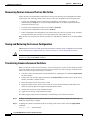
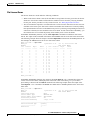
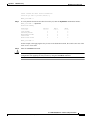
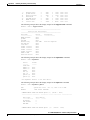
Lampoon.1.PXM.a > dsplns 7
Line Line
Line
Line
Num State
Type
Lpbk
---- ----- ----------- ----------7.1 Down dsx3CbitPar
NoLoop
7.2 Down dsx3CbitPar
NoLoop
7.3 Down dsx3CbitPar
NoLoop
Step 3
Length OOF
AIS
(meters) Criteria cBitsCheck
-------- --------- ---------00000001 3Of8Bits
Check
00000001 3Of8Bits
Check
00000001 3Of8Bits
Check
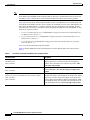
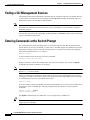
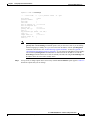
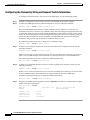
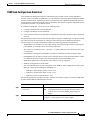
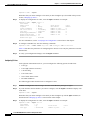
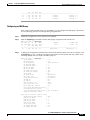
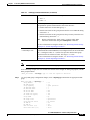
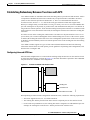
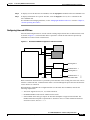
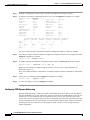
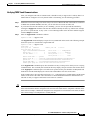
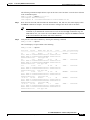
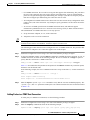
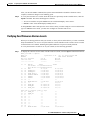
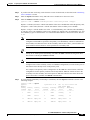
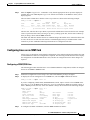
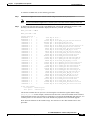
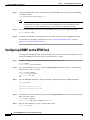
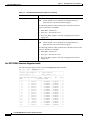
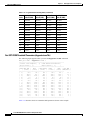
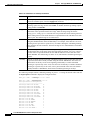
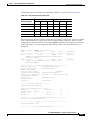
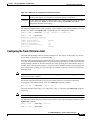
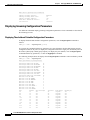
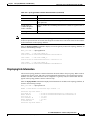
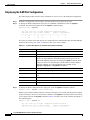
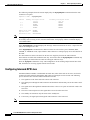
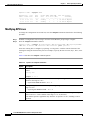
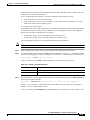
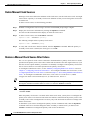
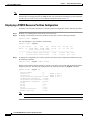
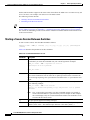
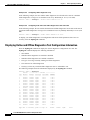
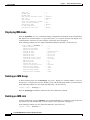
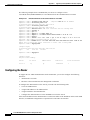
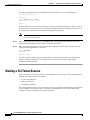
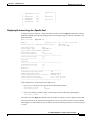
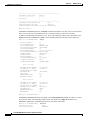
To display the current configuration of a line, enter the dspln -ds3 <X.line> command.
If you are configuring a MGX 8850 (PXM1E/PXM45) switch, replace X with 15 for an SRM in the upper
bay, or 31 for an SRM in the lower bay. If you are configuring a MGX 8830 switch, replace X with 7.
Replace line with the line number, which is in the range of 1 to 3 on an SRM-3T3/C card.
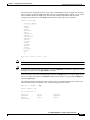
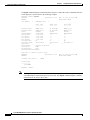
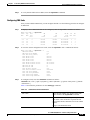
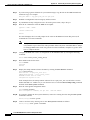
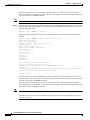
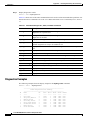
In the following example, the user displays the configuration for the T3 line connected to line 1 on the
SRM card in slot 7.
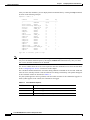
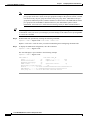
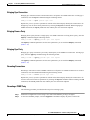
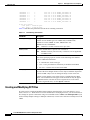
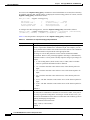
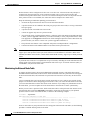
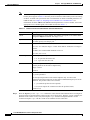
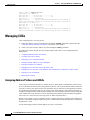
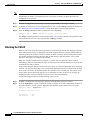
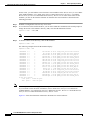
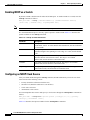
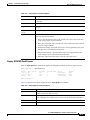
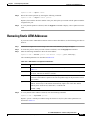
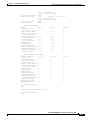
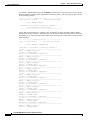
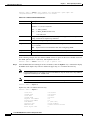
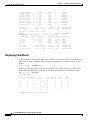
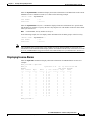
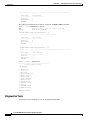
Lampoon.1.PXM.a > dspln
Line Number
:
Admin Status
:
Line Type
:
Line Coding
:
Line Length(meters) :
OOFCriteria
:
AIS c-Bits Check
:
Loopback
:
Xmt. Clock source
:
Rcv FEAC Validation :
Step 4
-ds3 7.1
7.1
Up
dsx3CbitParity
ds3B3ZS
1
3Of8Bits
Check
NoLoop
localTiming
4 out of 5 FEAC codes
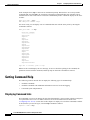
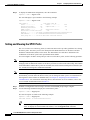
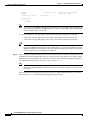
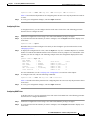
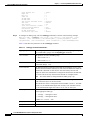
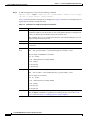
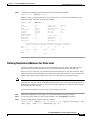
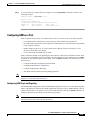
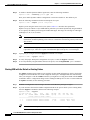
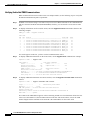
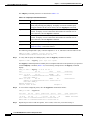
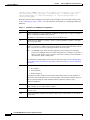
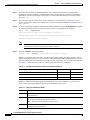
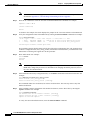
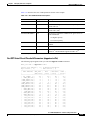
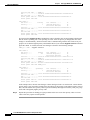
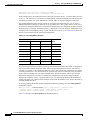
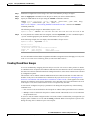
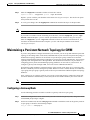
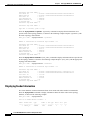
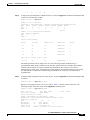
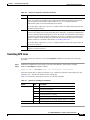
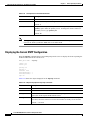
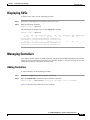
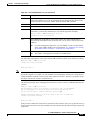
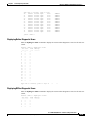
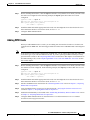
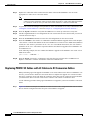
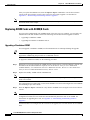
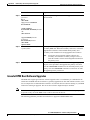
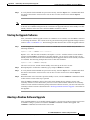
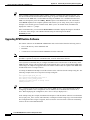
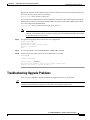
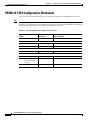
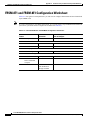
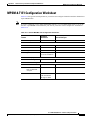
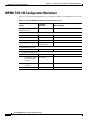
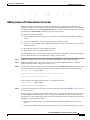
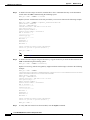
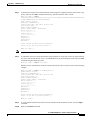
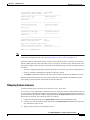
To configure a T3 line, enter the cnfln command as follows:
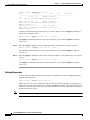
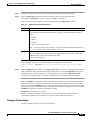
mgx8830b.1.PXM.a > cnfln -ds3 <slot.line> -lt <LineType> -len <LineLength> -oof
<OOFCriteria> -cb <AIScBitsCheck> -rfeac <RcvFEACValidation> -clk <clockSource>
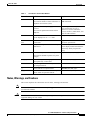
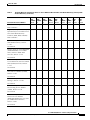
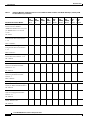
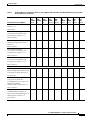
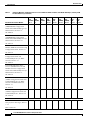
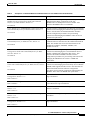
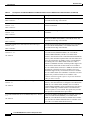
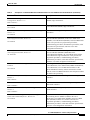
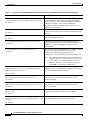
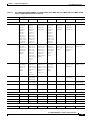
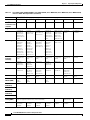
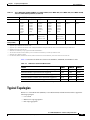
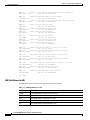
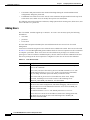
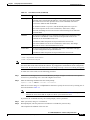
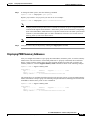
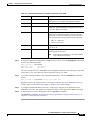
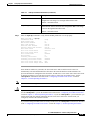
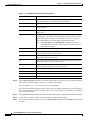
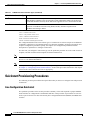
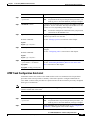
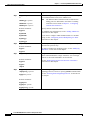
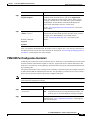
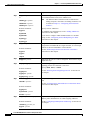
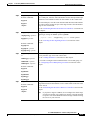
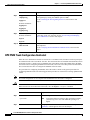
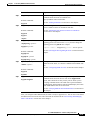
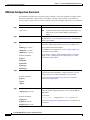
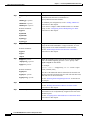
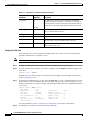
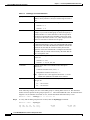
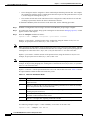
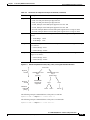
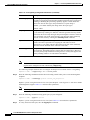
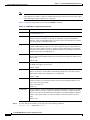
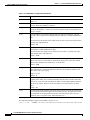
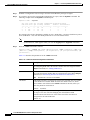
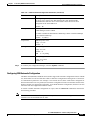
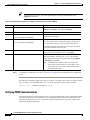
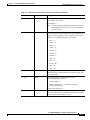
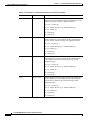
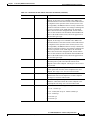
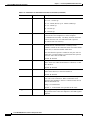
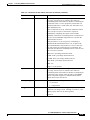
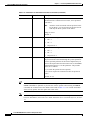
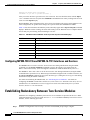
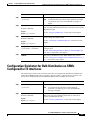
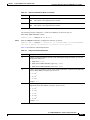
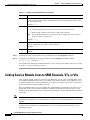
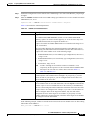
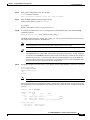
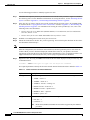
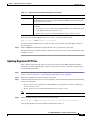
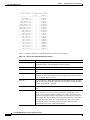
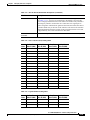
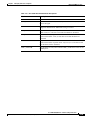
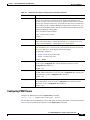
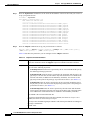
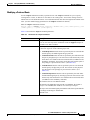
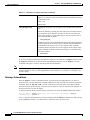
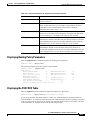
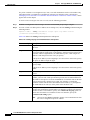
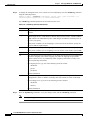
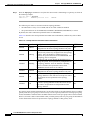
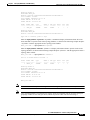
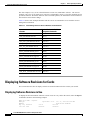
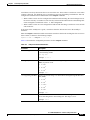
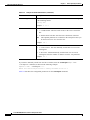
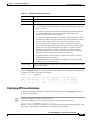
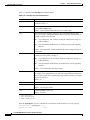
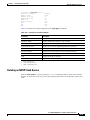
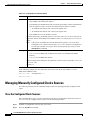
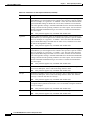
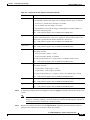
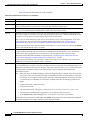
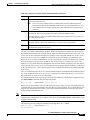
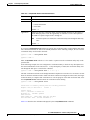
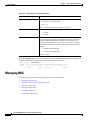
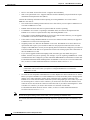
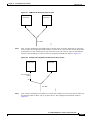
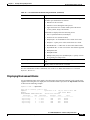
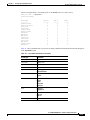
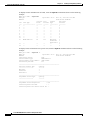
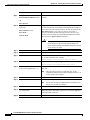
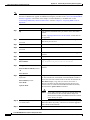
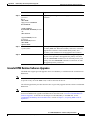
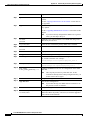
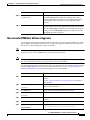
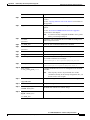
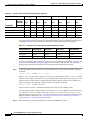
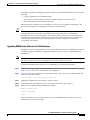
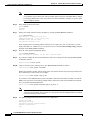
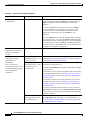
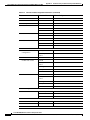
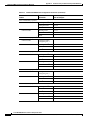
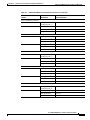
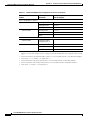
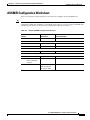
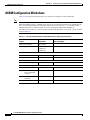
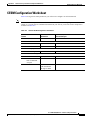
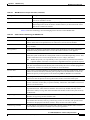
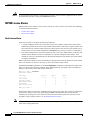
Table 5-2 lists the parameter descriptions for configuring T3 lines.
Table 5-2
Parameters for T3 Line Configuration
Parameter Description
slot.line
If you are configuring a Cisco MGX 8850 (PXM1E/PXM45) switch or an MGX 8880
Media Gateway, replace slot with 15 for an SRM in the upper bay, or 31 for an SRM in the
lower bay. If you are configuring a Cisco MGX 8830 switch, replace slot with 7.
Replace line with the number that corresponds to the back card port to which the line is
connected.
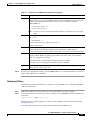
-lt
T3 line type. Replace LineType with 9 to specify this line as a dsx3M23 line, or 11 to
specify the line as a dsx3CbitParity line.
-len
Specifies the line length.
-oof
Specifies Out of Frame (OOF) criteria. Replace <OOFCriteria> with 1 to specify a
criteria of 3 out of 8 frames, or replace it with 2 to specify a criteria of 3 out of 16 frames.
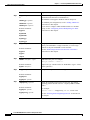
Note
-cb
Option 2, 3 out of 16 frames, is the only option supported on SRME/B cards.
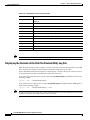
Specifies the C-bit check. Replace <AIScBitsCheck> with 1 to check bits, or 2 to disable
a bits check.
Note
Option 1, check C-bits, is the only option supported on SRME/B cards.
Cisco MGX 8800/8900 Series Software Configuration Guide
5-8
Release 5.1, Part Number OL-6482-01, Rev. A0, January 25, 2005