1
Chapter 9
Switch Operating Procedures
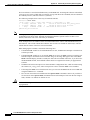
Managing Redundant APS Lines
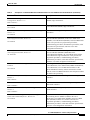
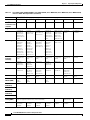
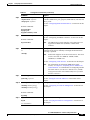
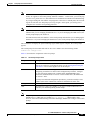
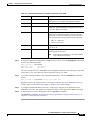
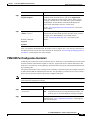
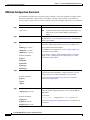
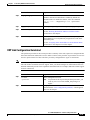
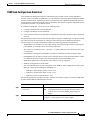
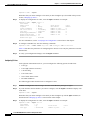
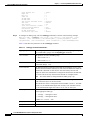
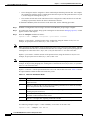
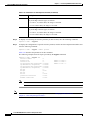
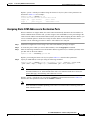
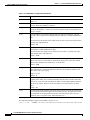
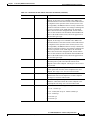
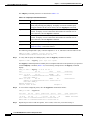
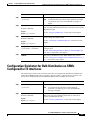
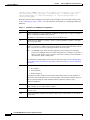
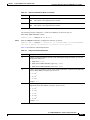
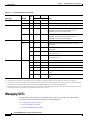
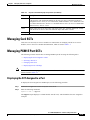
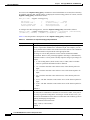
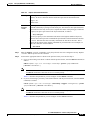
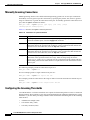
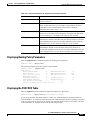
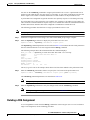
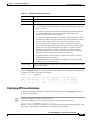
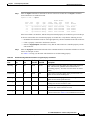
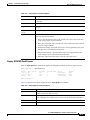
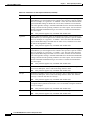
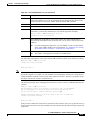
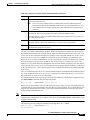
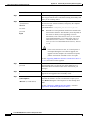
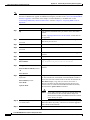
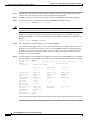
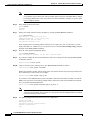
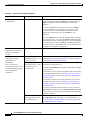
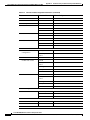
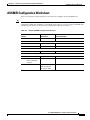
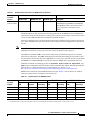
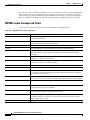
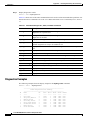
Table 9-6
Options for cnfapsln Command (continued)
Option
Description
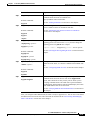
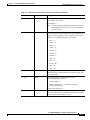
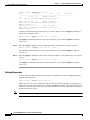
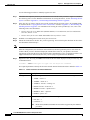
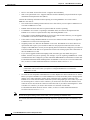
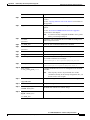
-dr
The direction option, which specifies the communication paths to be switched when a failure
occurs. The options are unidirectional or bidirectional. When the unidirectional option is
selected, only the affected path, either transmit or receive, is switched. When the
bidirectional option is selected, both paths are switched.
To set this option, replace the <direction> variable with 1 for unidirectional operation or 2
for bidirectional operation.
-rv
The revertive option, which defines how the switch should operate when a failed line
recovers. The options are revertive and nonrevertive. When the -rv option is configured for
revertive operation and the working line recovers, the switch will switch back to the working
line after the period specified by the -wtr option. If the line is configured for nonrevertive
operation, a failure on the working line will cause the switch to use the protect line until a
manual switchover is initiated as described in “Switching APS Lines.”
To set this option, replace the <revertive> variable with 1 for non-revertive operation or 2
for revertive operation.
-proto
The protocol option, which determines whether the switch will use the standard Bellcore
protocol, or the ITU protocol.
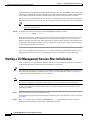
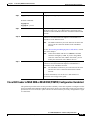
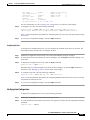
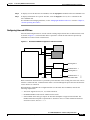
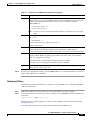
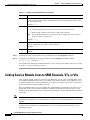
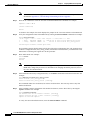
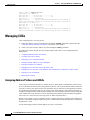
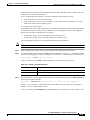
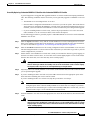
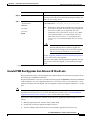
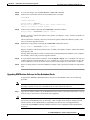
Switching APS Lines
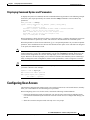
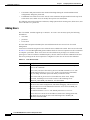
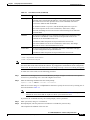
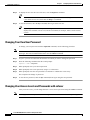
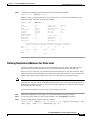
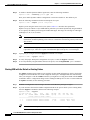
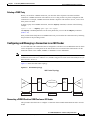
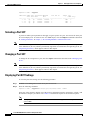
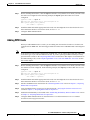
To switch between two APS lines, enter the switchapsln command as described in the following
procedure.
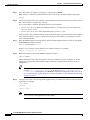
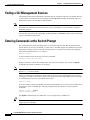
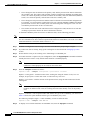
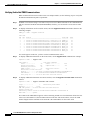
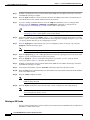
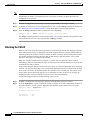
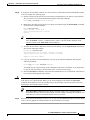
Step 1
Establish a configuration session using a user name with GROUP1_GP privileges or higher.
Step 2
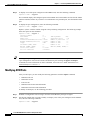
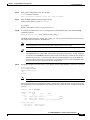
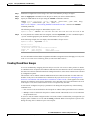
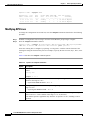
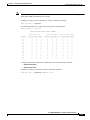
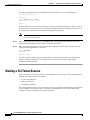
Enter the switchapsln command as follows:
mgx8830a.1.PXM.a > switchapsln <bay> <line> <switchOption> <serviceSwitch>
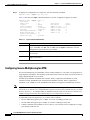
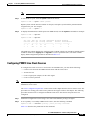
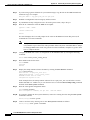
Select the working line to switch by replacing <bay> with the bay number of the working line, and
replacing <line> with the line number for the working line.
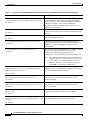
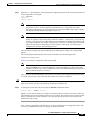
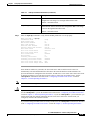
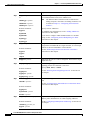
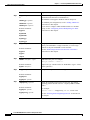
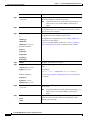
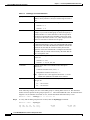
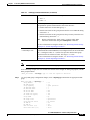
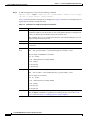
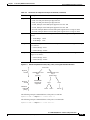
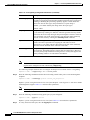
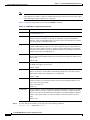
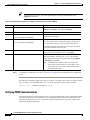
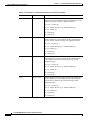
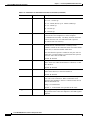
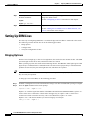
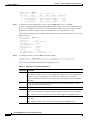
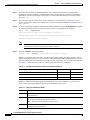
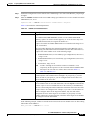
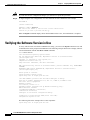
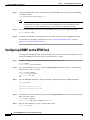
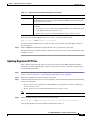
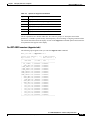
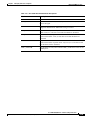
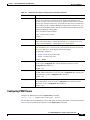
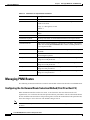
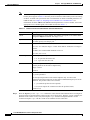
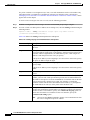
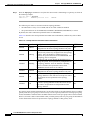
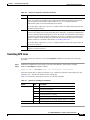
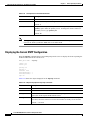
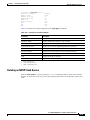
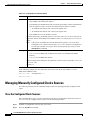
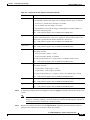
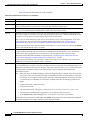
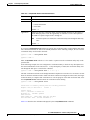
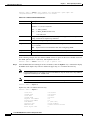
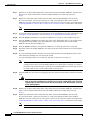
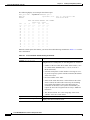
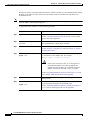
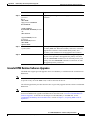
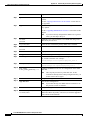
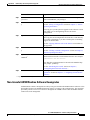
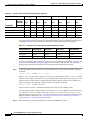
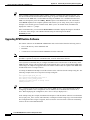
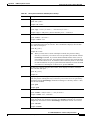
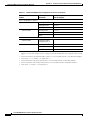
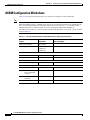
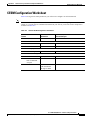
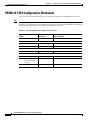
Table 9-7 describes the other options you can use with this command.
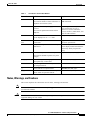
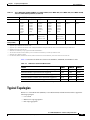
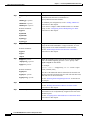
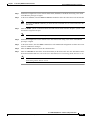
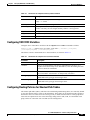
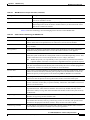
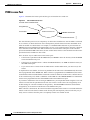
Table 9-7
Options for switchapsln Command
Option
Value
Description
switchOption
1
Clear
2
Lockout of protection
3
Forced working->protection
4
Forced protection->working
5
Manual working->protection
6
Manual protection->working; applies only to 1+1 mode
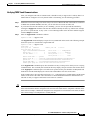
0 or 1
0 switches specified line. 1 switches all lines.
serviceSwitch
Cisco MGX 8800/8900 Series Software Configuration Guide
Release 5.1, Part Number OL-6482-01, Rev. A0, January 25, 2005
9-25