1
Program Operation
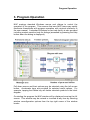
The principal pull-down menu options are positioned along the top of the
main NAP window.
Immediately below these menu options reside a group of controls which
form a toolbar allowing the user to access some of the more extensively
used menu options directly.
Diagram mode tabs are positioned just below the toolbar. These tabs
allow the user to display ‘Networks’, ‘Block Library’, ‘Tables’ or ‘Results’
data in the windows below the tabs.
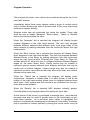
When the ‘Networks’ tab is selected the program will display project
network diagrams in the right hand window. The user may navigate
between different networks and different lower level page views of the
same network by making selections from the combo-box above the right
hand window.
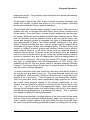
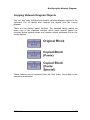
When the ‘Block Library’ tab is selected the program will display library
block diagrams in the right hand window. The user may navigate between
different blocks in the library by making selections from the combo-box
above the right hand window. Selecting the ‘Page Down’ or ‘Page Up’
toolbar options will allow the user to navigate between different diagram
pages for the same library block. Library blocks may be created to
represent generic network element block diagram structures that may be
copied into a network diagram. Library blocks may also be created to
represent common cause failures that may affect more than one network
element at the same time.
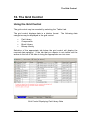
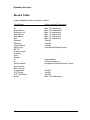
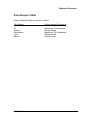
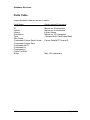
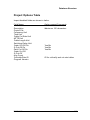
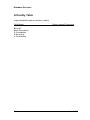
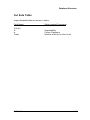
When the ‘Tables’ tab is selected the program will display parts,
components, elements or bitmap data in a table format. A tab at the
bottom of the right hand window allows users to navigate between these
table types. Find, replace and filter functions are available from the pulldown menus and toolbars.
When the ‘Results’ tab is selected NAP displays criticality graphs.
Criticality data is only displayed when the results are up to date.
At the bottom of the screen is positioned a message strip. Note that this
message strip may be used to provide help on the functionality of pulldown menu options. As a pull-down menu option is highlighted (but
before it is selected) the message strip indicates its functionality. Summary
help is provided on toolbar options by moving the mouse cursor over the
8
Nap V1.0