1
Tutorial
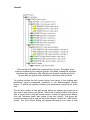
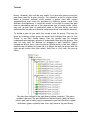
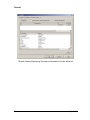
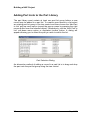
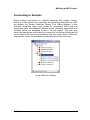
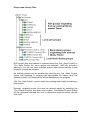
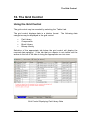
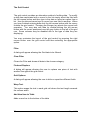
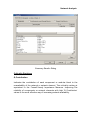
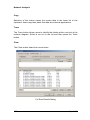
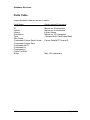
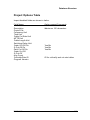
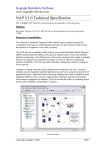
Part and part list definitions organised into groups. The green book
symbols represent part category groups, the green rectangular symbols
represent part definitions, the yellow book symbols represent part list
groups and the yellow block definitions represent part list items.
Try double-clicking the left mouse button over some of the existing part
definitions (green rectangular symbols) in the demonstration project
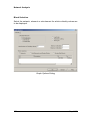
library. A dialog will appear showing the parameters specified for each
part.
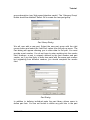
We will now create a new part group below an existing part group and
then add a new part to the library. Select the ‘Interface cards’ part group
with a single click of the left mouse button. Press the right mouse button
over the ‘Interface cards’ part group in the tree control. The group will
become selected and a pop-up menu will appear. Select the ‘Add Group’
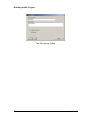
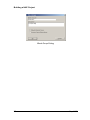
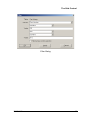
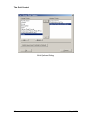
option. The ‘Part Group’ dialog will appear allowing you to enter a new
12
Nap V1.0